

If you’ve been searching for the K-Snake software download for Mac, you’ll quickly realise there isn’t an official macOS version. The brand’s configuration tool, used for lighting, macros, and key mapping, is only available for Windows. Still, K Snake devices connect easily to macOS for basic use. You can type, click, and scroll without installing anything extra, but advanced features require a different approach.
This guide outlines what works, what doesn’t, and which tools are safe to use on a Mac.
Table of contents
Check if K Snake Works on macOS
Most K Snake keyboards and mice work on macOS right out of the box through standard USB or Bluetooth connections. macOS automatically recognises them using built-in HID support (Human Interface Device).
What you won’t have are advanced options like RGB lighting control or macro programming. Those depend on the missing k-snake software download for Mac, which the company hasn’t yet released.
If you’re not sure which macOS version you’re running, open System Settings › General › About, or see MacObserver’s complete list of macOS versions to confirm compatibility with third-party tools.
Use Reliable macOS Alternatives
There’s no native K Snake control app, but a few trusted utilities can replace most of its features safely:
- SteerMouse: Adjusts cursor speed, button functions, and scrolling for almost any mouse.
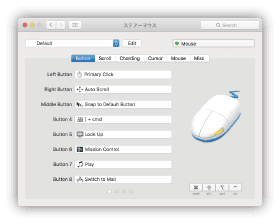
- USB Overdrive: Adds support for numerous third-party input devices, including keyboards and controllers.
- Karabiner-Elements: Lets you remap keyboard keys, disable shortcuts, and set custom layers.

All three work smoothly on macOS Ventura and Sonoma. After installation, macOS may ask for permission under Privacy & Security to simply allow input monitoring so the software can control your device.
If you’re transferring profiles, screenshots, or configuration files between devices, it’s the same process as transferring files from iPhone to Mac.
When You Need the Windows Version
Some K Snake devices save lighting or macro profiles directly to onboard memory. You can set them up once on Windows, then use those settings on your Mac without reconfiguring.
To do that:
- Use Boot Camp on Intel-based Macs to install Windows.
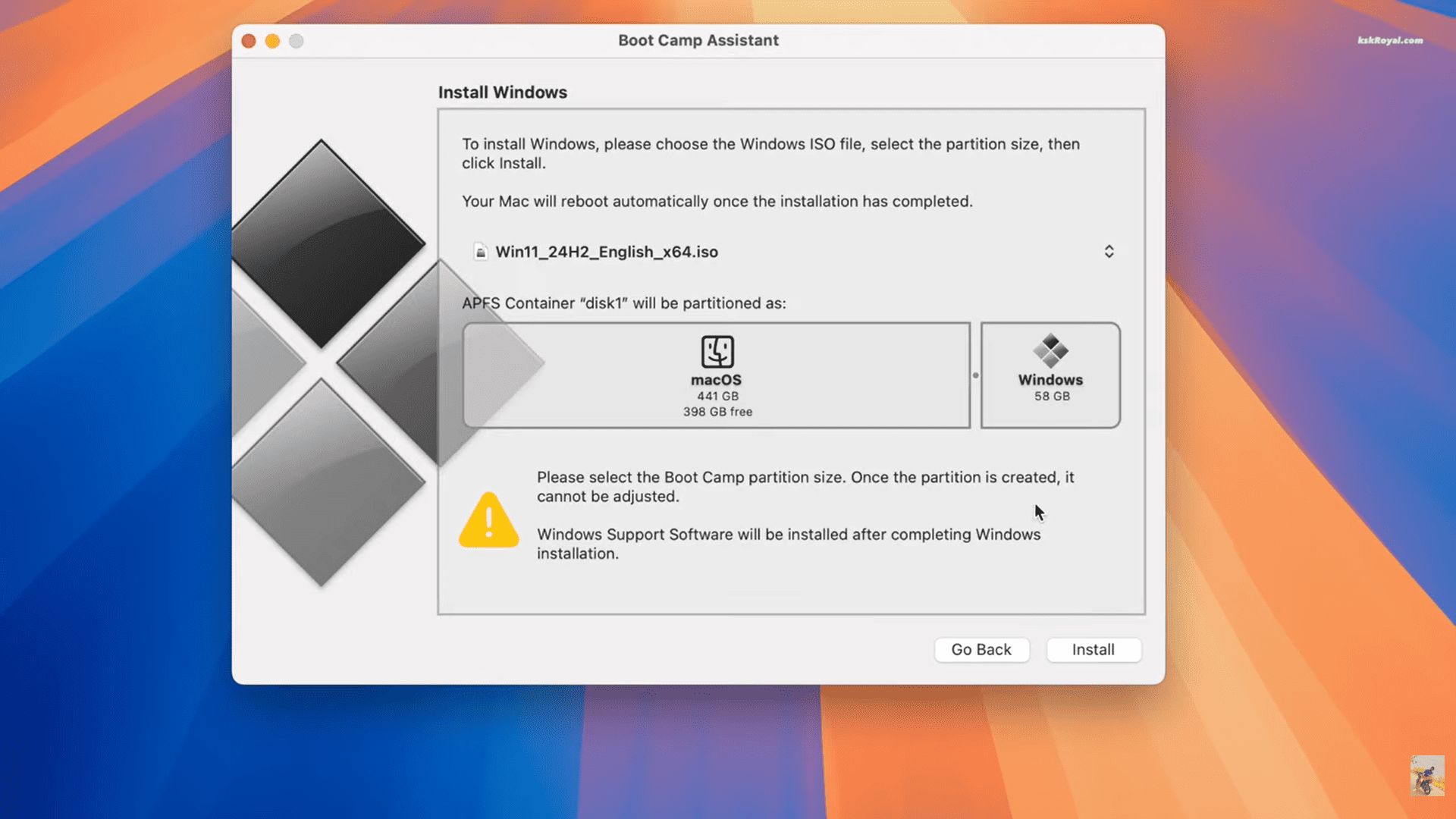
- Or run Windows 11 ARM using Parallels Desktop on Apple Silicon.
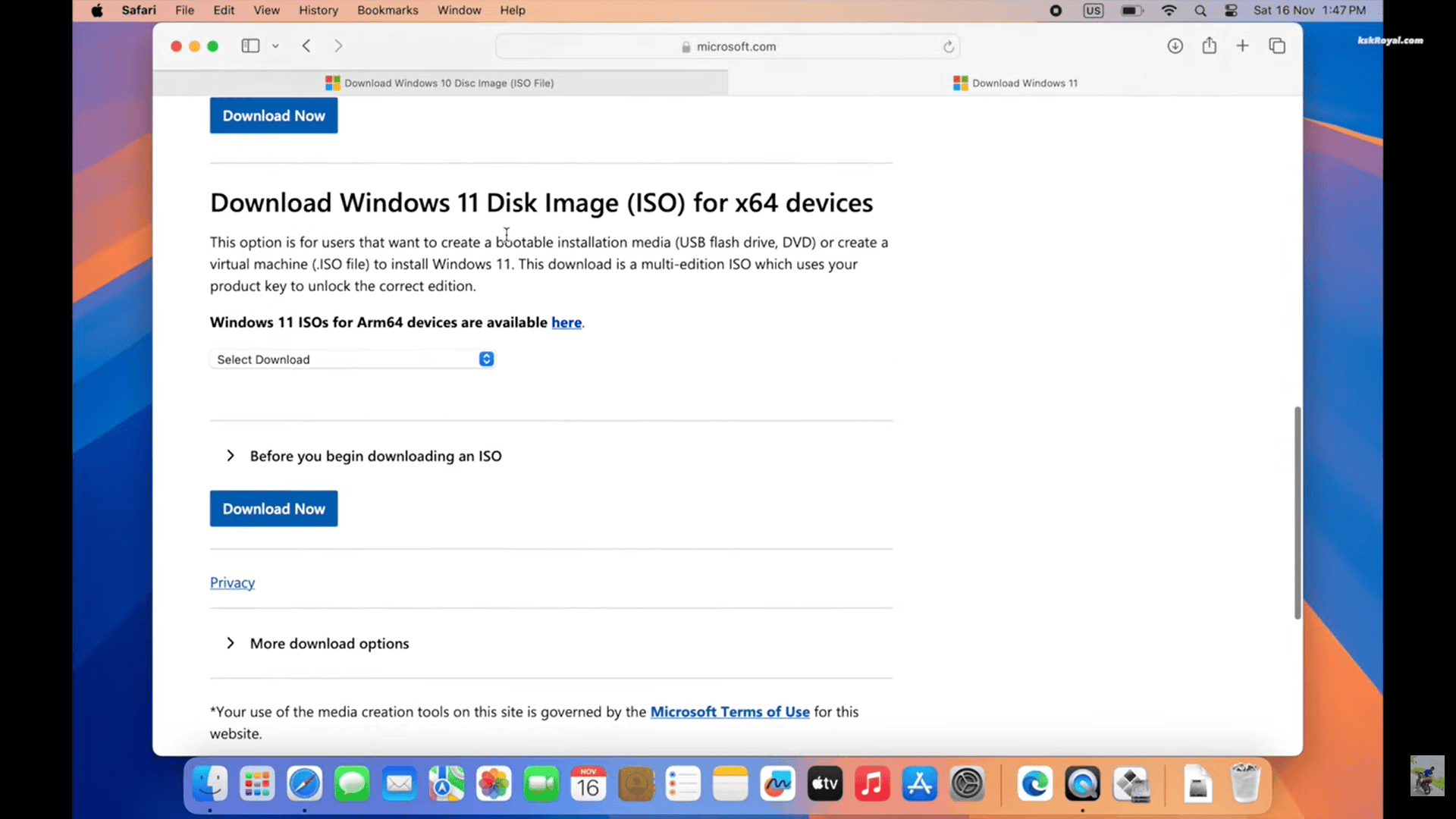


Once you’ve programmed your device on Windows, those saved profiles will work the next time you plug it into your Mac.
If you need the official tool for setup, K Snake manuals and downloads are available through Manuals.plus.
If Your Mac Doesn’t Detect the Device
If your K Snake device doesn’t appear immediately:
- Plug it directly into a USB-C port, not through a hub.
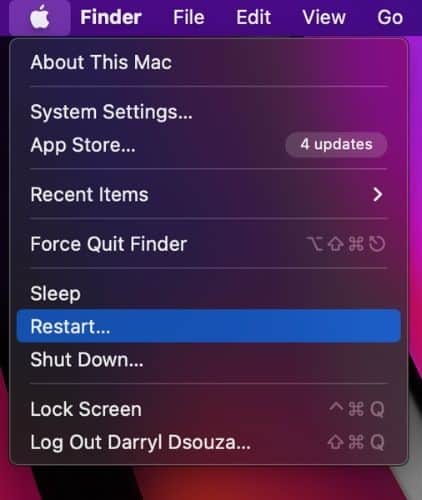
- Restart your Mac after installation.
- Approve blocked software in System Settings › Privacy & Security.
- If it still doesn’t appear, follow MacObserver’s guide to fixing external drives not showing up on Mac.

Takeaway
You don’t need an official K Snake app to make your devices work on a Mac. The system recognises them instantly, and tools like SteerMouse, USB Overdrive, and Karabiner-Elements fill in the missing features quietly in the background.
If you ever need to fine-tune lighting or macros, a quick setup in Windows does the trick. Once saved, those settings stay with the device, so you can plug it back into your Mac and get on with your work — no extra steps, no fuss.


