

Amazon gift cards and claim codes are a simple way to add balance to your account for future purchases. If you’ve received one, you can redeem it directly from your iPhone or iPad in just a few taps. Whether it’s a physical card with a scratch-off code or a digital code delivered by email, here’s how to apply it to your account.
Table of contents
Before You Start
- Check the code format: Most Amazon claim codes are 14–15 characters, mixing letters and numbers.
- Scratch gently: On physical cards, scratch off the coating carefully to reveal the code.
- Sign in to the right account: Gift cards are permanently applied once redeemed.
- Know the limits: You can’t transfer gift card balances between accounts.
How to Redeem Amazon Gift Card in the Amazon App
- Download and open the Amazon app on your iPhone or iPad.
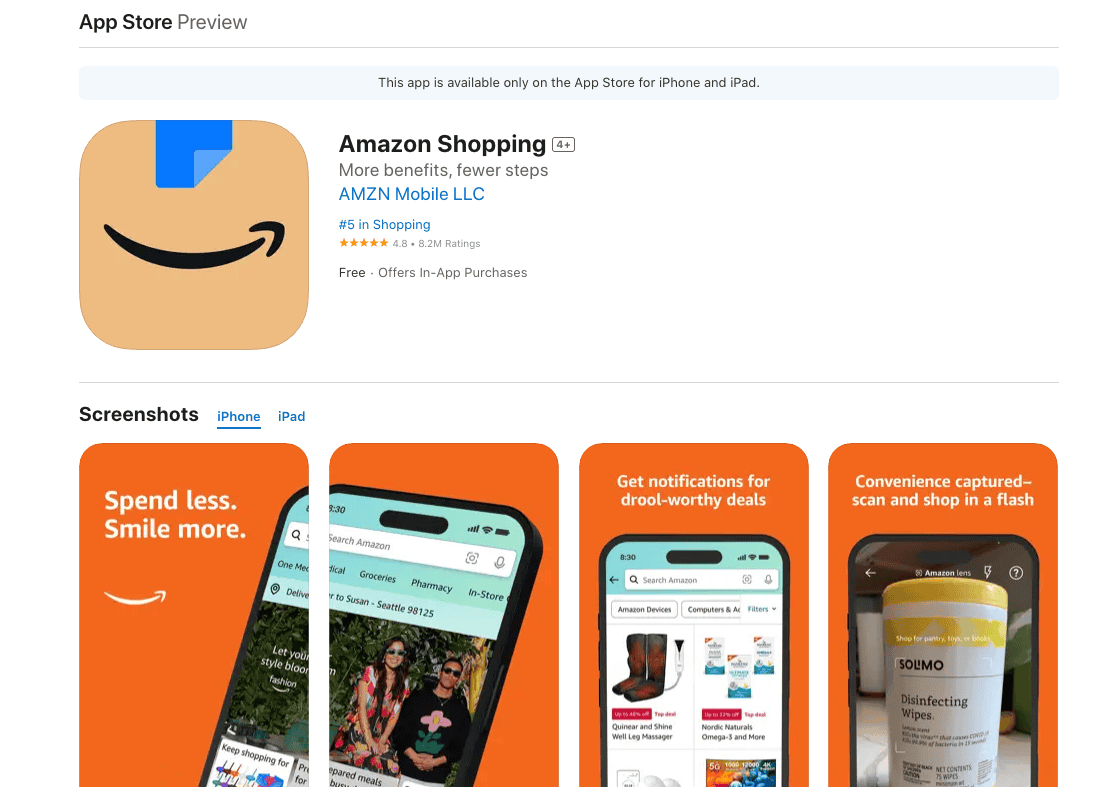
- Sign in with your Amazon account.
- Tap the Account icon (three lines or profile icon at the bottom).
- Scroll to Payments and select Manage Gift Card Balance.
- Tap Redeem another gift card.
- Enter the claim code manually, or tap Scan Your Claim Code to use the camera.
- Tap Apply to Your Balance.

The amount is added instantly to your Amazon balance.
How to Redeem Amazon Gift Card on Safari or Another Browser
- Open Safari (or your preferred browser) on your iPhone or iPad.
- Go to amazon.com/redeem.
- Sign in with your Amazon account.
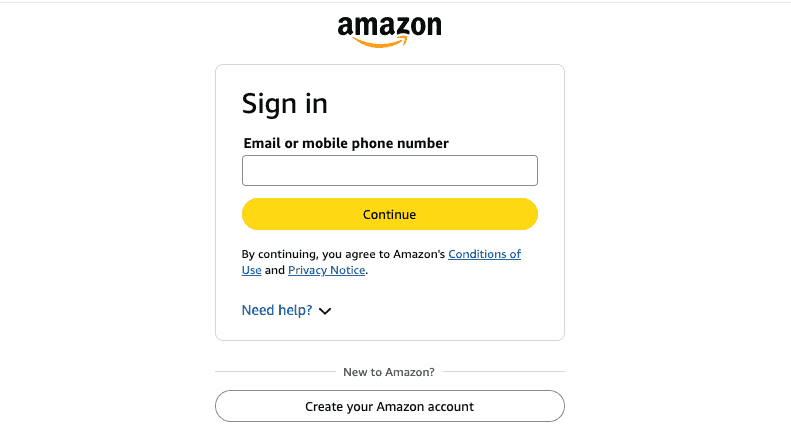
- Enter the claim code in the box.
- Tap Apply to Your Balance.

Your new balance will be visible at checkout or in Account › Gift Cards.
Tips for Redeeming Gift Cards Safely
- Only enter claim codes on Amazon’s official app or website.
- If your card is unreadable, contact Amazon support with proof of purchase.
- Don’t share your claim code, once redeemed, it’s tied to one account forever.
- Track your balance: In the Amazon app, check Account › Manage Gift Card Balance.
- Combine multiple gift cards, they stack automatically on your balance.
FAQs
On a physical card: scratch off the silver coating. In an email: look for “Claim Code.”
No. You must redeem the claim code before the balance can be applied at checkout.
Check for typos (like confusing 0 and O). If still invalid, contact Amazon with your receipt.
In most regions, Amazon gift cards do not expire once added to your account.
No. Once redeemed, balances cannot be transferred to another account.
Summary (ordered steps)
- Open the Amazon app or Safari on your iPhone or iPad.
- Sign in with the correct Amazon account.
- Navigate to Gift Card Balance › Redeem (or amazon.com/redeem).
- Enter or scan your claim code.
- Tap Apply to Your Balance.
Conclusion
Redeeming an Amazon gift card on your iPhone or iPad is quick, whether you use the app or Safari. Just sign in, enter the code, and the funds are instantly added to your balance. With your account topped up, you’re ready to shop without needing to re-enter payment details.


