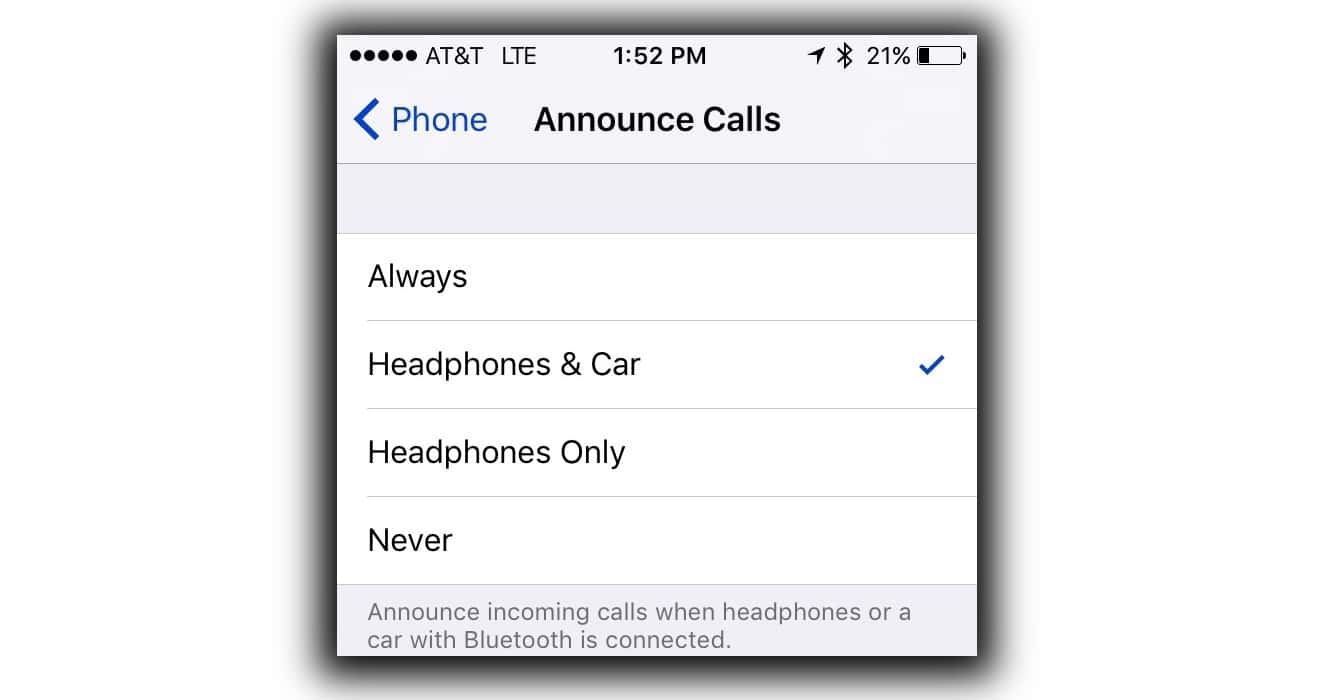
Rolled out to to developers last week, the iOS 10 Golden Master release (Version 10.0.1 14A403) includes a new Announce Calls feature in Settings > Phone. When enabled, your phone will begin ringing as usual and then your ringtone’s volume will duck down while Siri announces the name or number of the caller. You have the option to set this to Always, Headphones & Car, Headphones Only or Never. If set to Always, it will announce through your iPhone’s speaker only when the Ring/Silent switch is in Ring mode. iOS 10 will be available for all users tomorrow, Tuesday, September 13th.
iOS 10 GM Adds „Announce Calls“ Feature





Way back when I had created some ringtones. I recorded family and friends say „Phone call from Soandso“ so that I could hear it in their voice.