
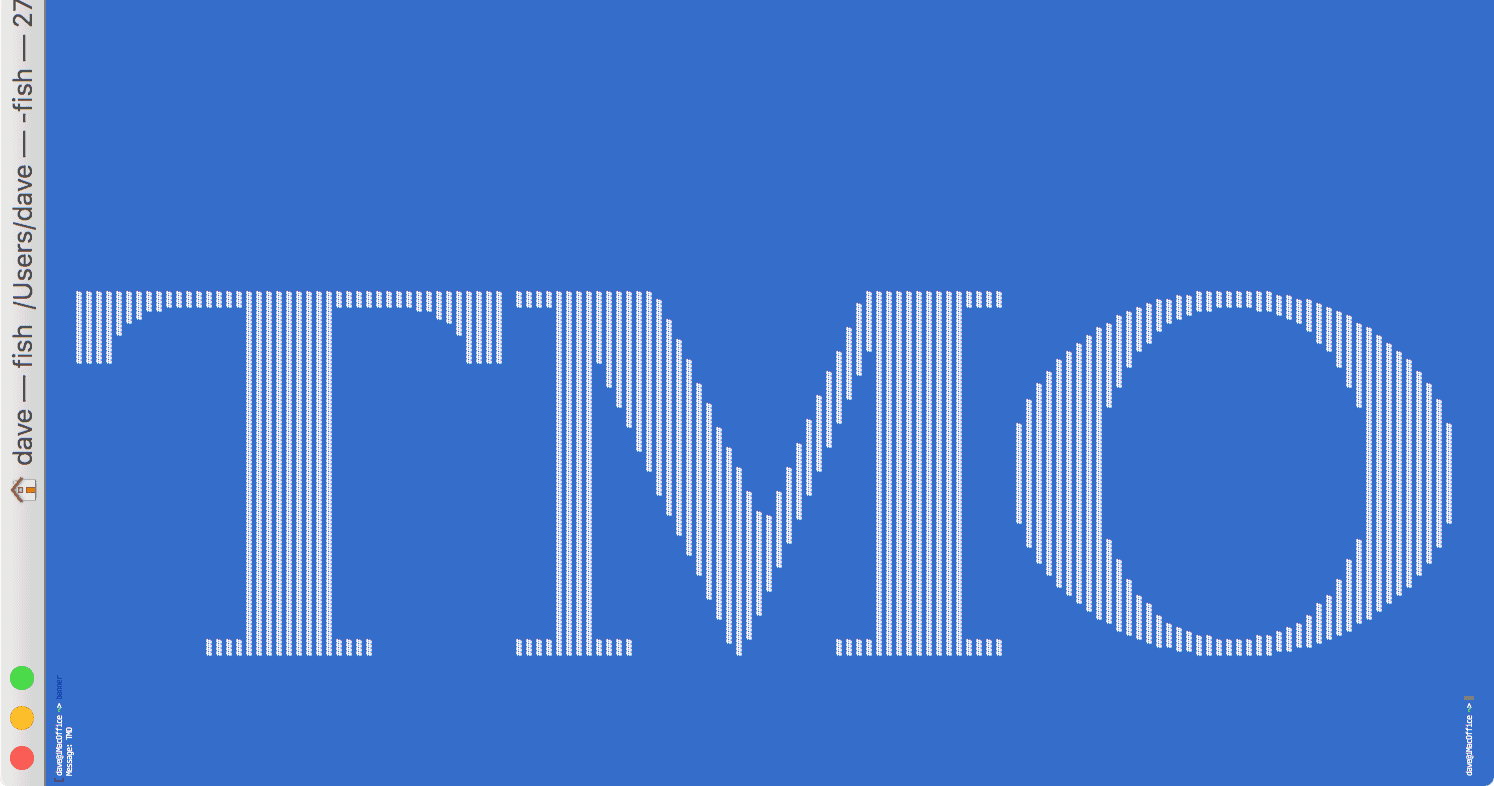
Mac Geek Gab listener Alex points us to a fun Mac Terminal command called “banner”, and its usage is simple. Launch Terminal, type ‘banner’, hit enter, type some text, hit enter again and voilà! You get a sideways banner of your chosen text fully suitable for printing on your favorite dot matrix printer.
Check It Out: Fun with Mac Terminal’s ‘banner’ Command




Hah! Just the thing to run to my wide-format roll printer!
PrintShop!