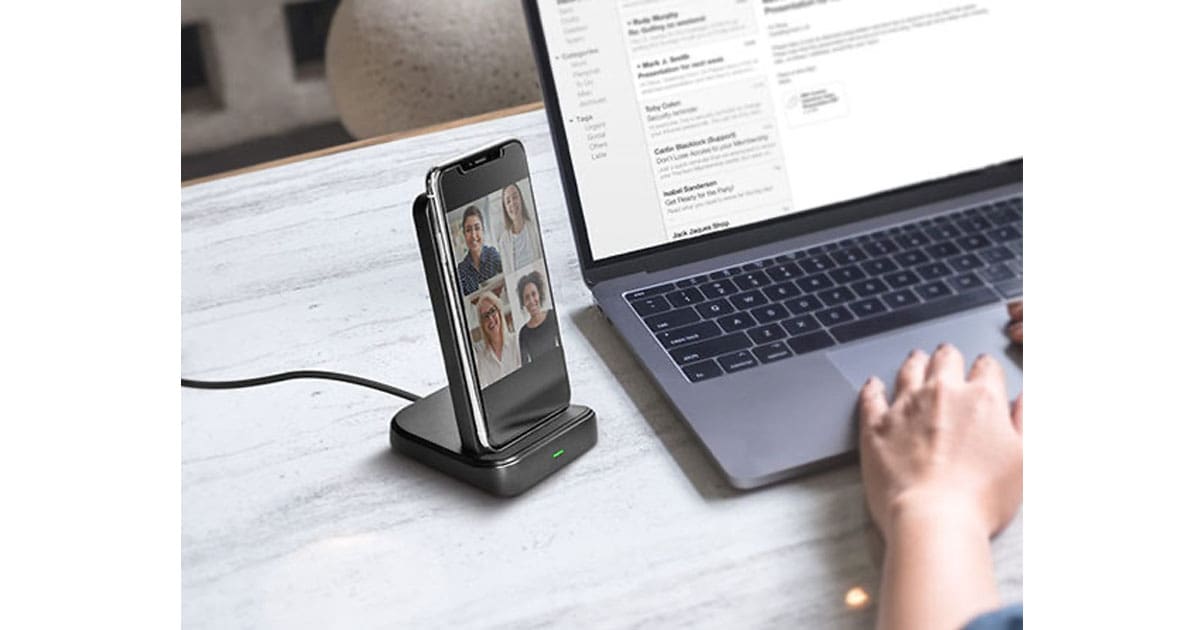
We have a deal on the Naztech 2-in-1 Charging Dock, which is really a 10,000mAh wireless portable battery with its own charging dock that will also hold your iPhone while it’s charging. The battery portion of this device also has USB-C and USB-A charging ports. It’s $49.99 through our deal, but there’s also a deal for two of them for $89.99 on the deal listing.
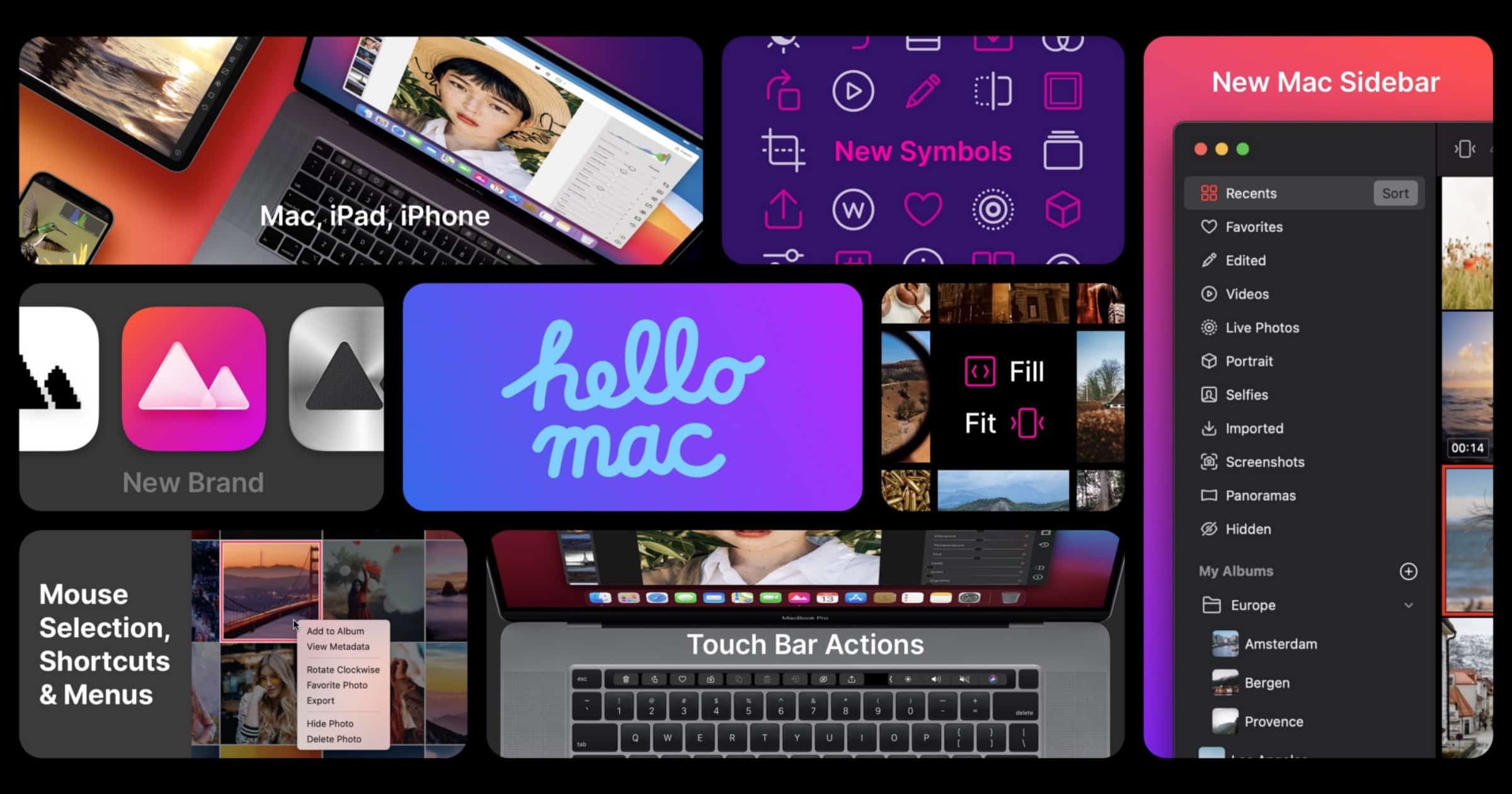
Photo Editor ‘Darkroom’ is Ready for M1
The latest in the wave of M1-ready Mac apps is Darkroom, a photo management and editing app.
Everything is updated to reflect the new macOS Big Sur aesthetic with native components like the new translucent sidebar and native window toolbars. We also optimized all interactions for mouse, trackpad, & keyboard input, sparing no detail in making Darkroom feel at home on the Mac.

It's 99.99% Not Playing The Harp – TMO Daily Observations 2020-11-12
Today Kelly is joined by OmniGroup CEO/Founder Ken Case to talk about the prep work needed for new hardware and impending software from Apple.

Foxconn Sees 'Stronger Than Expected' Demand Following iPhone 12 Release
Foxconn has seen more demand than it expected following the release of the iPhone 12 range, Reuters reported. It also plans to «push forward» with producing items in Wisconsin.
Foxconn said on Thursday its investment plan did not depend on who the U.S. president was. It was, however, exploring the option of building a new production line there. “We continue to push forward in Wisconsin as planned, but the product has to be in line with the market demand … there could be a change in what product we make there,” Chairman Liu Young-way said at an investor conference. Liu said Foxconn saw “stronger than expected” demand for both smartphones and servers, with strong shipments of Apple’s new iPhone 12 supporting revenue.
Instapaper for Mac is Now Available in the Mac App Store
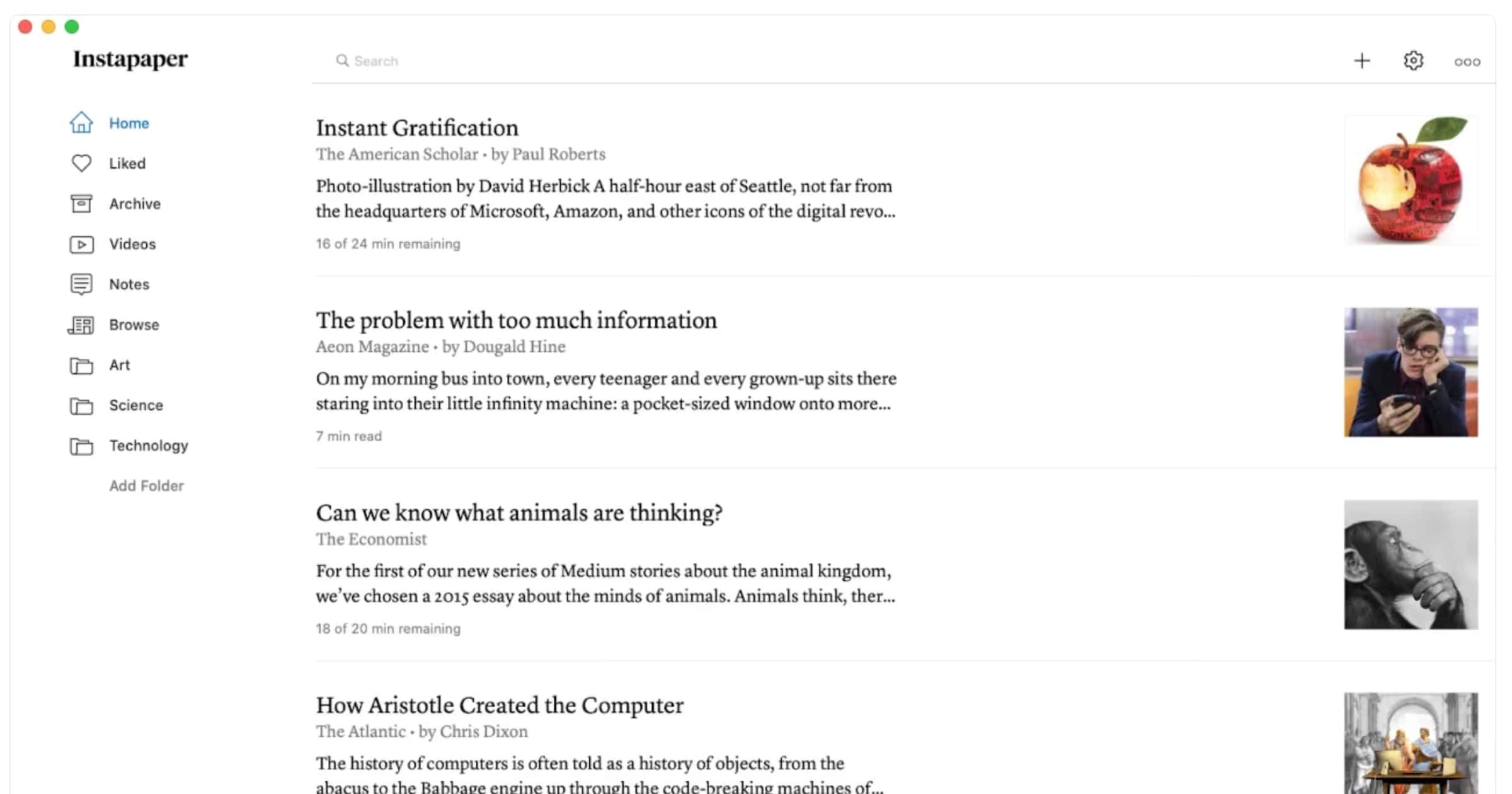
Instapaper announced on Wednesday that Instapaper for Mac is now available in the Mac App Store, thanks to Apple’s Catalyst technology.
We customized the interfaces and features to make the app feel interactive and at home on Mac. This includes a side-by-side view of folders and article list, and hover states to highlight content on mouseover.
We also included new features for managing articles like hover actions, which allows you to easily like, move, archive, and delete directly from the list. With drag & drop, you can quickly organize articles directly into folders.
M1 Knowns and Unknowns – TMO Daily Observations 2020-11-11
John Martellaro and Dave Hamilton join host Kelly Guimont to discuss what we know about Apple Silicon, aka M1. And also what we don’t know!

Mimeo Photos Introduces Tabletop Decor, Limited Edition Photo Ornaments
Mimeo Photos has introduced two new photo products: Tabletop decor and limited edition photo ornaments perfect for the holidays. Photo Ornaments: For a limited time, choose from eight personalized photo ornaments available in materials like acrylic, metal and rustic wood in a variety of festive shapes and sizes. Tabletop Decor: The new collection features four different options of Tabletop Decor available in a variety of materials, including acrylic, metal and more, that arrive ready to display. Simply pick your favorite moments and make some room on your work-from-home desk, end table, or shelf.

Mac Search App ‘Alfred’ is Ready for the M1 Chip
Popular Mac app Alfred is ready for the new Apple silicon M1 chip after using the Apple DTK running macOS Big Sur.
Alfred has an exceedingly clean code base, so we were hoping for it to be reasonably easy to create our first Universal build. To our pleasant surprise, it was as straightforward as loading up Alfred’s code into Xcode 12 Beta, selecting the Universal architecture, and compiling. That was it, no other changes were needed, and we were immediately able to take full advantage of the new architecture.
Rewatch The Whole of The 'One More Thing' Apple Silicon Event
It may have been relatively short for an Apple Event but Tuesday’s ‘One More Thing’ presentation packed in a lot. You can rewatch it all on the company’s YouTube channel. The video also has the ability to skip to specific sections. Oh, and PC guy is there at 45 mins 29 seconds.

How Restaurants Can Use iOS 14 App Clips During COVID-19
Calvin Carter writes how restaurants can use iOS 14 App Clips to revamp the dining experience and keep customers safe.
If a restaurant uses kiosks for ordering, which the pandemic made essentially unusable, they can easily replicate that kiosk experience in an App Clip, allowing the customer to make and pay for their order without touching anything other than their phone.
For restaurants not wanting to invest in tabletop tablets or deal with the risk of infection, QR codes can instead be printed onto a bill to enable fast payments via Apple Pay integration in App Clips.
I look forward to see how businesses enhance their digital presence with tools such as App Clips.


