
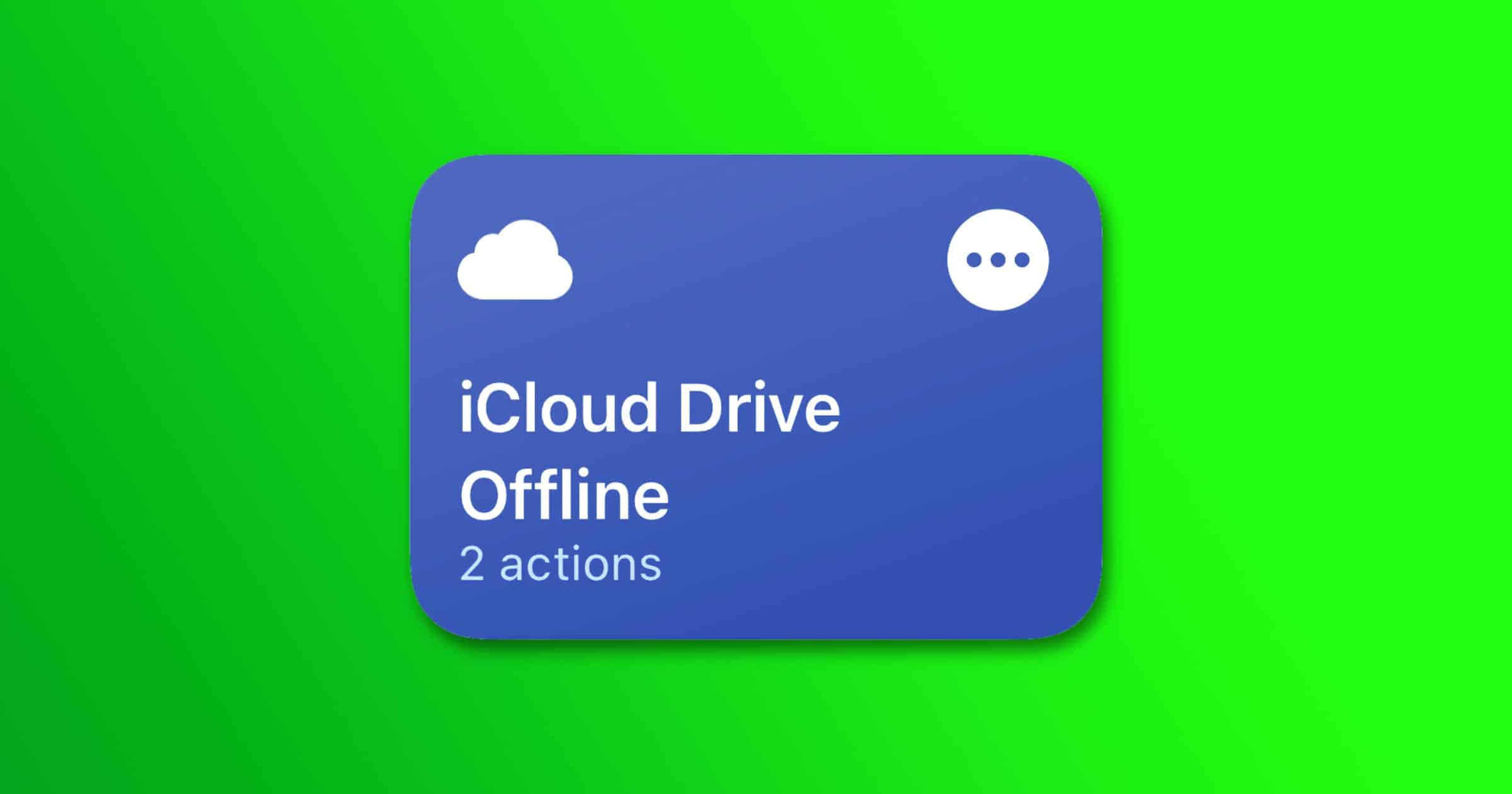
Redditor u/kevingrabher wrote about a shortcut that can force files in iCloud Drive to download. This helps you keep important files handy for offline access. Here are the steps: Open the Shortcuts app and create a new shortcut. Add Action “Get Contents of Folder” (*). Press the triangle icon and enable “Recursive.” Add Action “Get Details of Files.” Set the detail variable to “File Size” (if not set by default). In the first action you’ll probably want to choose Ask Every Time, so you can download a different folder each time.
Check It Out: Here’s How to Force Files to Download on iOS




Discussion