

If you’ve ever browsed your Apple device’s photo settings, you’ve probably come across both terms and wondered how they differ. The comparison of apple photostream vs iCloud photos is especially confusing for users who previously relied on Photo Stream but now see only iCloud Photos available.
While both features were designed to sync images across Apple devices, they work very differently, and one of them is no longer supported. Here’s a clear breakdown of what each service does and which one you should be using today.
Table of contents
What Was Apple Photo Stream?

Image Source: Scripps News
Don’t miss the best of The Mac Observer
Set us as a preferred source and our Apple reporting ranks higher in your Google Search results and Discover feed — one tap, no account changes.
Apple Photo Stream was an earlier syncing feature that uploaded your most recent 30 days of photos (up to 1,000 images) across your Apple devices without using iCloud storage. It was meant mainly for temporary photo syncing, not long-term storage.
Photo Stream had several limitations:
- Only recent photos were kept
- Videos were not supported
- Photos were not backed up permanently
- Deleting a photo on one device did not remove it everywhere
Many users learned to manage these limitations by following guides on how to work with your iCloud Photo Stream across Apple devices, especially when moving between iPhone, iPad, and Mac.
However, Apple has since discontinued Photo Stream, shifting fully to iCloud Photos as the primary syncing solution.
What is iCloud Photos?

iCloud Photos is Apple’s current and full-scale photo syncing and backup system. It stores your entire photo library in iCloud. It also keeps every image and video updated across all your signed-in devices.
With iCloud Photos:
- Photos and videos sync in real time
- Edits and deletions reflect across all devices
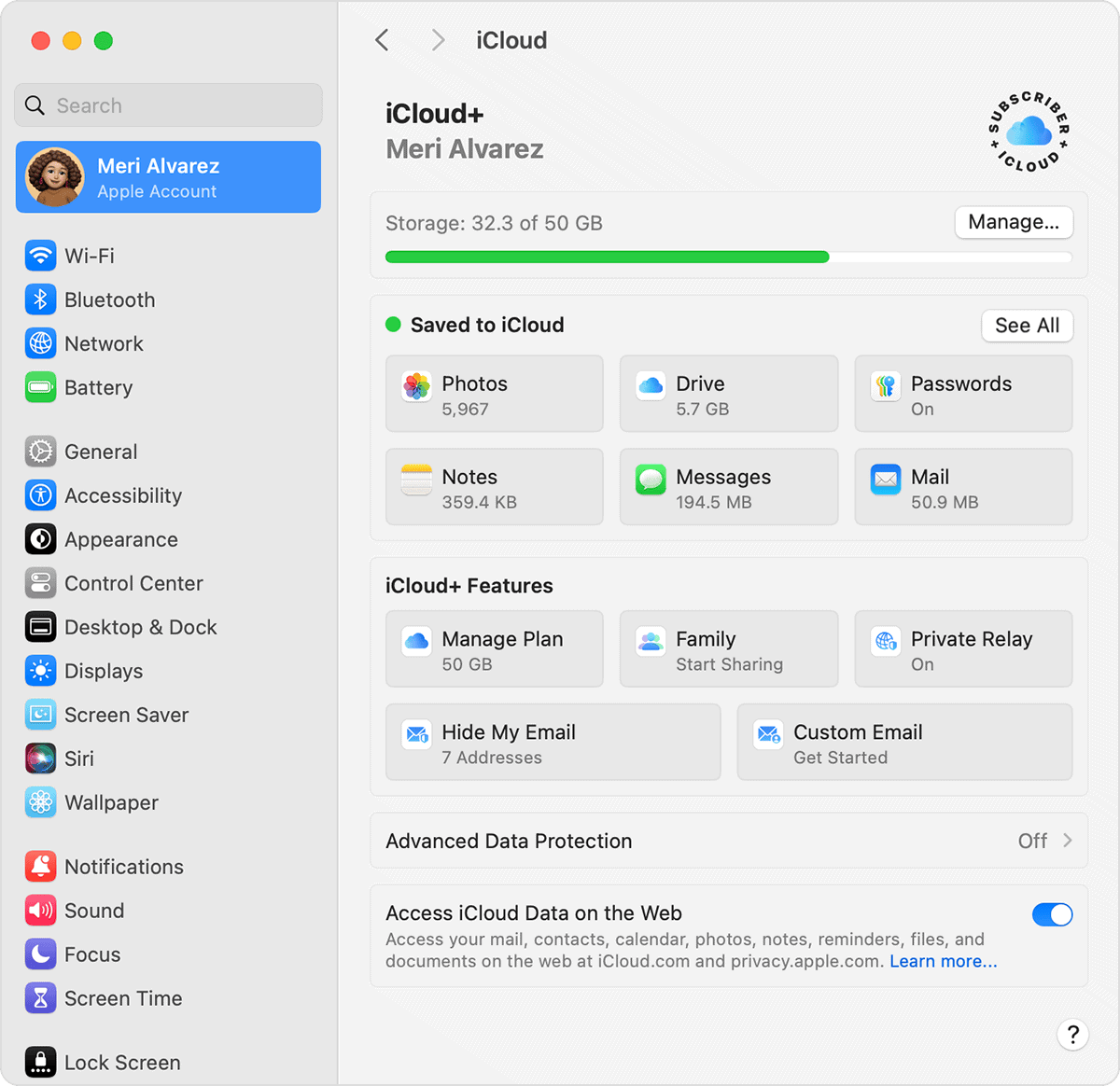
- Full-resolution originals are backed up
- Storage counts toward your iCloud space
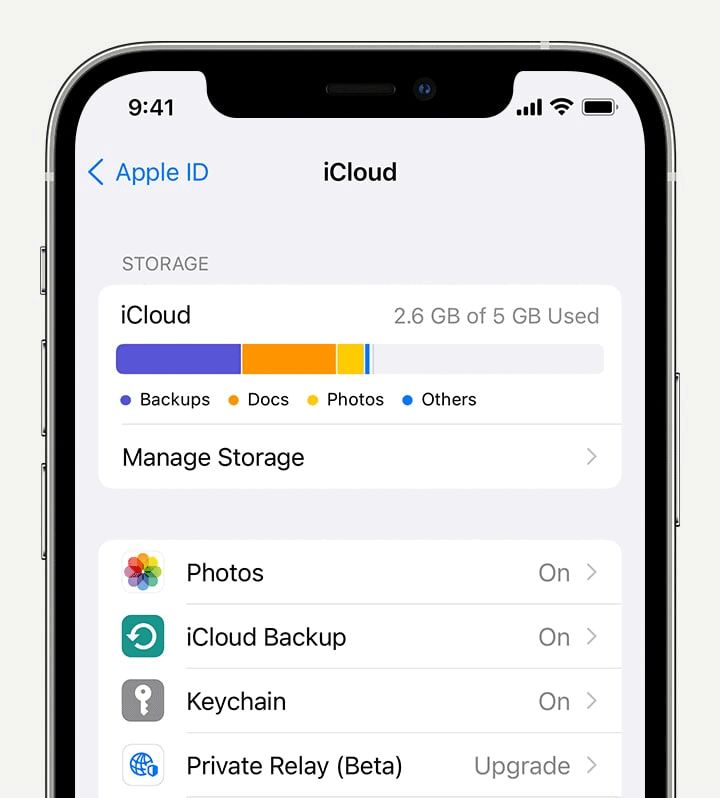


Apple outlines these capabilities clearly on its official iCloud Photos overview page, which describes how the service keeps your entire library updated everywhere.
If you’ve ever needed to access your images online, guides that explain how to look at photos on iCloud from any device can be especially useful for managing storage and downloads.
Apple Photo Stream vs iCloud Photos: Key Differences
Here’s the practical comparison that matters to everyday users:
- Storage: Photo Stream did not use iCloud storage; iCloud Photos does.
- Backup: Photo Stream was not a backup service; iCloud Photos is.
- Sync range: Photo Stream only syncs recent photos; iCloud Photos syncs your entire library.
- Video support: Photo Stream did not support video; iCloud Photos fully supports video.
- Availability: Photo Stream is discontinued; iCloud Photos is fully supported and updated.
In short, Photo Stream was a temporary sync bridge, while iCloud Photos is a complete cloud-based photo management system.
Which One Should You Use Today?
Since Apple Photo Stream has been retired, there is only one practical option now: iCloud Photos. Apple recommends enabling it on all your devices for consistent syncing, secure backups, and full access to your library across iPhone, iPad, and Mac.
Apple also provides detailed step-by-step instructions on how to set up and use iCloud Photos properly, including storage optimization and device syncing settings.
The Bottom Line
When comparing apple photostream vs icloud photos, the takeaway is simple:
- Photo Stream was a limited, temporary sync tool and is now discontinued.
- iCloud Photos is Apple’s complete, modern photo syncing and backup solution.
If you still see references to Photo Stream on older devices or documentation, the best move is to transition fully to iCloud Photos to avoid losing access to your images.


Discussion