

Apple has officially unveiled macOS Golden Gate 27 at WWDC 2026, introducing a refined design, a rebuilt search system, deeper Apple Intelligence integration, and a new AI-powered Siri experience for Mac users. The update focuses on fixing long-standing complaints about macOS Tahoe while adding several productivity and AI features across the operating system.
Liquid Glass Gets a Much-Needed Refinement

One of the biggest changes in macOS 27 is a redesigned version of Apple’s Liquid Glass interface. After receiving criticism for readability and transparency issues in macOS Tahoe 26, Apple has refined the visual style and added controls that let users adjust the intensity of the effect. The update also brings a more consistent appearance across system icons and interface elements.
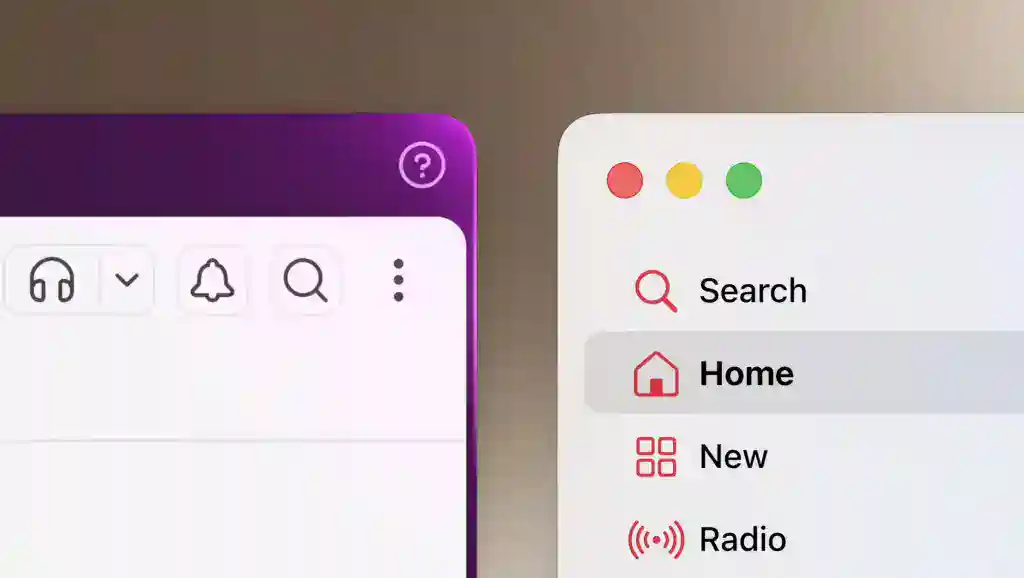
Apple has also standardized window corner radii throughout the system, creating a more uniform look across both native and third-party applications.
Don’t miss the best of The Mac Observer
Set us as a preferred source and our Apple reporting ranks higher in your Google Search results and Discover feed — one tap, no account changes.
Spotlight and Search Receive a Complete Overhaul
Apple says it has rebuilt the search architecture that powers macOS. The company aims to improve indexing performance and eliminate issues that previously caused Finder and Spotlight to miss files, folders, and apps.
The new system serves as the foundation for several Apple Intelligence features arriving in macOS Golden Gate 27.
Siri AI Comes to the Mac
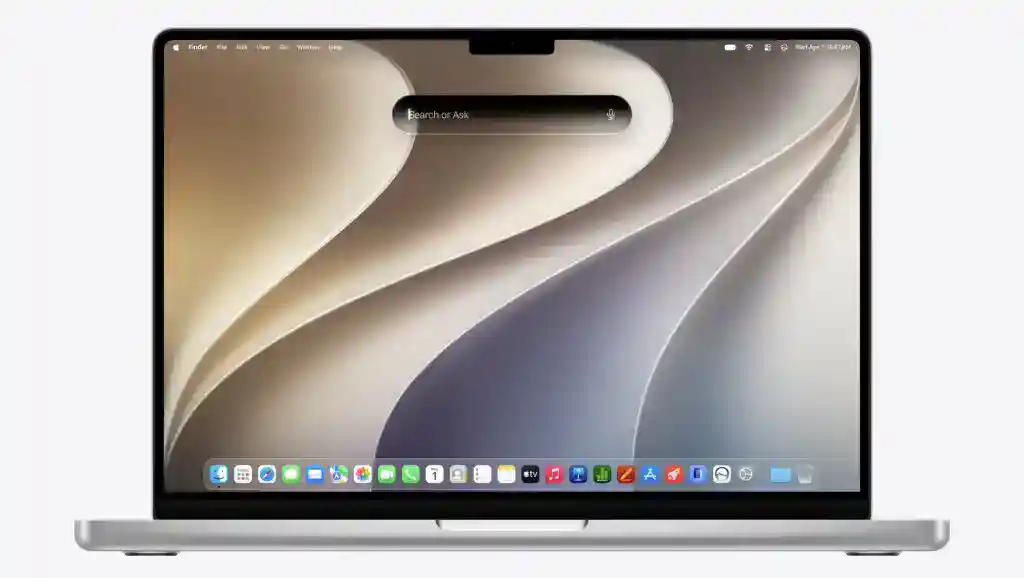
The headline feature of macOS 27 is Siri AI, Apple’s new Gemini-powered assistant that lives directly inside Spotlight.
Users can type questions into Spotlight, and macOS automatically routes AI-related requests to Siri. Conversations continue in a dedicated window where users can drag files, documents, and attachments for analysis.
Apple says Siri AI combines Apple’s on-device intelligence, cloud models, personal context, and web knowledge to deliver more useful responses. Users can also customize Siri’s voice, speaking pace, and expressiveness.
Siri can also draft emails, create messages, and perform actions across apps on a user’s behalf.
Visual Intelligence Expands Across macOS
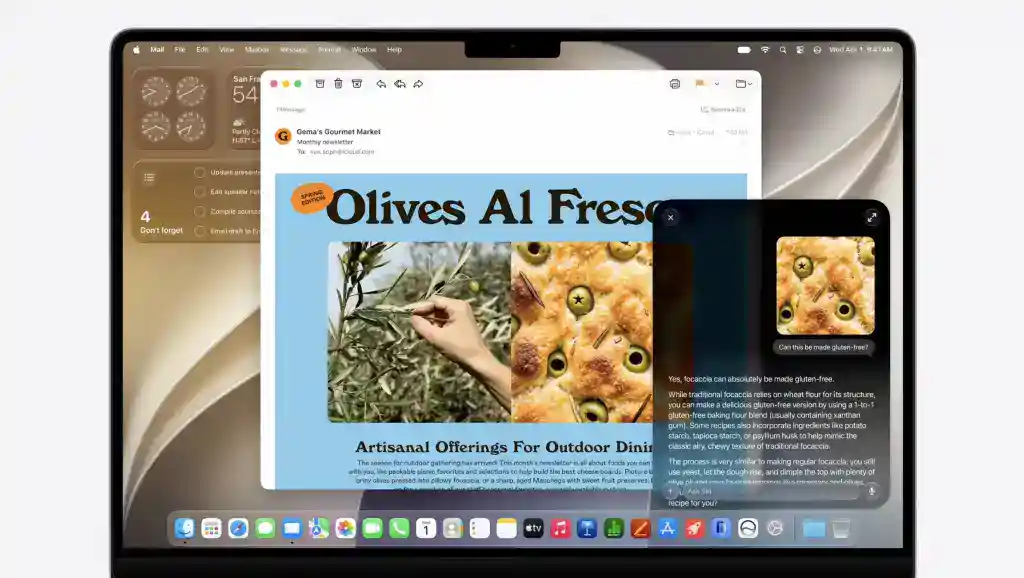
Visual Intelligence now gets a dedicated keyboard shortcut on Mac.
Users can select any part of their screen and ask questions about the content. The feature can identify information, provide context, and even perform actions. Apple demonstrated scenarios where Visual Intelligence extracted event details from the screen and added multiple calendar entries automatically.
Writing Tools Become More Personal
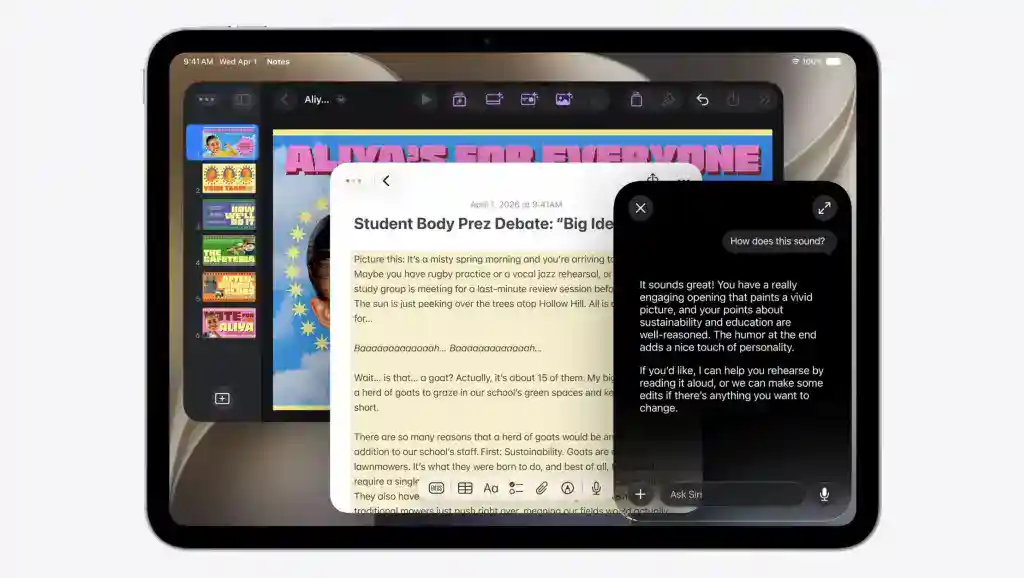
Apple has upgraded its Writing Tools with new Apple Intelligence capabilities.
The feature can generate email drafts, rewrite content, and provide writing feedback. It also learns communication patterns and adapts its tone based on the person receiving the message, helping users create more natural responses.
Safari Gains New AI Features
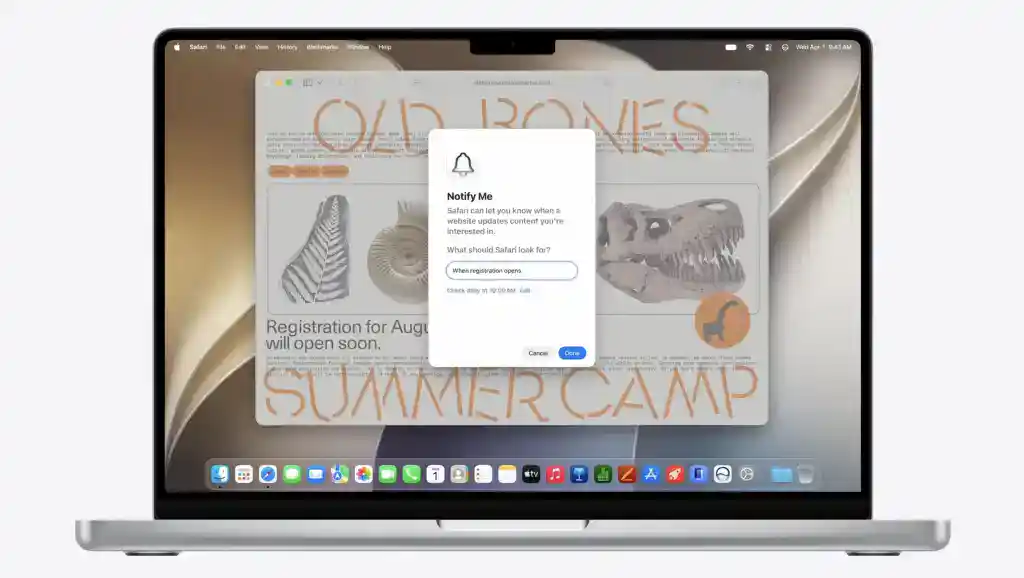
Safari receives several Apple Intelligence upgrades in macOS 27.
The browser can now automatically organize tabs into groups based on context. Apple is also introducing Notify Me, a feature that alerts users when monitored web pages receive updates.
Another notable addition is AI-powered extension creation. Users can describe what they want in natural language, and Safari generates an extension automatically.
Photos and Image Playground Get Generative AI Tools

Apple is bringing new generative AI features to the Photos app.
Users can change aspect ratios, adjust image perspective, and expand photos beyond their original frame. The system generates missing content to fill newly created areas while maintaining a natural appearance.
Photos also introduces Spatial Reframing, which uses Apple’s spatial models to adjust image perspective and composition. The feature works with both recent and older photos.
Meanwhile, Image Playground receives new styles, editing tools, wallpaper creation options, and updated developer APIs.
Smarter Home App and Shortcuts
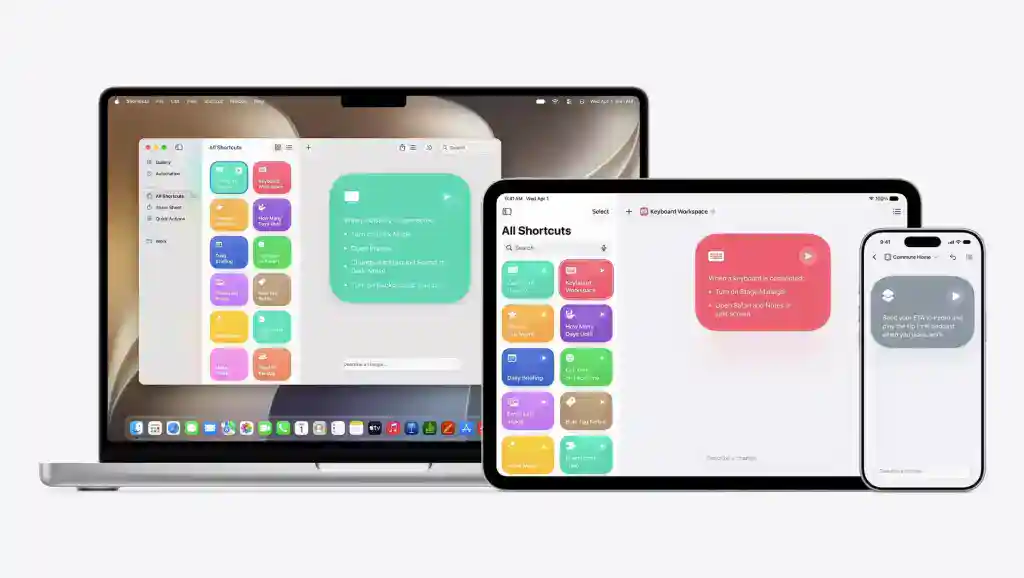
The Home app now combines related smart home alerts into a single notification, making it easier to follow ongoing activity. It also adds clip highlights and contextual video search.
Shortcuts receives one of the most practical Apple Intelligence upgrades. Users can describe an automation in plain English, and macOS automatically builds the shortcut for them.
Apple Silicon Only
macOS Golden Gate 27 marks the end of the road for Intel Macs. The new operating system supports only Apple Silicon devices, making it the first macOS release designed exclusively for M-series Macs.
Final Thoughts
With macOS Golden Gate 27, Apple is focusing on refinement as much as innovation. The company has improved Liquid Glass, rebuilt search from the ground up, and introduced Siri AI as the centerpiece of its Apple Intelligence strategy. Combined with upgrades to Safari, Photos, Visual Intelligence, and Shortcuts, macOS 27 delivers one of the most AI-focused updates in the platform’s history.


Not a single thing of any value to me.