
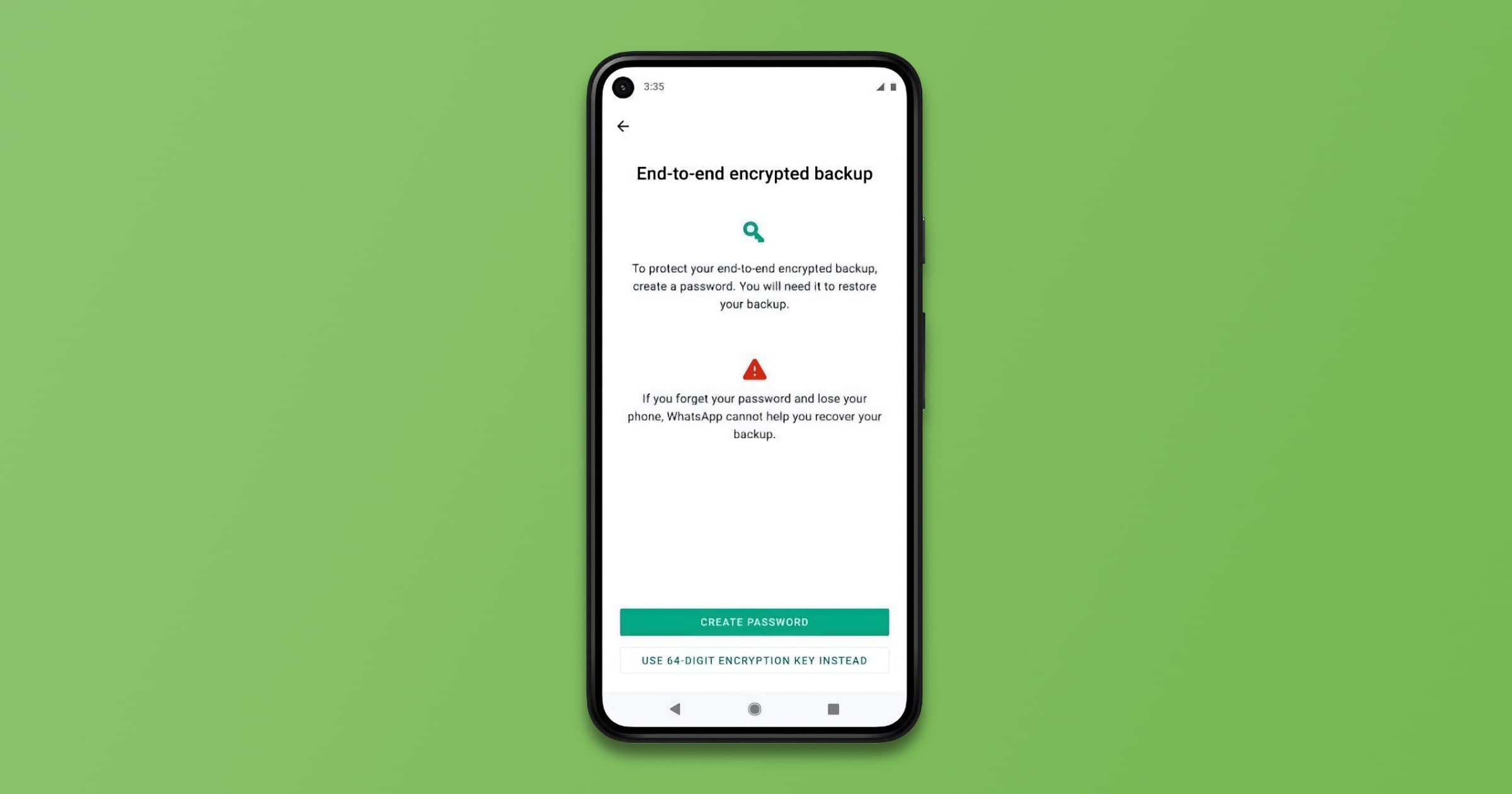
WhatsApp is rolling out support for end-to-end encrypted backups for Google Drive and iCloud. Here’s how to enable the feature.
Make sure you’ve got the latest version of WhatsApp.
Open Settings.
Tap Chats > Chat Backup > End-to-end Encrypted Backup.
Click Continue, then follow the prompts to create your password or 64-digit encryption key.
Hit Done, and wait for your end-to-end encrypted backup to be prepared. You may need to connect to a power source.
Check It Out: WhatsApp Rolls Out Support for End-To-End Encrypted Backups



Discussion