
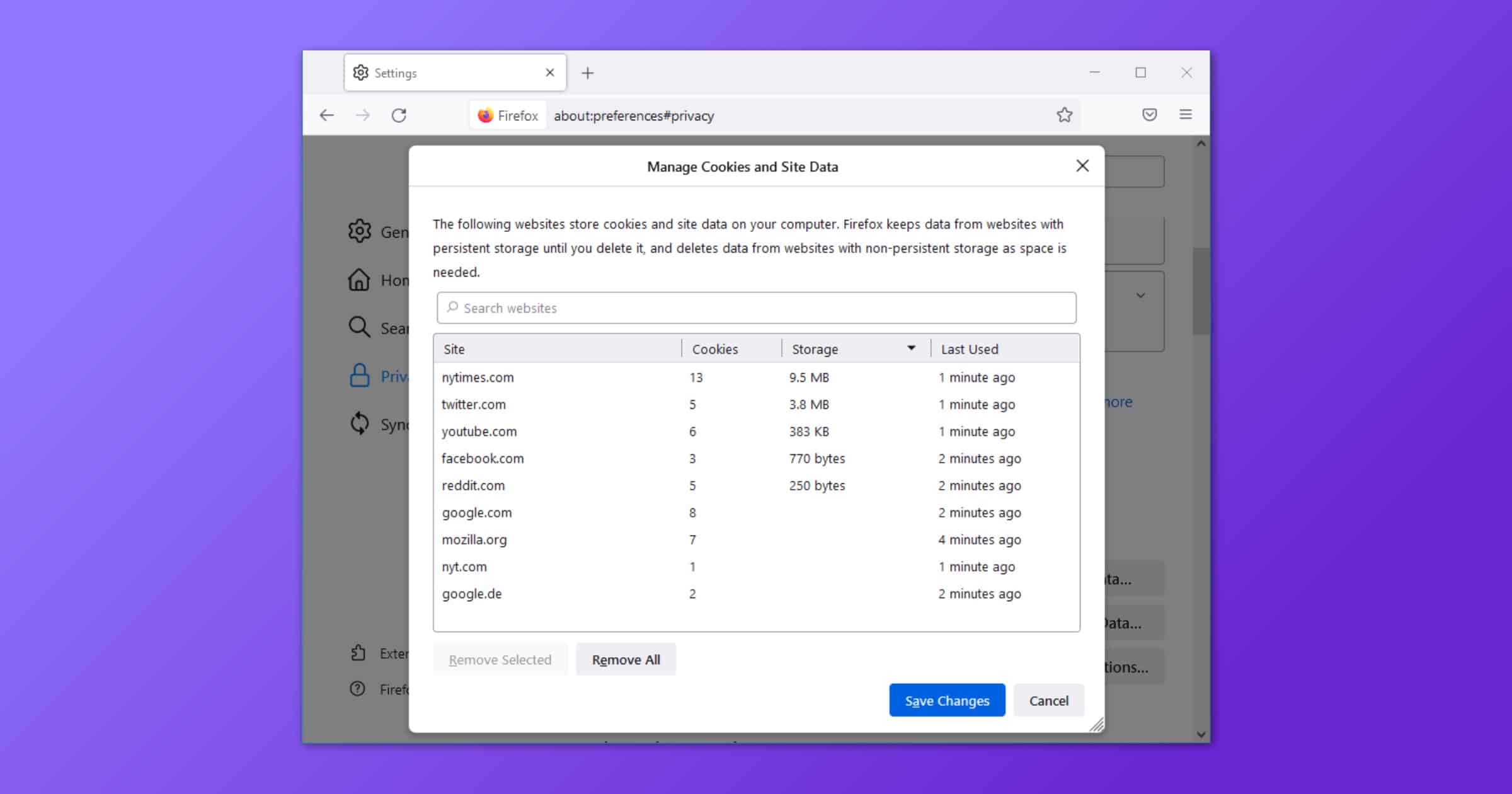
Mozilla’s latest update to Firefox, version 91, offers enhanced cookie clearing when a user deletes their browser history.
When you decide to tell Firefox to forget about a website, Firefox will automatically throw away all cookies, supercookies and other data stored in that website’s “cookie jar”. This “Enhanced Cookie Clearing” makes it easy to delete all traces of a website in your browser without the possibility of sneaky third-party cookies sticking around.
Check It Out: Firefox 91 Update Lets You Fully Erase Your Browser History




Found the fix here:
https://www.reddit.com/r/firefox/comments/p2loxk/wtf_happened_to_my_firefox_91/
Turn off INCREASE CONTRAST in SysPref-Accessibility->Display
Letterbox game now looks normal, as does other affected sites. Not sure whether this is/was an FF91 problem or a problem with the latest Mac OS…but the fix outlined above worked for me!
FF91 is trouble. It’s AS IF (I don’t know what they really did) they’re using a new default CSS that’s screwing up many sites. I play a NY Times game (letterboxed), and the letters on the outside of the box don’t even get drawn. On other sites, some borders don’t get drawn. Page colors are missing. Some (custom?) button outlines don’t get drawn. What a mess. I hope FF92 comes out real soon now!
Have you seen what FF91 does to macobserver.com? The site sure looks different from how it shows in Safari. Other sites similarly affected. FF91 is pretty bad. Is there some FF setting to restore proper behavior?