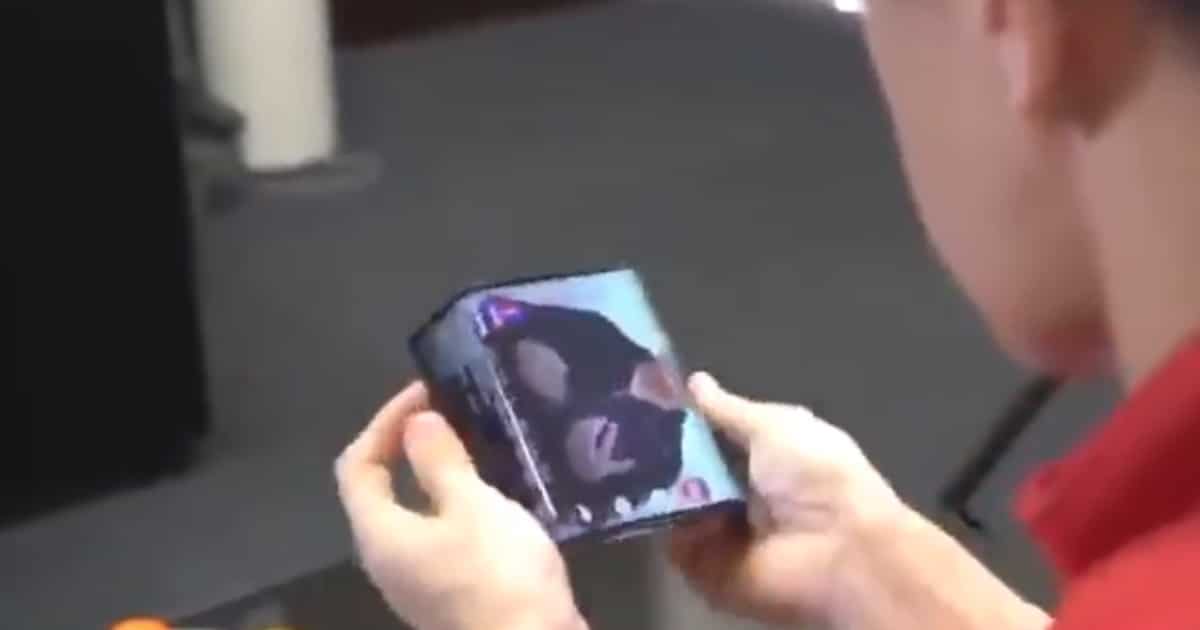
Chinese smartphone maker Xiaomi revealed a smartphone with a difference. On Wednesday, Senior Vice President Wang Xiang tweeted a video of Xiaomi President Bin Lin with a double folding smartphone. It is just a short clip, but it is pretty cool. The clip shows a video playing on the phone, and continuing to play as the sides of the device are folded back. The screen appears to take up almost the entire front of the device. There is also a longer video on Weibo. No word from Xiaomi on when it will be available to consumers though.
Visible is a New Prepaid Carrier Selling iPhones
Visible is a new Verizon-owned prepaid carrier, and it recently announced it will start selling iPhones at 0% APR.
As for what Visible is actually offering, you pay $40 a month for unlimited text, voice, data and hotspot usage at speeds of up to 5 Mbps. There’s no contract, no extra fees and you manage everything through an app on your phone.
I’m tempted to sign up for Visible. Last year they reached out to me to test the service but I never heard back. Time to test it on my own.

Alien Blackout Game Launches Today
The terror of Alien is brought to life in Alien Blackout. Try to stay alive while trapped aboard a crippled Weyland-Yutani space station carrying a deadly Xenomorph as it tirelessly hunts you and the crew. Outsmart the perfect hunter by making perilous choices. Players must rely on the damaged controls of the space station or risk sacrificing crew members to avoid deadly contact, permanently altering the outcome of the game. Survive seven fear-inducing levels by remotely guiding Amanda Ripley’s crew through increasingly challenging tasks using only the station’s emergency systems. The uncertainty and unpredictability of both the alien and her crew can impose total defeat for Amanda and the entire station. Alien Blackout is a unique fear-inducing horror mobile game experience that will test the inner nerves of both Alien and horror fans alike, where life can end in an instant. App Store: US$4.99
35 Years Ago Today Steve Jobs Launched Macintosh
The Macintosh turns 35 today. Steven Jobs unveiled the product on January 24, 1984 during Apple’s annual shareholders meeting.
The original Macintosh was priced at $2,495 in the United States, equivalent to just over $6,000 today, and was a big deal because of its graphical user interface rather than command-line interface. Tech specs included an 8 MHz Motorola 68000 processor, 128 KB of RAM, and a 400 KB floppy disk drive.
Filemaker wants Everyday to be Casual Friday
Apple subsidiary Filemaker is fed up of hype. Its latest Workplace Innovation film features a firm using Filemaker to try and resolve the issue of lost deliveries. Oh, and a new, casual, office dress-code. I like the idea of cutting away from a lot of the hyperbole that accompanies tech innovation these days, and this clip is rather fun. The less said about the man-bun the better though!
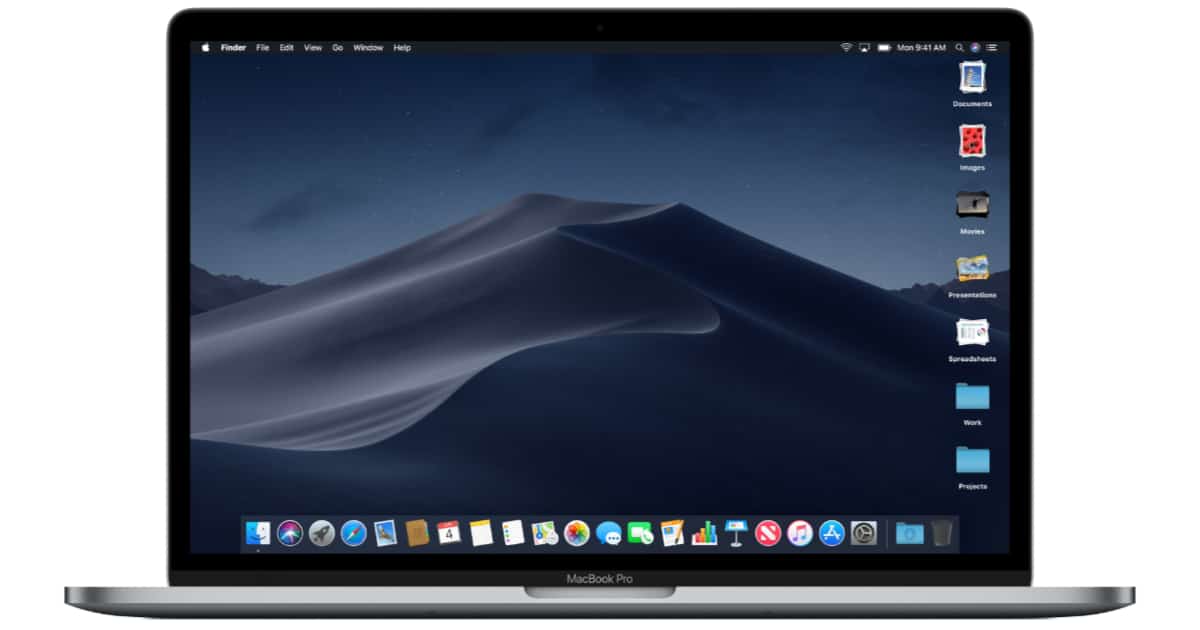
What Works in macOS Mojave. What Doesn't
Other World Computing publishes a fantastic blog for customers called Rocket Yard. Here’s a link to one from December by Tom Nelson that covers what works in macOS Mojave and what still does not. It’s full of technical insights and screenshots. It is current as of version 10.14.2.
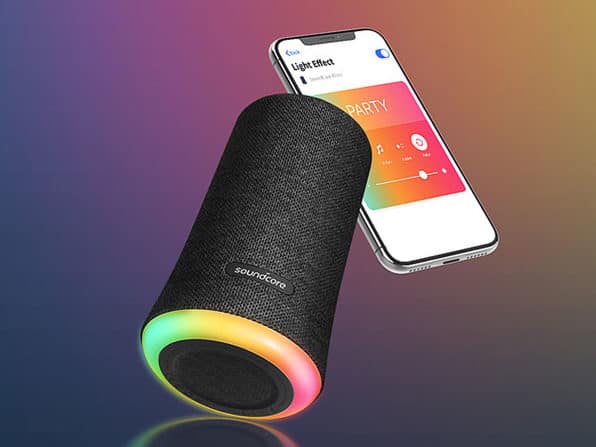
Anker Soundcore Flare Bluetooth Speaker: $59.99
We have a deal on the Anker Soundcore Flare Bluetooth Speaker. This speaker features back-to-back drivers with Bluetooth 4.2 support. It also has LED lights at the base for adding atmosphere to your tunes. This device is $59.99 through us.

Robots, and also Some Robots – TMO Daily Observations 2019-01-23
It’s Robot Wednesday! Charlotte Henry and John Martellaro discuss robotic car parks and the future of robotics, with host Kelly Guimont
Get a Cheap iPhone 6 on Straight Talk for $70
Walmart is currently selling a cheap iPhone 6, 32GB and refurbished, for US$69.99. It comes with a 90-day warranty.
The iPhone 6 remains a fine device even though it lacks the impressive tech of Apple’s latest handsets. If you have kids or an older relative who’d like to have a relatively modern phone but without the advanced capabilities of newer devices, this is a great deal.
How to Use Precise Times in iOS Calendar
David Murphy shared a cool tip that lets you set more precise times in iOS Calendar. Instead of times that increment by five minutes, go deeper.
Open the Calendar app and pull up an existing event or create a new event. Your pick. Once you’ve confirmed (or entered in) the title and/or location, tap on the start or end time. You’ll see the little section expand that allows you to scroll up and down to set the date, hour, and minute (in five-minute increments), as well as AM or PM. Double-tap anywhere in this section, and the minute increments will change from five minutes to one minute. It’s that easy.
It’s a handy tip, although I’ll never use it because my calendar events don’t need that much precision. But if you’d like yours to have it, then you’ll like this tip.


