
David «Doc» Searls is a book author, consultant, and Senior Editor at The Linux Journal. Doc was inspired by a high school teacher who thought he could write well and encouraged him. Doc, who was already thinking about journalism, started his career as a reporter and photographer at a small newspaper. Early on, he also worked at a university radio station where, he earned the name «Doc.» That in turn, led to the founding of a successful ad agency. Today, Doc is an Alumnus fellow of the Berkman Center for Internet and Society at Harvard University and a Fellow at the Center for Information Technology & Society at UC Santa Barbara. He continues his work as a book author focusing on consumers and markets. Doc’s career is rich and distinguished, and he shared some great stories with me.

TMO's WWDC 2017 Keynote Live Coverage
The Mac Observer is on location at the McEnery Convention Center for this morning’s Worldwide Developer Conference keynote event. The keynote starts at 20 AM pacific time. You can follow along with our as-it-happens coverage, and then stick around for more news from the event, analysis, and reactions on TMO’s Daily Observations and Apple Context Machine podcasts.
Simon Pierro's Newest iPad Trick is 'Naked Scanner'
For your pre-WWDC entertainment, I present to you Naked Scanner, by Simon Pierro. You might remember him as the magician who specializes in doing amazing magic tricks with an iPad. He ventured into the realm of candid camera trickery Monday with the help of well-rehearsed models in a gag he called Naked Scanner. It’s likely obvious how the trick was done, but the reactions of the passers by is definitely worth a smile. He talks about the trick in a blog post, including a test-video from the development phase. And don’t fret, all the bits deemed naughty are blurred.

WWDC Keynote Line Takes Over McEnery Convention Center
It’s Worldwide Developer Conference keynote day, and that means big announcements are on the way. Developers attending the event started lining up early this morning so they wouldn’t miss out and the line to get in quickly grew to take over the block in front of the McEnery Convention Center in San Jose. MacVoices host Chuck Joiner snapped this pic showing how long the line was around 7 AM pacific time. The keynote starts at 10 AM and TMO is on location to fill you in on all of today’s surprises.
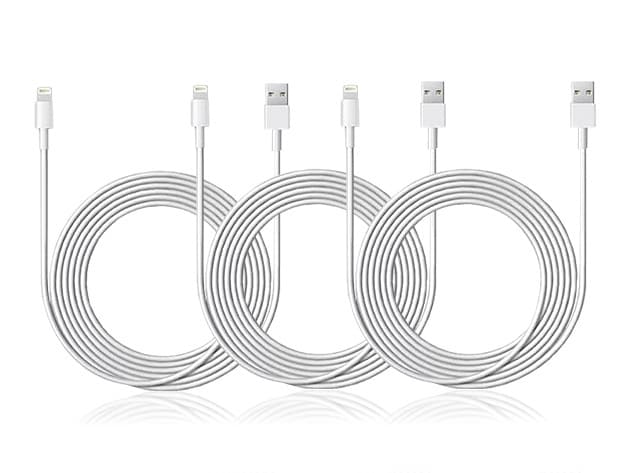
10-Ft MFi-Certified Lightning Cable 3-Pack: $16.99
We have deal on a 3-pack of 10-foot MFi-certified Lightning cables. This has been one of our more popular deals, and it’s now $16.99.
iCloud Syncing is the Bane of my Existence – Mac Geek Gab 660
Ever have problems with iCloud syncing? Haha, of course you have. Dave Hamilton and John F. Braun, your two favorite geeks, have, too, so they help a few of you with your iCloud syncing problems and, in the process, dig into all the things they’ve learned about solving this problem over the years. But you know the rule: one must always learn at least four new things each and every episode, so there’s a lot more than this, folks. Download, listen, and enjoy!
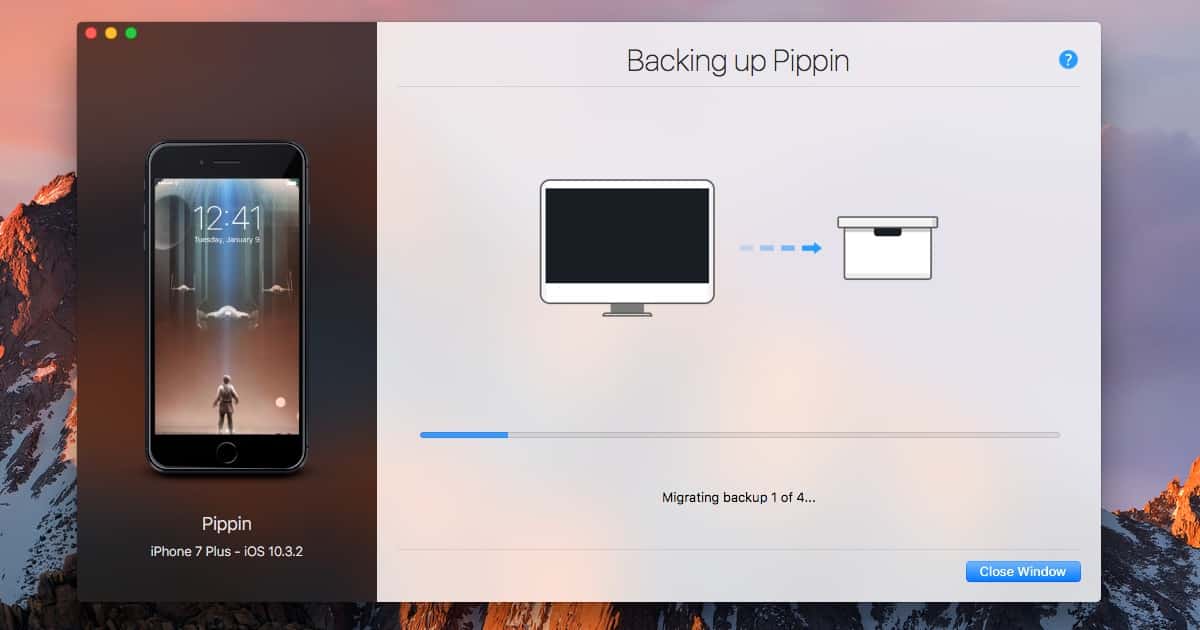
Get Time Machine on Your iPhone With iMazing Mini
Time Machine on macOS is an amazingly elegant backup solution. When it comes to iPhone backups, there really hasn’t been anything like Time Machine. The team behind iMazing recognized this, and have recently released the public beta of software that brings Time Machine to iOS. iMazing Mini is available for download now, and it’s a free app. With iMazing Mini, you can take “snapshots” of your devices. These are incremental backups that you can roll back to at any time. DigiDNA optimized iMazing Mini to store dozens of backups without crowding your hard drive. You can view your data easily within the full-blown version of iMazing. Probably the best feature, though, is that you can go back in time and restore any specific version of your backup quickly and easily. Of course, it’s also nice that the software is free without any ads or paid cloud storage.

OneLogin Encryption Breach, WWDC 2017 Expectations - TMO Daily Observations 2017-06-02
Jeff Butts and John Martellaro join Jeff Gamet to look at the security breach that exposed OneLogin encrypted data, plus they share their expectations for next week’s Worldwide Developer Conference keynote announcements.
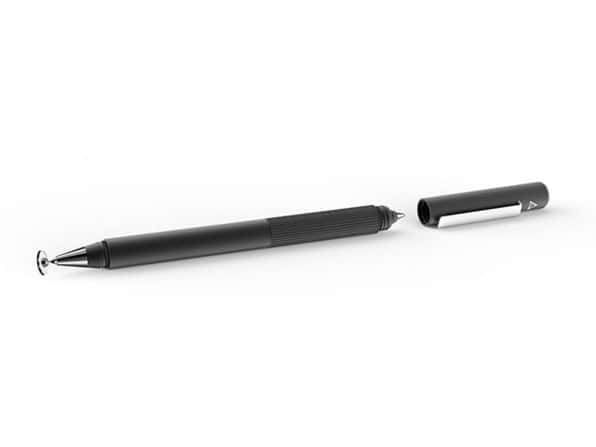
Adonit Switch 2-in-1 Stylus and Pen
We have a deal for you on the Adonit Switch 2-in-1 Stylus and Pen. As the name implies, it’s a stylus with a pen on the other end for when you need to go back and forth from paper to your iPad.It’s $19.99 through us, half off retail.
Apple's Big WWDC Keynote Plans, Siri Speaker vs Sonos - TMO Daily Observations 2017-06-01
Bryan Chaffin and Dave Hamilton join Jeff Gamet to talk about how today’s announcements from Apple mean we’re in store for some big WWDC announcements, plus they discuss how the rumored Siri Speaker may be a Sonos competitor.


