It’s looking like Apple is moving away from plug-it-in-to-charge for the iPhone 8. Dave Hamilton and John Martellaro join Jeff Gamet to look at what technology Apple could use for that, and they dive into benefits and safety concerns of wire-free radio wave charging options from Energous.
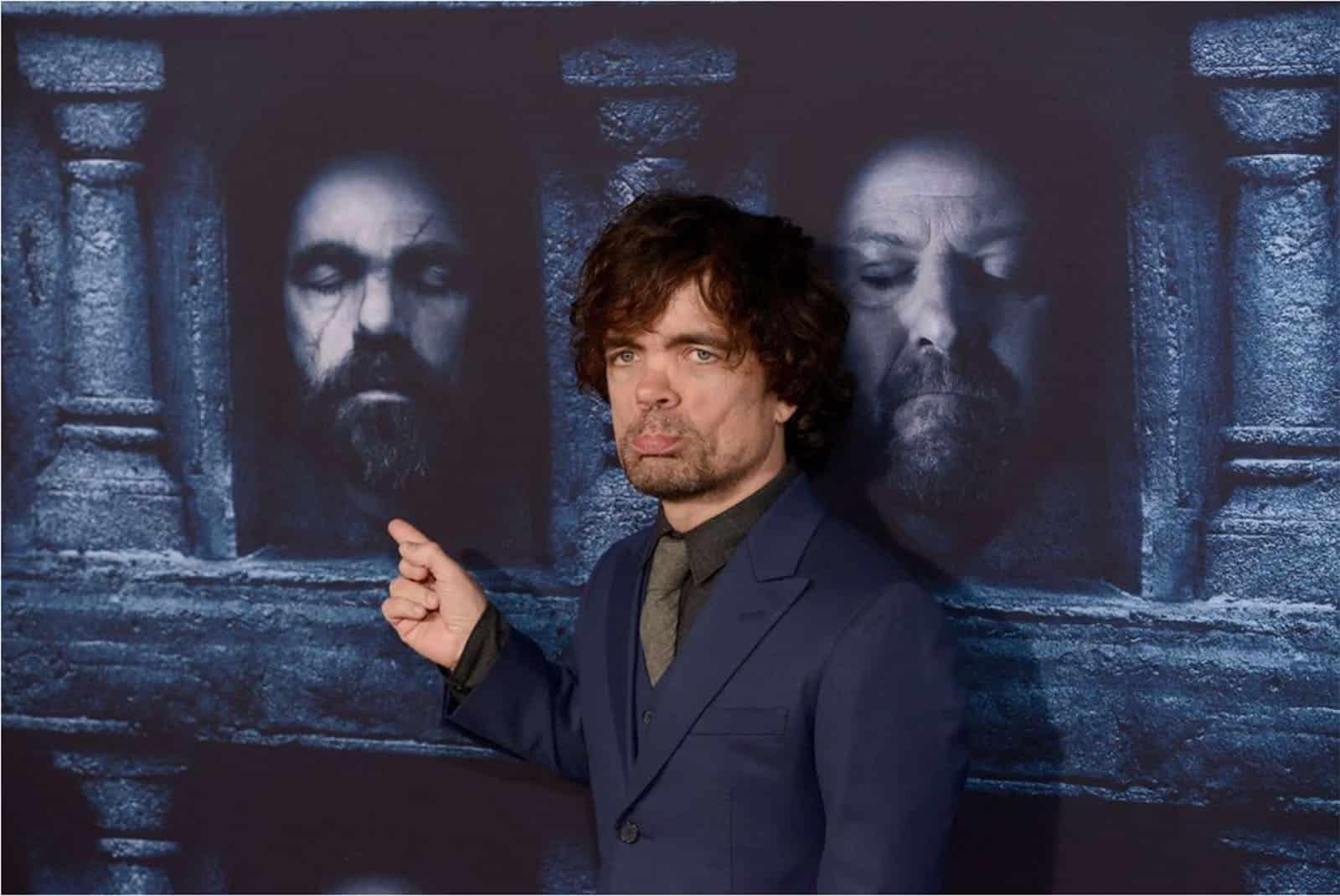
Peter Dinklage From Game of Thrones Fears His iPhone
What does the actor who plays a character who faces dragons, monsters, magic, and even his very own father fear in real life? If it’s Peter Dinklage—Tyrion Lannister on Game of Thrones, we’re talking about, it’s his iPhone 7. Mr. Dinklage gave an interview to CNET to promote Rememory, a SciFi film debuting this week at the Sundance Film Festival. In that interview, he said, «I just got an iPhone about six months ago, friends made fun of me. I’m afraid of it.» There’s a reason, though, and that’s concern over how tech is changing the way humans interact. To wit, when people approach him, the interaction has become solely about the selfie-with-Peter. He said, «We’re not even allowing a memory to sink in. They’ll have proof of meeting me, but […] there wasn’t anything to remember, because all you did was just take a picture.» It’s an interesting perspective on this particular concern.
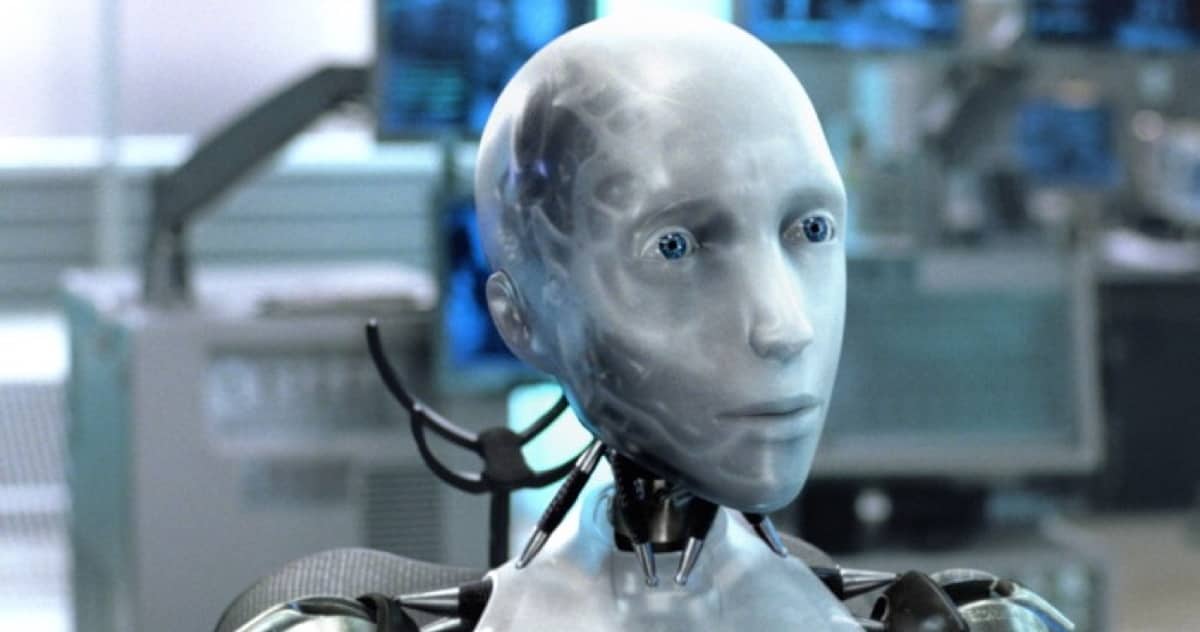
When Should a Robot just Say "No!"
Should there be occasions when advanced AI’s, especially robots or androids, refuse a command by a human being? Asimov’s Three Laws of Robotics (mostly) dictate the rules, assuming the robot has been programmed with that in mind. However, there are nuances worth further discussion, and they depend some very sophisticated, nuanced thinking (and predictions) by the robot. It’s all on page 2 of Particle Debris.
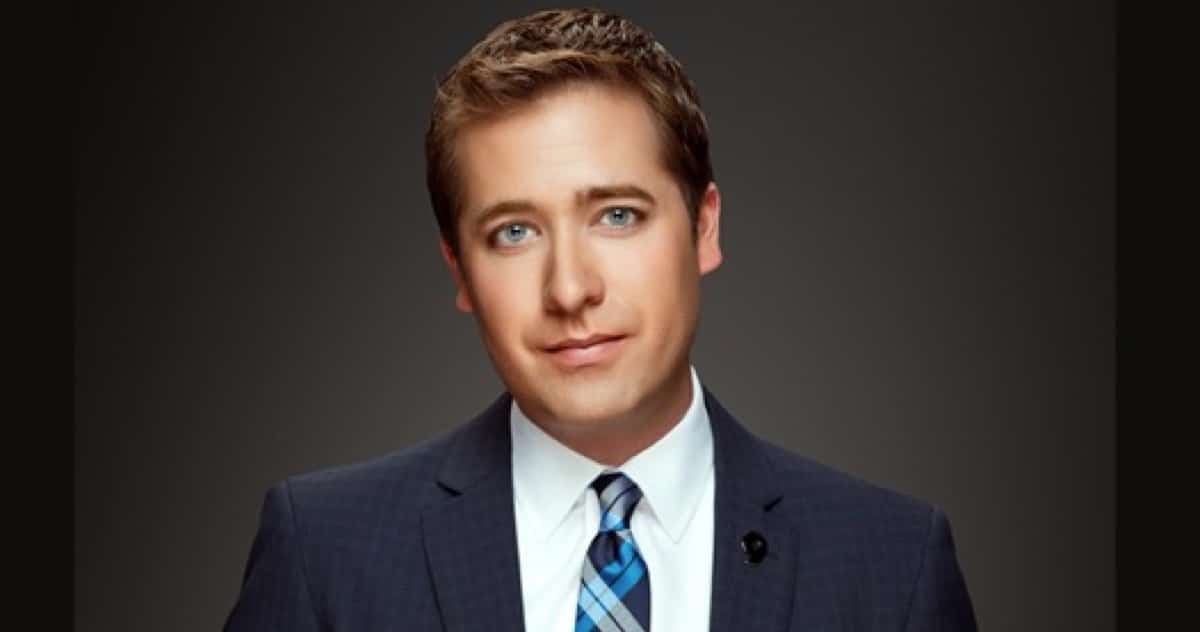
TMO Background Mode: Interview with 9News/KUSA TV Anchor/Reporter Kyle Clark
Kyle Clark is a 9News TV news anchor and reporter in Denver. His parents were both teachers and, early on, inspired him to learn and then explain to others. When Kyle was in grade school, his father gave him an Apple IIGS and encouraged him to learn about it. By and by, Kyle learned to use computers not as a pastime but as a tool. He majored in journalism and politics as an undergraduate, and, later, work at a small radio station convinced him he wanted to be in broadcasting. Today, in addition to being a Channel 9 news anchor, he’s launched a 30 minute news analysis show called Next. His show brings understanding, context, and a sense of community to the news. Listen in to hear how he convinced his station to embrace his successful, Next idea.
Sprint's Tidal Purchase, Apple Watch as a Medical Sensor - TMO Daily Observations 2017-01-23
Sprint now owns 33% of Tidal, and its cell service subscribers are going to get some exclusive content out of the deal. Dave Hamilton and John Martellaro join Jeff Gamet to sort out what the deal means, plus John explains how our Apple Watches could eventually become our personal medical monitors.
MailButler Professional 1-Year Subscription: $14.99
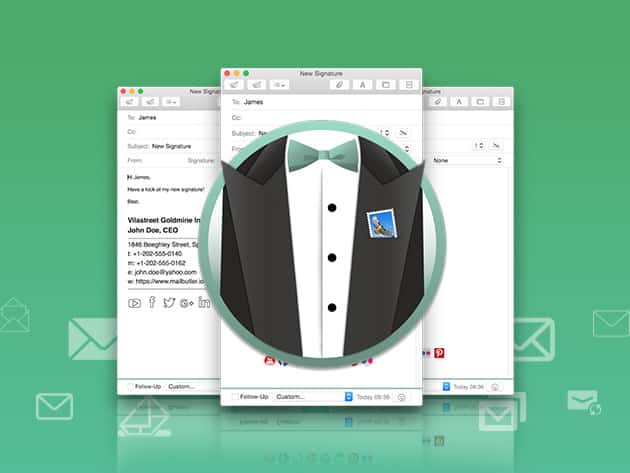
We have a deal for you today on MailButler Professional, a collection of plugins for Apple’s Mail.app. With these plugins, you can mark your emails as to-do items, snooze emails, track emails to find out if recipients have actually opened them, schedule emails to be sent at specific dates and times, and more. You can get a one year subscription to MailButler Professional through our deal for $14.99.
Speeding Up a Sluggish Mac and Cool Stuff Found – Mac Geek Gab 641
Cool Stuff Found today contains lots of things you suggested after listening to recent shows, including tools to help your Mac sleep, help you manage your keyboard shortcuts and macros, privately sync your notes, auto-file your Mail, and free backup storage! Then its on to sharing your tips and answering your questions. Want to learn how to factory reset your AirPods, enable band-steering on your router, or have Siri search Google instead of Bing? Let’s go!
Apple's OS Strategy, Netflix on the TV App - TMO Daily Observations 2017-01-20
It’s time for Apple to rethink it’s operating system strategy, according to TMO’s own John Martellaro. John, along with Dave Hamilton, join Jeff Gamet today to talk about how Apple could look at its mobile and desktop operating systems in the future, plus they share their thoughts on Netflix’s feeble showing in the TV app.
Easily Capture Your Screen, Burn Digital Media & Edit Videos Seamlessly: $49
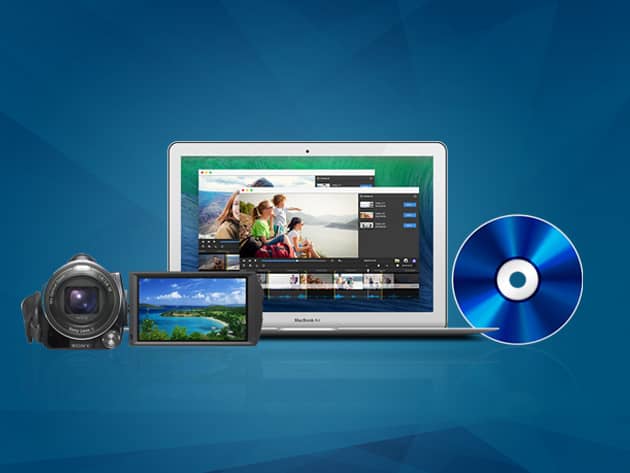
We have a deal for you on Roxio Toast Titanium for $49. This software lets you capture video directly from your screen, portable devices, or the web. It also has video editing tools and the ability to create a DVD. It will convert videos, rip DVDs and CDs, and much more. Check out the details on the deal listing.
Apple Releases New Design Resources for iOS Developers
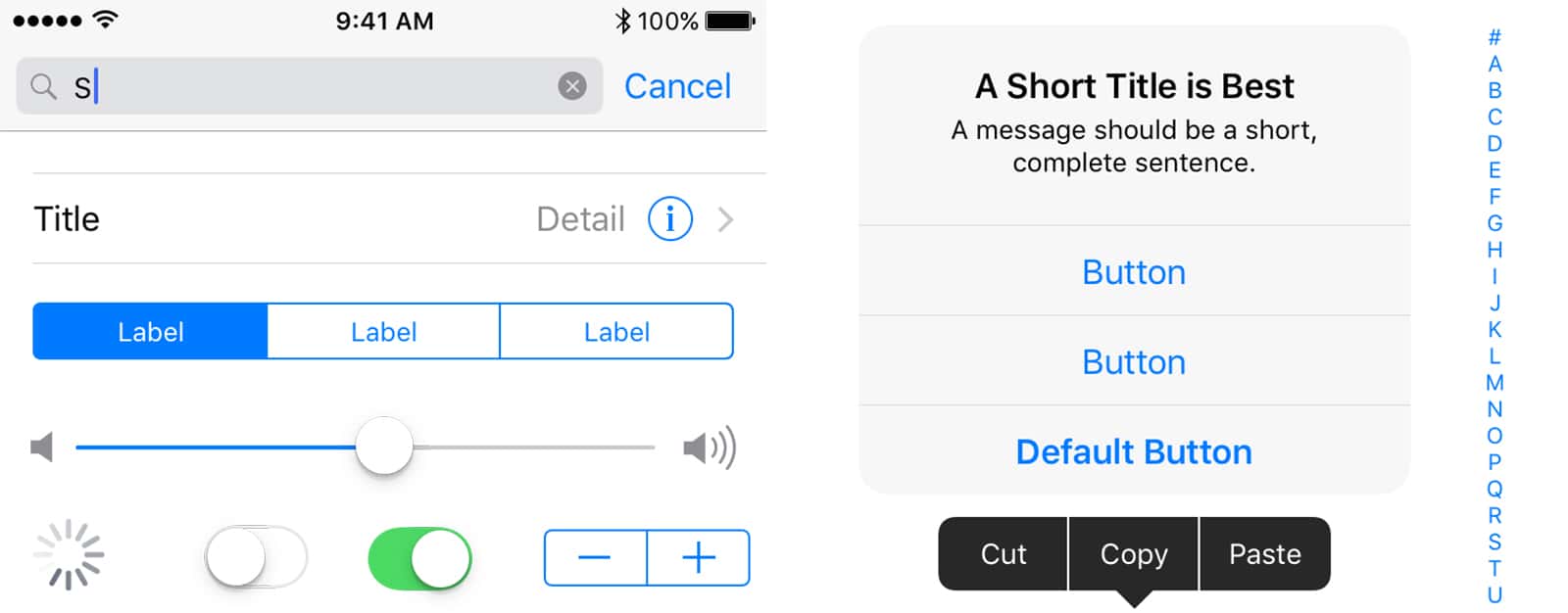
Today Apple shared some free design resources for iOS developers with an update to its iOS Human Interface Guidelines (via 9to5Mac). The resources include UI and template materials to make it easier to design iOS apps. Apple says the design resources are «comprehensive and accurately depict the full range of UIKit controls, views and glyphs available to developers using the iOS SDK.» The files are available in Sketch and Photoshop formats. This is a change from the Sketch-only files in the past. Interestingly, both light and dark UI elements are given. It adds a small amount of fuel to the fire for a rumored Dark Mode.


