
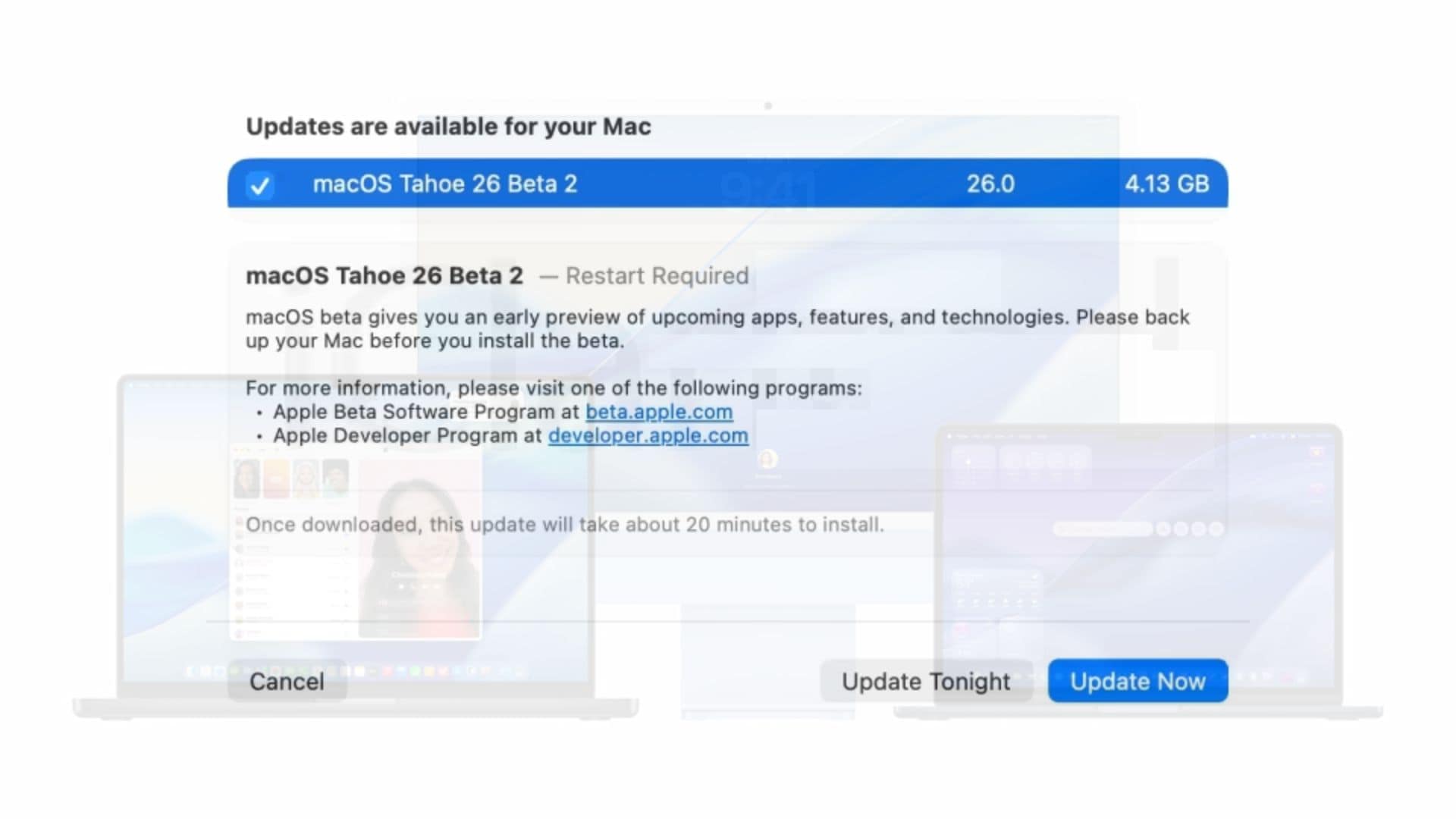
Apple has released macOS Tahoe 26 beta 2 to developers, continuing its rollout of post-WWDC25 software updates. The new build, numbered 25A5295e, follows the typical two-week release cycle after the first beta.
This second beta offers developers continued access to macOS Tahoe’s major features announced at WWDC25, including the Liquid Glass interface redesign, Live Activities for Mac, and the all-new Spotlight with clipboard history and Shortcuts integration. The system also introduces a dedicated Phone app and supports Live Translation across Messages, FaceTime, and phone calls.
Other features include the new Games app and the long-anticipated Journal app, adding more utility to the desktop environment. While Apple hasn’t listed specific changes in this beta, it likely focuses on performance tuning and bug fixes ahead of the public release.
Don’t miss the best of The Mac Observer
Set us as a preferred source and our Apple reporting ranks higher in your Google Search results and Discover feed — one tap, no account changes.
How to Install Beta 2
Developers can install macOS Tahoe 26 beta 2 through System Settings. After backing up your Mac, navigate to General > Software Update, then click the info icon beside “Beta Updates.” Select “macOS Developer Tahoe Beta” from the dropdown menu and confirm the selection.
Developers with Apple Silicon Macs can also download the restore image directly. If your Mac runs macOS Ventura 13.4 or later, you can install beta software through the built-in update menu.
Apple has confirmed that the public beta of macOS Tahoe 26 will arrive next month. These typically launch with the third or fourth developer beta once initial bugs are addressed.




Discussion