

If you use multiple Logitech devices—like a keyboard, mouse, or trackball—you’ve probably run into the small but annoying problem of managing them all. That’s where Logitech Unifying Software for Mac steps in. It’s a simple, lightweight utility that helps you connect and control up to six compatible Logitech wireless devices through one tiny USB receiver. No cables, no extra dongles, no fuss.
What the Software Actually Does
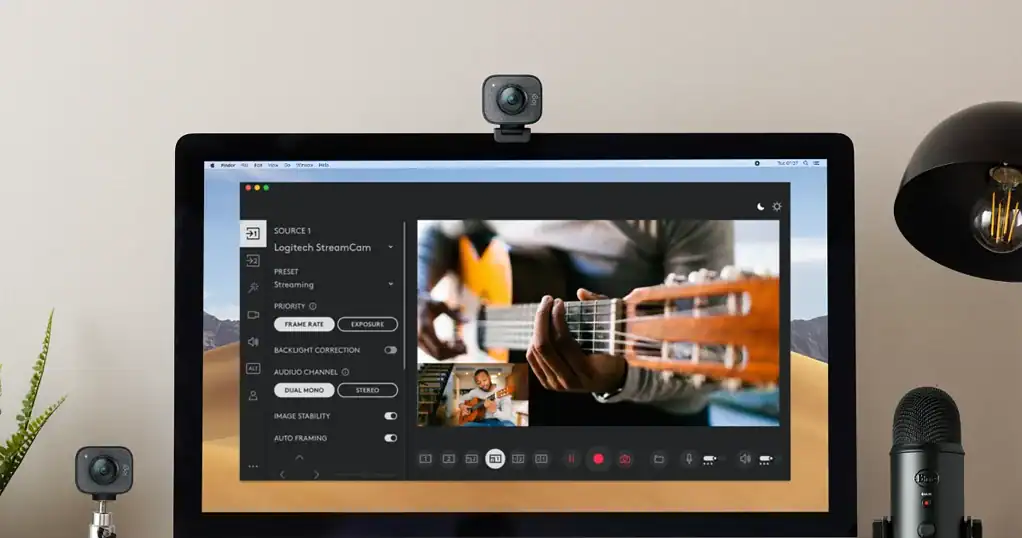
Here’s the thing: most Logitech peripherals today use a single “Unifying Receiver,” a small orange-starred USB plug that acts as a hub for multiple devices. The Unifying Software is what lets you pair, unpair, and manage those devices right from your Mac.
Once installed, the software detects any compatible Logitech gear within range and walks you through the pairing process. You can add a new mouse, swap keyboards, or disconnect an old device without unplugging the receiver or digging through Bluetooth settings. It’s straightforward—open the app, click “Pair New Device,” and follow the on-screen steps.
Don’t miss the best of The Mac Observer
Set us as a preferred source and our Apple reporting ranks higher in your Google Search results and Discover feed — one tap, no account changes.
This might sound small, but it’s the kind of quiet convenience that makes daily workflows smoother. Especially if you’re the type who switches between setups—a MacBook at the office, a desktop at home, maybe even a media Mac mini in your living room.
Why It’s Worth Having on Your Mac
The real value of Unifying Software lies in stability and consistency. Bluetooth can occasionally lag or drop, especially in crowded wireless environments. The Unifying Receiver uses a 2.4GHz connection optimized for Logitech’s peripherals, so you get lower latency and fewer disconnects.
It also helps extend the lifespan of older Logitech devices. Even if the original receiver is long gone, you can buy a replacement and re-pair your gear with just a few clicks. Without the software, that process would be much messier.
Setting It Up Is Simple

You can download the latest version directly from Logitech’s official site. Installation takes less than a minute, and the app sits quietly in the background once configured. It doesn’t hog resources, and you can open it anytime to see which devices are paired.
The Bottom Line
Unifying Software for Mac isn’t glamorous—it’s the behind-the-scenes helper that keeps your Logitech setup running clean and coordinated. If you use multiple Logitech wireless peripherals, it’s an essential utility that saves you from daily pairing headaches and keeps everything connected like it should be.


Discussion