
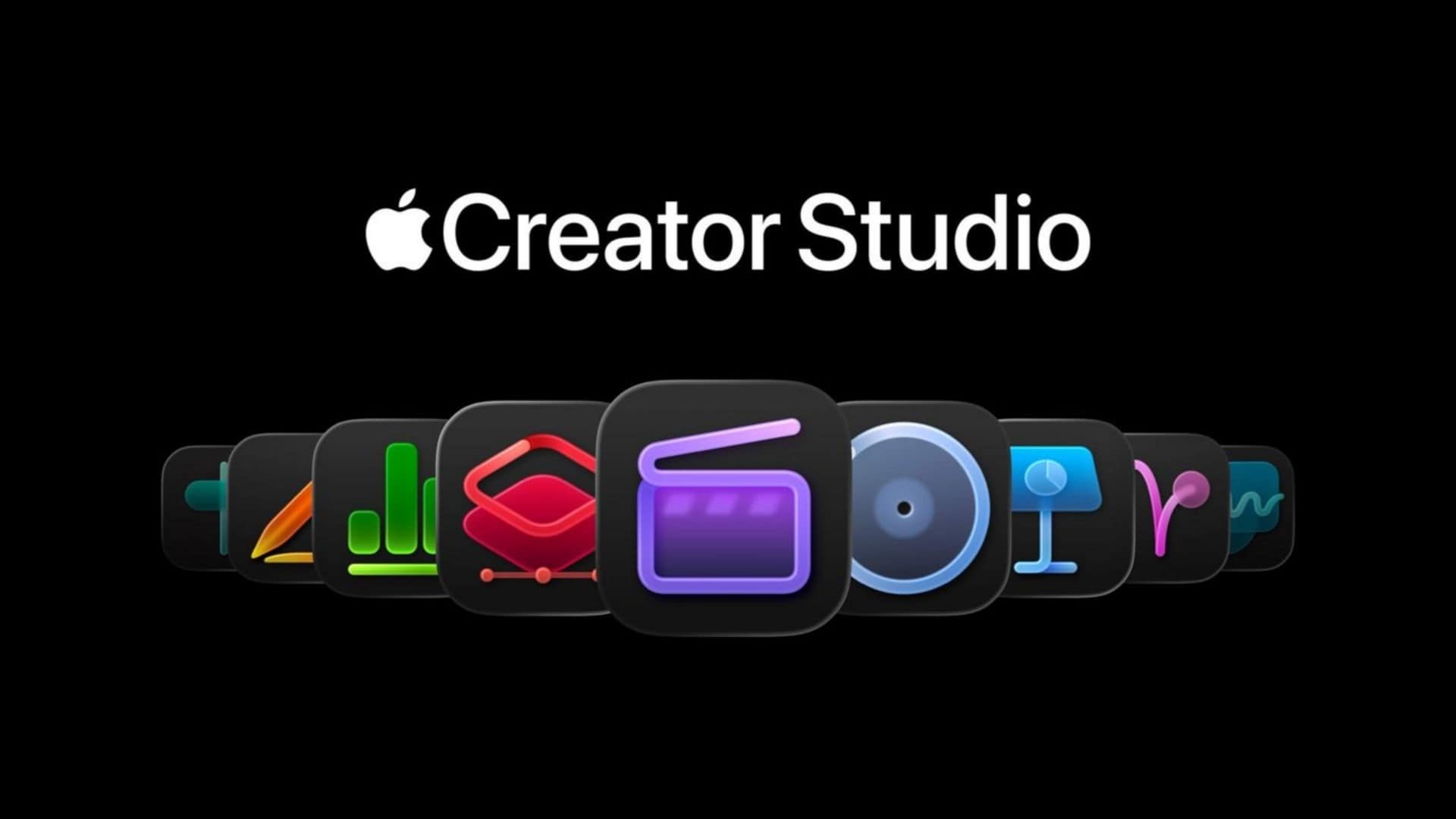
If you pay for Apple Creator Studio, the recent iOS 26.4 update just made your subscription a lot more useful. When Apple first launched this bundle earlier in the year, the Freeform app was noticeably left out of the fun. Now, the company has officially added its digital whiteboard into the mix.
The update brings several exclusive new tools designed to help you generate and edit visuals directly on your planning boards without needing to jump between different applications.
There are new visual tools for Freeform
The biggest addition is a dedicated content hub. Subscribers now have access to a massive library of premium shapes, graphics, and stock photos. These paid assets are marked with a small purple star, so you know exactly what is included in your plan.
Don’t miss the best of The Mac Observer
Set us as a preferred source and our Apple reporting ranks higher in your Google Search results and Discover feed — one tap, no account changes.
Beyond the standard stock images, iOS 26.4 also introduces server-based image generation. Using OpenAI models, you can prompt the app to create detailed, photorealistic pictures right on your canvas.
Apple promises it will not use your private data to train future AI models. Finally, a new super-resolution tool lets you quickly enlarge and sharpen low-quality reference photos without leaving your workspace.
These are the hardware limits and pricing details
Before you try to use these new visual tools, you need to check your hardware. The advanced AI generation requires an Apple Intelligence compatible device. That means you need an iPhone 15 Pro (review) or newer, or an iPad or Mac running an M1 or A17 Pro chip.
The basic version of Freeform remains completely free for everyone. However, unlocking these specific upgrades requires the $12.99 monthly Creator Studio subscription. While the tools are genuinely helpful for visual planners, casual users might still find it hard to justify the price if they do not also use bundled pro apps like Final Cut or Logic Pro.




Discussion