
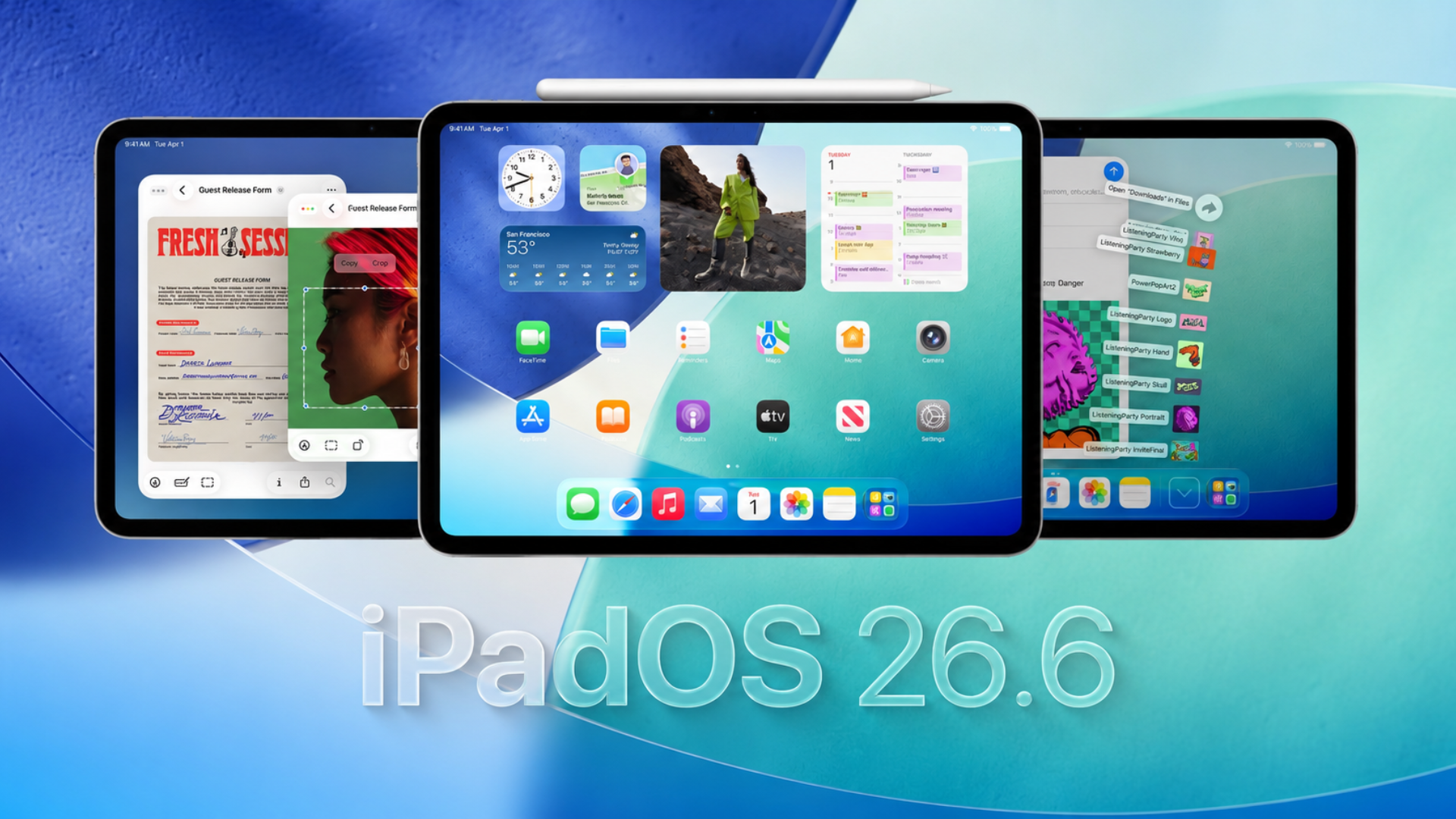
Apple has started rolling out the first developer beta of iPadOS 26.6 for supported iPads. The update arrives alongside the first developer betas of iOS 26.6, macOS Tahoe 26.6, watchOS 26.6, tvOS 26.6, visionOS 26.6, and HomePod 26.6.
This new beta cycle comes just days before WWDC 2026, where Apple is expected to unveil iPadOS 27 and its next generation software features on June 8.
Right now, Apple has not shared any official release notes about major new additions in iPadOS 26.6 beta 1. The update appears to focus on testing and stability improvements ahead of the next big iPadOS release.
Don’t miss the best of The Mac Observer
Set us as a preferred source and our Apple reporting ranks higher in your Google Search results and Discover feed — one tap, no account changes.
How to update to iPadOS 26.6 beta 1
If your iPad is already enrolled in the Apple Developer beta program, you can install the update with these steps:
- Open Settings
- Tap General
- Select Software Update
- Tap Beta Updates
- Choose iPadOS 26 Developer Beta
- Download and install iPadOS 26.6 beta 1
Before updating, it’s a good idea to back up your iPad because beta software can still contain bugs and app compatibility issues.
All the changes
At the moment, no major new features or visual changes have been discovered in iPadOS 26.6 beta 1.
Apple is likely using this update to continue refining the current iPadOS 26 experience while development shifts toward iPadOS 27. Historically, x.6 updates sometimes include smaller hidden changes, performance tweaks, security improvements, or preparation for upcoming features.
We are currently testing the update and will continue monitoring for any new additions, bug fixes, battery improvements, or interface changes discovered in the beta.
Apple is expected to officially introduce iPadOS 27 during the WWDC 2026 keynote on June 8.
If you’ve already installed the update, let us know your experience in the comments.



Discussion