
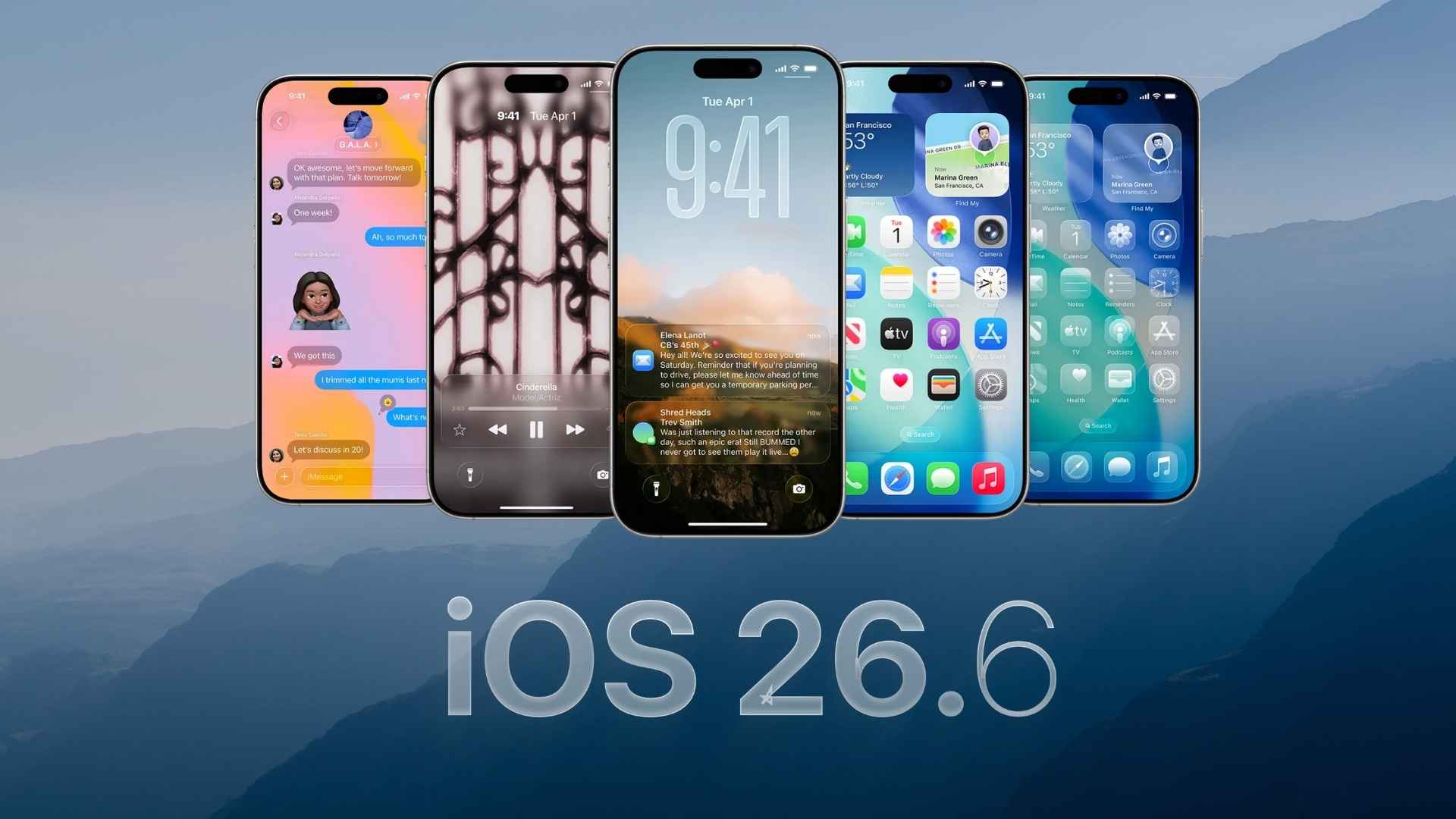
Apple has started rolling out the third iOS 26.6 beta for developers, giving testers another early look at the upcoming iPhone update before its public release. This update appears to focus more on stability, bug fixes, security improvements, and small system changes rather than major new features.
Since iOS 27 is already in beta testing, iOS 26.6 is expected to be one of the final updates in the iOS 26 cycle. Developers can install it now through the Software Update section on eligible iPhones.
How to Update
- Open the Settings app on your iPhone.
- Go to General.
- Tap Software Update.
- Select Beta Updates.
- Choose the iOS 26 Developer Beta option.
- Go back and install the latest available iOS 26.6 beta.
Before installing, make sure your iPhone has enough battery and storage. It is also better to back up your device because beta versions can include bugs.
Don’t miss the best of The Mac Observer
Set us as a preferred source and our Apple reporting ranks higher in your Google Search results and Discover feed — one tap, no account changes.
All the Changes
- Bug fixes and stability improvements:
iOS 26.6 beta 3 is mainly expected to improve system performance and fix issues found in earlier beta versions. - Security-related improvements:
The update appears to include behind-the-scenes security work, including improvements connected to Apple Maps protection. - Blocked contacts alert:
Apple is adding clearer messaging when users reach the maximum blocked contacts limit. This helps users understand why they cannot block more numbers. - Performance refinements:
The update should make the overall iPhone experience smoother, especially for users who faced small bugs in earlier iOS 26.6 beta builds. - No major design changes expected:
This beta does not appear to bring a big visual refresh or major new iPhone features.
Final Thoughts
iOS 26.6 beta 3 looks like a small but useful update for developers who want to test the latest fixes before the final release. Since it is still beta software, regular users should wait for the stable version unless they are comfortable dealing with possible bugs.
If you’ve already installed the update, let us know your experience in the comments.


Discussion