
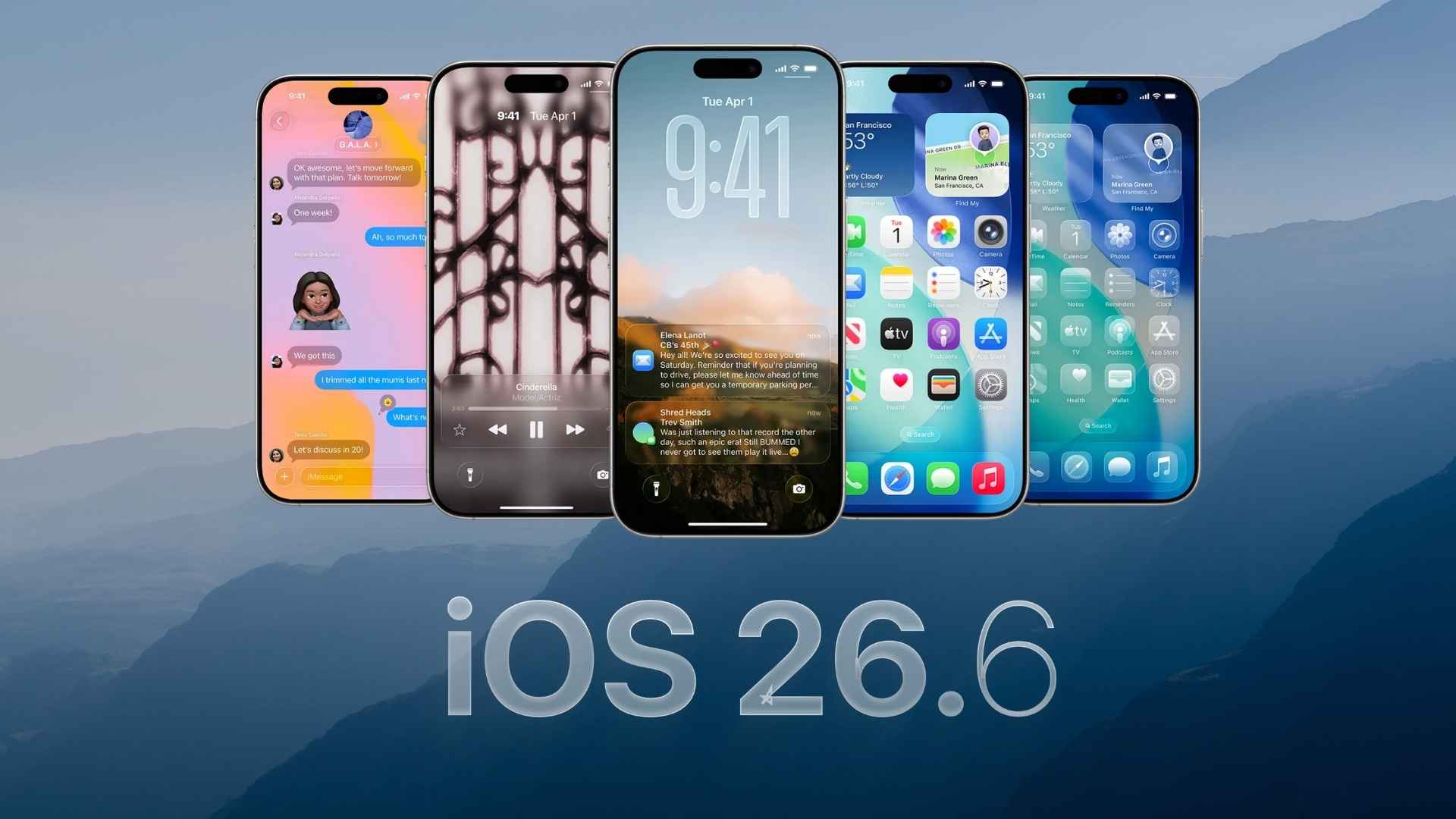
Apple has released the Release Candidate versions of iOS 26.6.1 and iPadOS 26.6.1 for beta testing, giving developers and enrolled beta testers an early look at the software expected to reach everyone soon.
The update arrives shortly after iOS 26.6 and iPadOS 26.6, which Apple released on July 27 with bug fixes, security updates, and changes to prepare the Spotlight index for iOS 27.
How to update to iOS 26.6.1 or iPadOS 26.6.1 RC
If your iPhone or iPad is enrolled in Apple’s beta program, follow these steps:
Don’t miss the best of The Mac Observer
Set us as a preferred source and our Apple reporting ranks higher in your Google Search results and Discover feed — one tap, no account changes.
- Open the Settings app.
- Go to General.
- Tap Software Update.
- Select Beta Updates.
- Make sure the appropriate developer beta option is enabled.
- Return to the Software Update page.
- Tap Download and Install when iOS 26.6.1 or iPadOS 26.6.1 RC appears.
It is a good idea to back up your device before installing beta software, especially on an iPhone or iPad you use every day.
All changes in iOS 26.6.1 and iPadOS 26.6.1 RC
Apple has not announced any major new features for iOS 26.6.1 or iPadOS 26.6.1 RC, and detailed release notes for the update are not available yet.
The 26.6.1 update appears to be a small maintenance release focused on fixing bugs and improving the stability and security of iPhone and iPad rather than adding new user-facing features.
Apple was already testing iOS 26.6.1 internally after releasing iOS 26.6, with the update expected to concentrate on fixes rather than significant changes.
Since this is a Release Candidate, the same build could become the public version if Apple does not find any major problems during final testing.
If you’ve already installed iOS 26.6.1 or iPadOS 26.6.1 RC, let us know your experience in the comments.




Discussion