
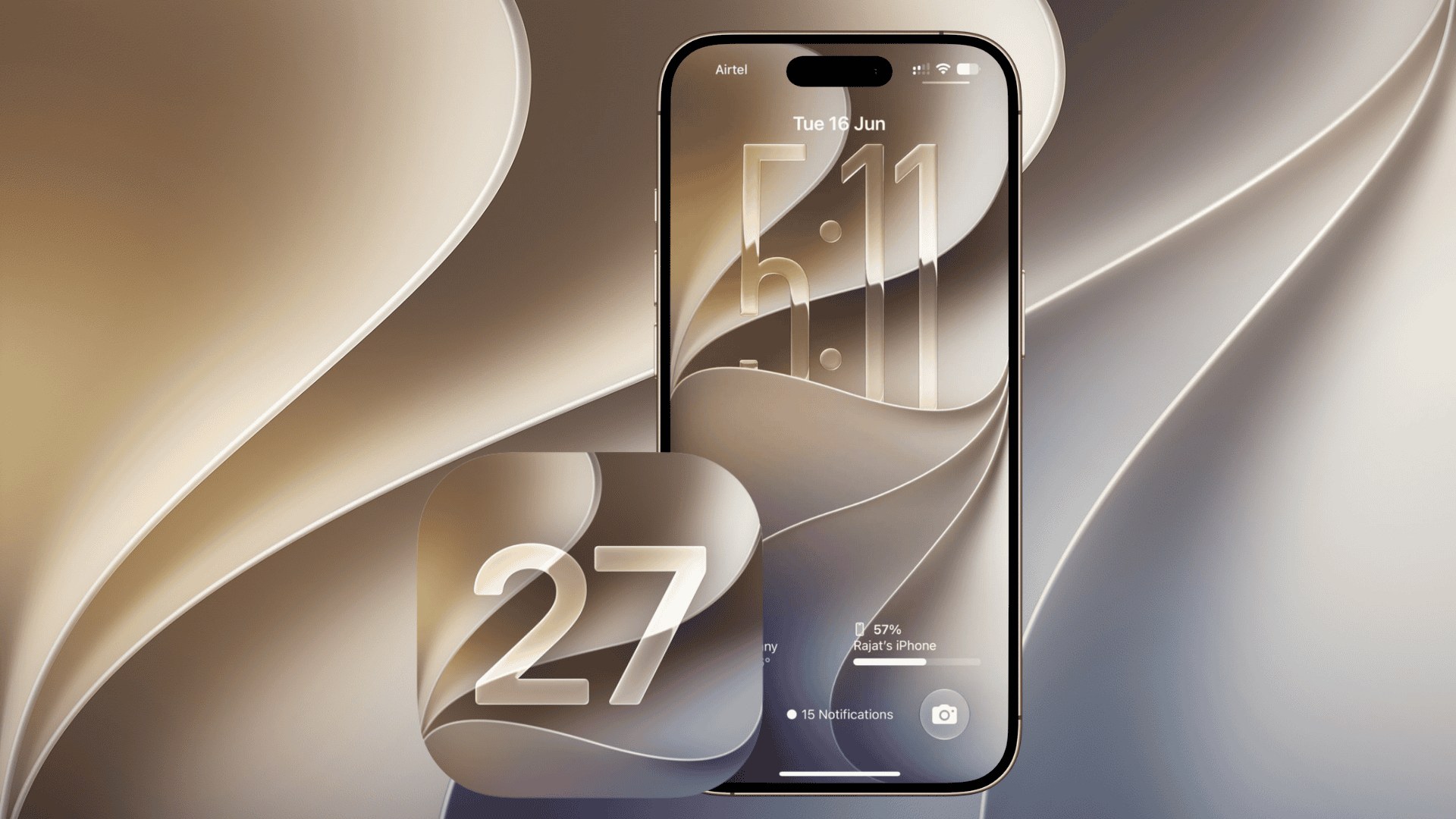
Apple has released iOS 27.3 public beta 2 for iPhone users enrolled in its beta testing program. The update arrived on November 19, 2026, three days after the second developer beta, bringing the latest Siri AI improvements, Safari changes, and other features closer to a wider release expected in December.
Apple also released public betas of iPadOS 27.3, macOS Golden Gate 27.3, watchOS 27.3, and tvOS 27.3. Meanwhile, developers received a revised iOS 27.3 beta 2 carrying build number 24C5049f, replacing the earlier 24C5049d build, according to Apple’s official release page.
What’s New in iOS 27.3 Public Beta 2?
The update continues testing several features introduced in earlier iOS 27.3 builds, alongside improvements to Apple’s built-in applications.
Don’t miss the best of The Mac Observer
Set us as a preferred source and our Apple reporting ranks higher in your Google Search results and Discover feed — one tap, no account changes.
Here are the notable changes:
- Siri AI: Improved support for actions across apps, access to Health information with permission, and better understanding of Safari webpages.
- Safari: New Vertical Tabs layout and Adaptive Dark Mode options for browsing.
- Health: A redesigned interface with personalized Insights and Longevity information.
- iPhone Duo: New front-camera face unlocking and Close to Lock functionality, although availability in the public beta remains unconfirmed.
- Apple TV: New vertical video clips and video podcasts.
- Apple Intelligence: Testing of daily usage limits for advanced AI features, with higher allowances for eligible iCloud+ subscribers.
Apple has also been testing additional iPhone features and improvements, although some remain limited to developer builds.
How to Install iOS 27.3 Public Beta 2
The update is available for compatible iPhones registered with the free Apple Beta Software Program.
- Open Settings on your iPhone.
- Go to General > Software Update.
- Tap Beta Updates.
- Select iOS 27 Public Beta.
- Return to Software Update and wait for iOS 27.3 public beta 2 to appear.
- Tap Update Now and follow the installation instructions.
If you’re already running an earlier public beta, the latest update should appear automatically under Software Update.
Before installing, back up your iPhone because beta versions can introduce battery drain, app compatibility issues, and unexpected bugs.
Apple is expected to release the stable version of iOS 27.3 in December 2026, although an exact release date has yet to be announced.




Discussion