
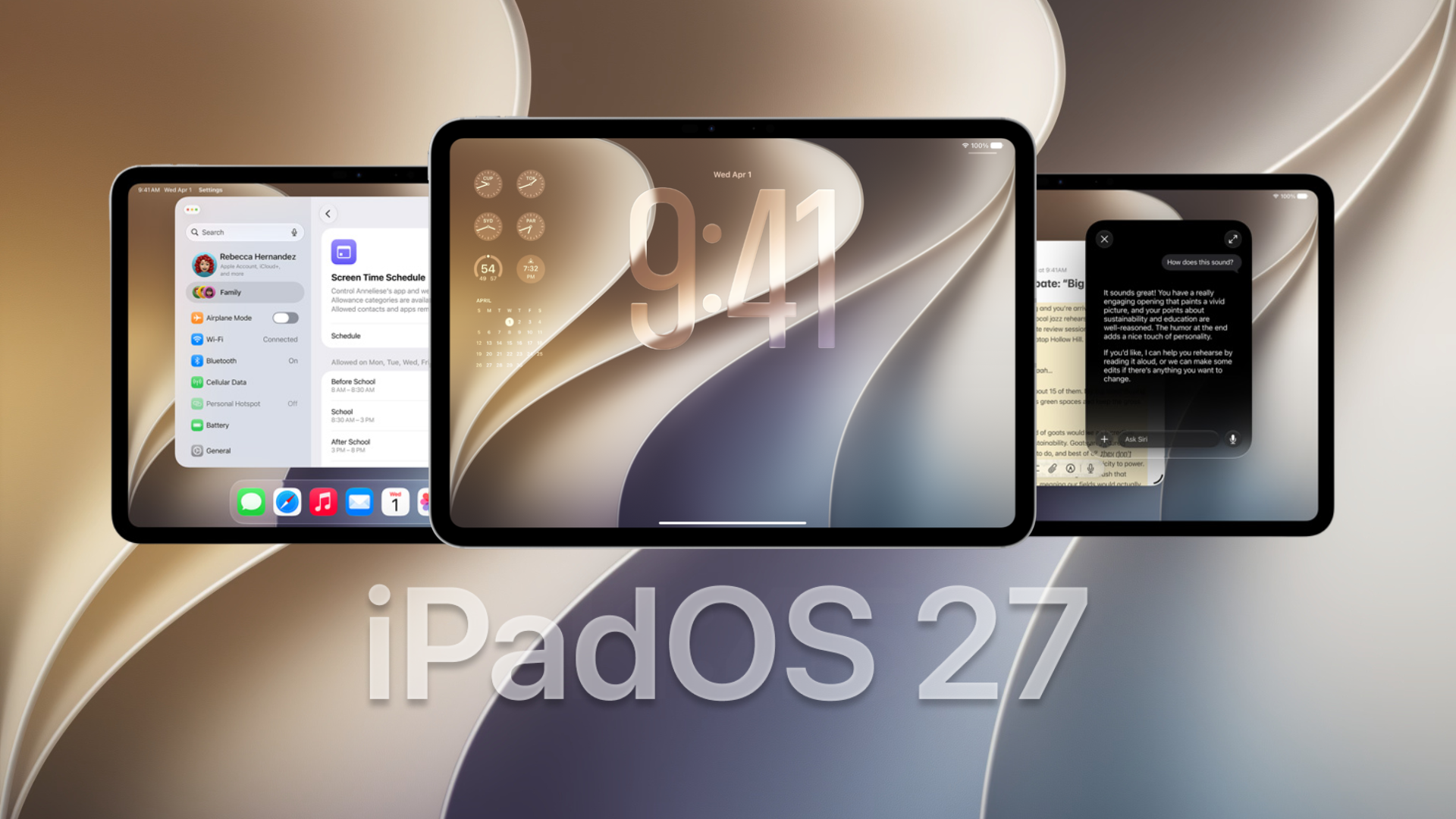
Apple released iPadOS 27.3 public beta 2 on November 19, 2026, giving iPad users another opportunity to test upcoming features before the stable release. The update follows the second developer beta and brings improvements to Siri, Safari, Calendar, and other system apps.
Apple has also issued a revised developer build, 24C5049f, replacing the earlier 24C5049d build. According to Apple’s official release information, the revised build arrived alongside the second public beta.
What’s New in iPadOS 27.3 Public Beta 2?
The latest beta continues refining features introduced earlier this month, while adding several improvements across Apple’s apps.
Don’t miss the best of The Mac Observer
Set us as a preferred source and our Apple reporting ranks higher in your Google Search results and Discover feed — one tap, no account changes.
Here are the notable changes:
- Siri AI improvements: Siri can answer questions about supported health data and perform more actions across apps. It can also use entire Safari webpages as context.
- Safari upgrades: Vertical Tabs provide another browsing layout, while Adaptive Dark Mode adjusts websites that lack native dark themes.
- Calendar redesign: Updated search and event creation controls make common actions easier to access.
- Apple TV improvements: The app introduces video podcasts and short vertical clips from Apple Originals.
- Health app: The redesigned interface includes personalized insights and additional health information.
The broader iPadOS 27.3 update also includes system refinements and developer-facing changes. Some features require Apple Intelligence-compatible hardware, and availability varies by region.
How to Install iPadOS 27.3 Public Beta 2
Users enrolled in the Apple Beta Software Program can download the update directly from Settings.
- Open Settings on your compatible iPad.
- Navigate to General > Software Update.
- Tap Beta Updates.
- Select iPadOS 27 Public Beta.
- Return to Software Update and tap Update Now or Download and Install.
Back up your iPad before updating, as beta software can introduce performance issues, battery drain, or app compatibility problems.
Apple is expected to release the stable version of iPadOS 27.3 in December, although an official launch date remains unconfirmed.




Discussion