
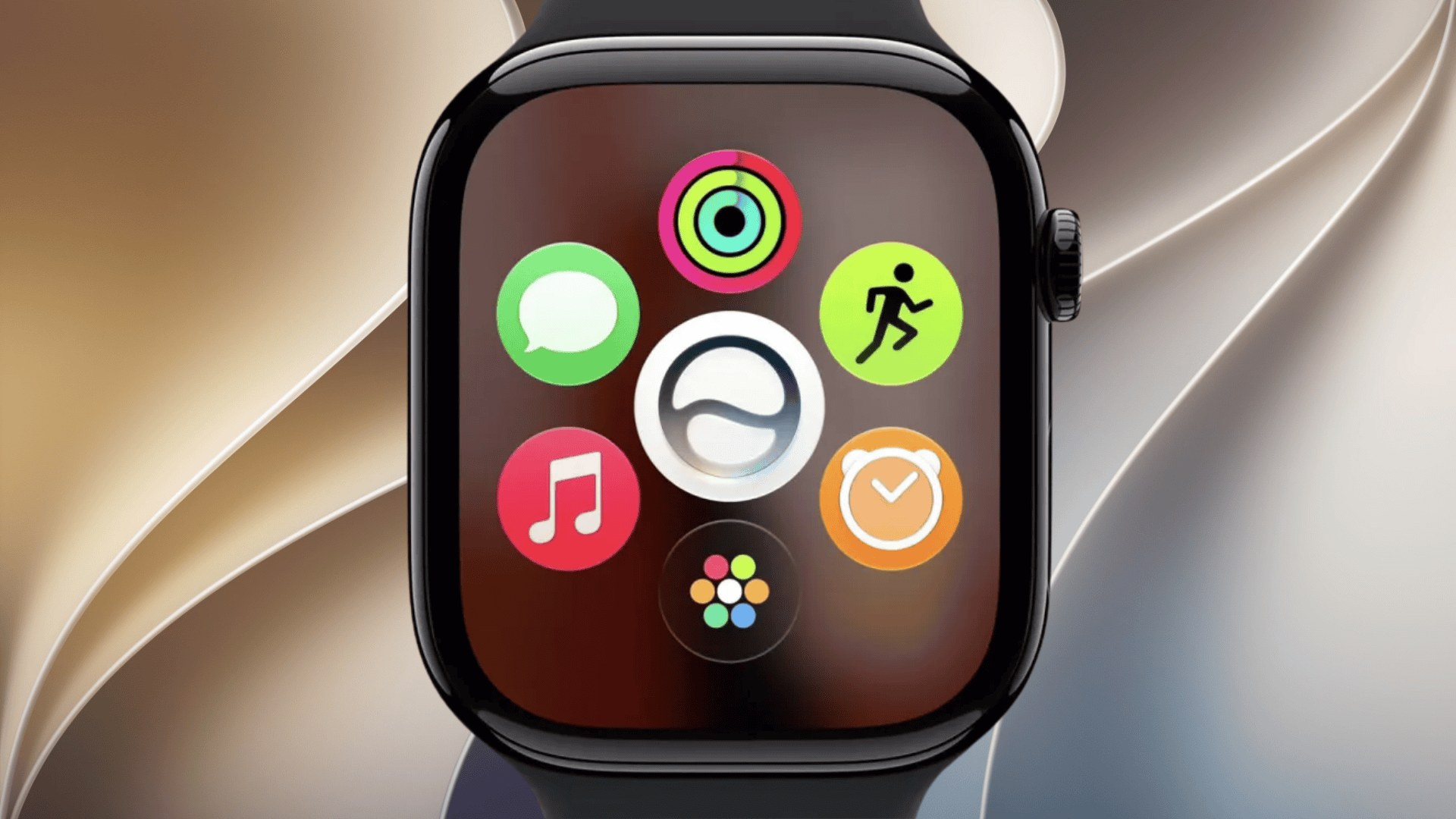
Apple has released watchOS 27.3 public beta 2 for compatible Apple Watch models, allowing public testers to try the latest improvements before the final release. The update arrived on November 19, three days after the developer beta, and continues testing Apple’s new Audio Intelligence features.
According to Apple’s developer release page, watchOS 27.3 beta 2 carries build number 24S5296d, replacing the previous build 24S5284h.
What’s New in watchOS 27.3 Public Beta 2?
The update continues testing two major Audio Intelligence features introduced in watchOS 27.3, available exclusively on Apple Watch Series 12 and Apple Watch Ultra 4.
Don’t miss the best of The Mac Observer
Set us as a preferred source and our Apple reporting ranks higher in your Google Search results and Discover feed — one tap, no account changes.
- Live Rewind: Lets users double-press the Digital Crown to retrieve a transcript of the previous 15 seconds of conversation, making it easier to recall something they missed.
- Siri Recap: Uses Apple Intelligence to summarize conversations throughout the day. Users can review these summaries in the Siri app, with unsaved recaps automatically disappearing after seven days.
Both features require a compatible iPhone supporting Apple Intelligence and Siri AI. Apple uses Secure Exclave and Private Cloud Compute technologies to protect audio processing and conversation summaries.
Apple has not announced additional features exclusive to public beta 2. The latest build continues refining the functionality introduced in the first watchOS 27.3 public beta, alongside potential stability improvements and bug fixes.
How to Install watchOS 27.3 Public Beta 2
Users enrolled in the Apple Beta Software Program can install the update through their paired iPhone.
- Open the Watch app on your iPhone.
- Navigate to General > Software Update.
- Tap Beta Updates.
- Select watchOS 27 Public Beta.
- Return to Software Update and tap Download and Install.
Make sure your Apple Watch has at least 50% battery, remains connected to its charger, and stays near your iPhone during installation.
The update supports Apple Watch Series 9 and later, Apple Watch Ultra 2 and later, and Apple Watch SE 3. However, the new Audio Intelligence features remain exclusive to the latest Series 12 and Ultra 4 models.
Apple is expected to release the stable version of watchOS 27.3 in December. Since beta updates can introduce bugs and battery issues, users should consider the risks before installing, particularly because Apple does not support downgrading watchOS betas.


Discussion