
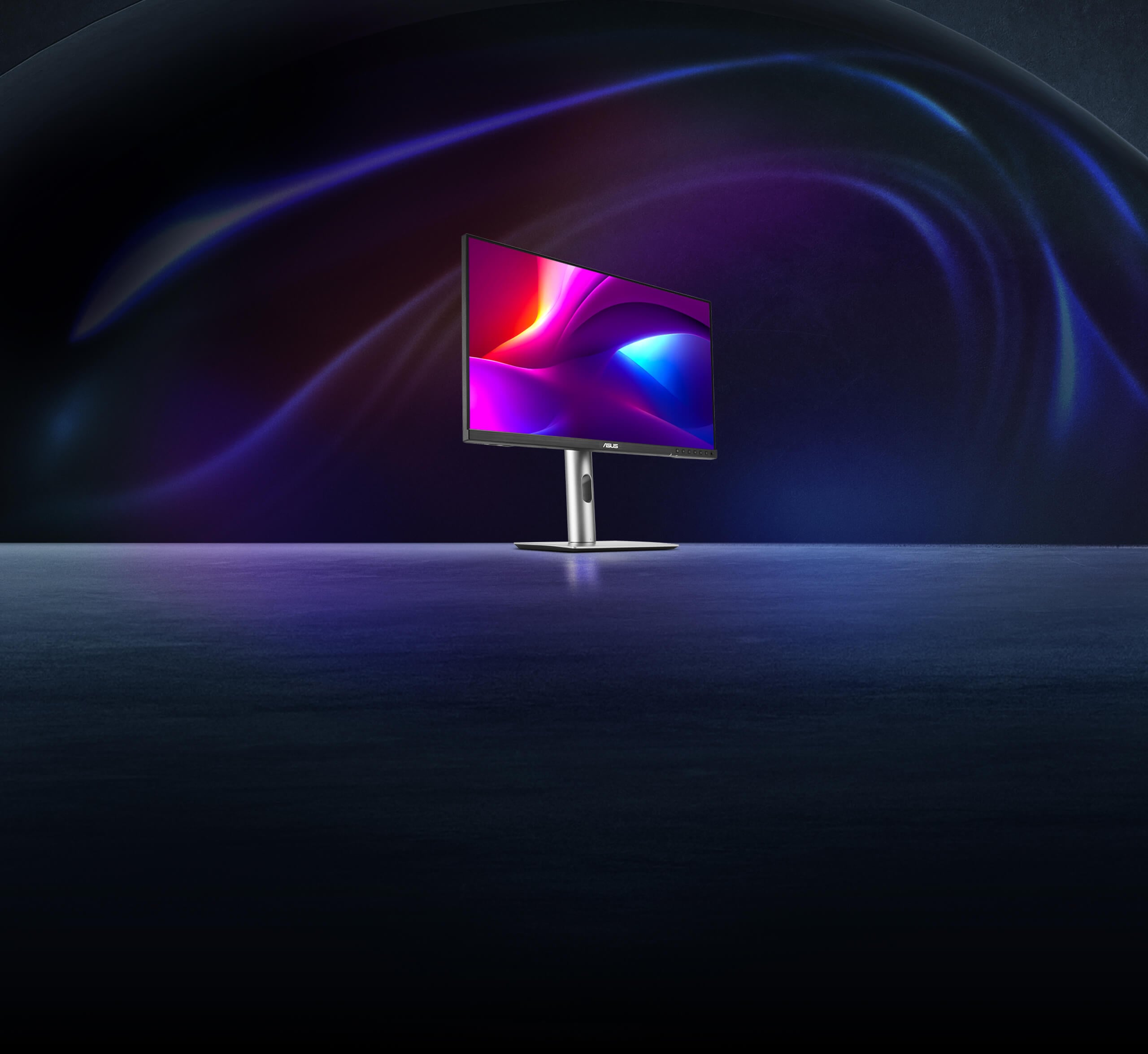
The ASUS ProArt PA27JCV puts a 27-inch 5K panel on your desk for $599 on Amazon, down from its $699 list price. That is $100 off a monitor ASUS built with Mac owners in mind, and it lands $800 under the Studio Display deal we covered this week. If you edit photos, cut video or read text for hours on a MacBook or Mac mini, this is the 5K screen to look at before you spend Apple money.
We checked the price, seller and stock on Amazon on November 25, 2026. Amazon.com is the seller, and the listing showed it in stock with no low-stock warning. ASUS charges the same $599 in its own US store against the same $699 regular price, so this is a real $100 cut and not a padded list price.
The PA27JCV matches the Studio Display on 5K resolution and 218 pixels per inch
Sharpness on a Mac comes down to pixel density, and this is where the ASUS earns its place. ASUS lists a 5120 x 2880 IPS panel at 218 PPI on its PA27JCV spec page. Apple lists the Studio Display at 5120 by 2880 and 218 pixels per inch on its Studio Display spec page. Same size, same grid, same density, so text should look just as crisp.
Don’t miss the best of The Mac Observer
Set us as a preferred source and our Apple reporting ranks higher in your Google Search results and Discover feed — one tap, no account changes.
Color is strong too. ASUS quotes 99% DCI-P3, 100% sRGB and 95% Adobe RGB, a factory calibration to Delta E under 2 with Calman verification, and 10-bit color for 1.07 billion shades. It supports HDR10 and refreshes at 60Hz, the same rate Apple lists for the Studio Display. ASUS also added an M Model P3 color setting that it says lines the monitor’s colors up with a MacBook screen.
Apple still wins on brightness, the built-in camera and the Thunderbolt 5 ports
You do give things up for $800. Apple rates the Studio Display at 600 nits. ASUS lists 400 nits typical and 500 nits peak in HDR.
The bigger difference is what sits around the panel. The Studio Display has a 12MP Center Stage camera with Desk View, a three-mic array and six speakers with force-cancelling woofers. The PA27JCV spec sheet lists no camera at all and a pair of 2W speakers. Apple’s current model also runs on Thunderbolt 5, with one upstream port that charges your Mac at 96W, one downstream port for daisy-chaining another display, and two 10Gb/s USB-C ports.
The ASUS covers more inputs instead:
- One USB-C port with DisplayPort Alt Mode and 96W power delivery
- One DisplayPort 1.4 and one HDMI 2.1 input
- A USB hub with one USB-C and three USB-A ports, all USB 3.2 Gen 1
- A headphone jack and a built-in KVM switch
| Monitor | Amazon price | List price | Height adjustment |
|---|---|---|---|
| ASUS ProArt PA27JCV 5K | $599 | $699 | 0 to 130mm |
| Studio Display, tilt stand | $1,399 | $1,599 | None |
| Studio Display, tilt and height stand | $1,799 | $1,999 | 105mm |
The ASUS stand moves in ways Apple charges you $400 extra for
Apple’s standard stand only tilts, from minus 5 to plus 25 degrees. If you want height adjustment, the version with the tilt- and height-adjustable stand costs $1,799 on Amazon, $400 more than the tilt-only model. Even then it cannot turn sideways. For portrait mode you need the VESA mount adapter version.
The PA27JCV stand tilts, swivels 30 degrees each way, pivots 90 degrees into portrait and rises 130mm, all in the box. It also takes a standard 100 x 100mm VESA mount.
What ASUS says about plugging the PA27JCV into a MacBook or Mac mini
ASUS sells this as a Mac monitor on its PA27JCV product page and says third parties tested it for Mac compatibility. Its DisplayWidget Center app runs on macOS. With that app installed and the latest firmware, ASUS says your MacBook brightness keys control the monitor, but only while the mouse pointer sits on the ProArt screen.
One USB-C cable carries video, data and up to 96W of charging, which matches the 96W Apple quotes for the Studio Display. The KVM switch lets you run a Mac and a Windows PC off one keyboard and mouse. Amazon’s listing also includes a five-year warranty, three years plus two more when you register online, and three free months of Adobe Creative Cloud.
If 5K is more than you need, we also covered the cheaper ASUS ProArt PA279CRV at $349, a 4K panel for the same color-focused crowd.
Who should buy the PA27JCV and who should pay up for the Studio Display
Buy the ASUS if your Mac already has a camera you use, or you run a separate webcam, and you care most about a sharp, color-accurate screen. It also suits you if you switch between a Mac and a PC, since Apple’s display has no HDMI or DisplayPort input. Mac mini owners can put the savings toward more memory on the computer itself.
Pay for the Studio Display at $1,399 if you want the camera, mics and speakers built in, the brighter 600-nit panel and Thunderbolt 5 for a one-cable desk.
For everyone else, the ASUS ProArt PA27JCV at $599 gives you the Studio Display’s pixel density, a better stand and more inputs for less than half the price. You lose the camera and some brightness, and you keep $800.
MacObserver may earn a commission when you buy through links on this page. It doesn’t change the price you pay.



Discussion