
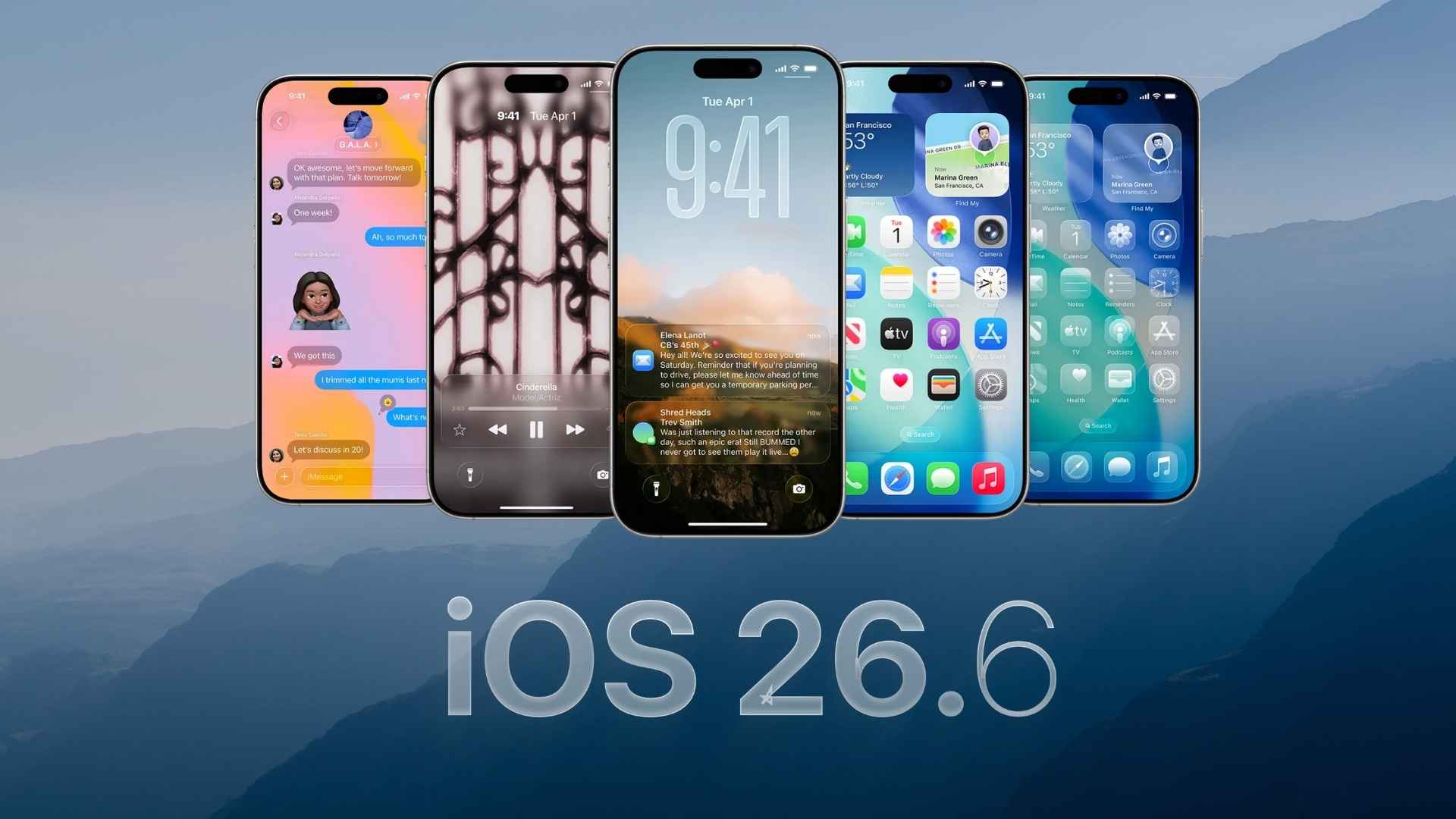
Apple has released the second public beta of iOS 26.6, iPadOS 26.6, macOS Tahoe 26.6, watchOS 26.6, and tvOS 26.6. The update arrives one day after the developer beta and about three weeks after the first public beta. Public testers can install the latest software now through the Settings app.
While attention is already shifting toward iOS 27 and Apple’s next generation software lineup, iOS 26.6 continues to receive updates focused on stability, security, and system improvements.
How to Update
- Sign in to Apple’s Beta Software Program.
- Open Settings on your iPhone.
- Tap General.
- Select Software Update.
- Download and install iOS 26.6 Public Beta 2.
The same process applies to compatible iPads, Macs, Apple Watches, and Apple TV devices.
Don’t miss the best of The Mac Observer
Set us as a preferred source and our Apple reporting ranks higher in your Google Search results and Discover feed — one tap, no account changes.
What’s New in iOS 26.6 Public Beta 2
Blocked Contacts Warning
- Apple has added a notification that alerts users when they have blocked an unusually high number of contacts.
- The limit is extremely high, reaching into the thousands, so most users are unlikely to encounter the warning.
New Anti-Theft Protection Signs
- Code discovered in iOS 26.6 points to a potential anti-snatching feature.
- The feature appears designed to automatically lock an iPhone if it is suddenly taken from a user’s hand.
- Apple has not officially announced the feature yet.
Bug Fixes and Security Improvements
- No major user-facing features have been discovered in this release.
- Apple appears to be concentrating on performance refinements, bug fixes, and security updates as the iOS 26 cycle nears its end.
Looking Ahead
iOS 26.6 is expected to be one of the final updates before Apple moves fully to iOS 27 and its next wave of operating system releases later this year. The current beta focuses on polishing the experience rather than introducing major new features.
If you’ve already installed the update, let us know your experience in the comments.




Discussion