
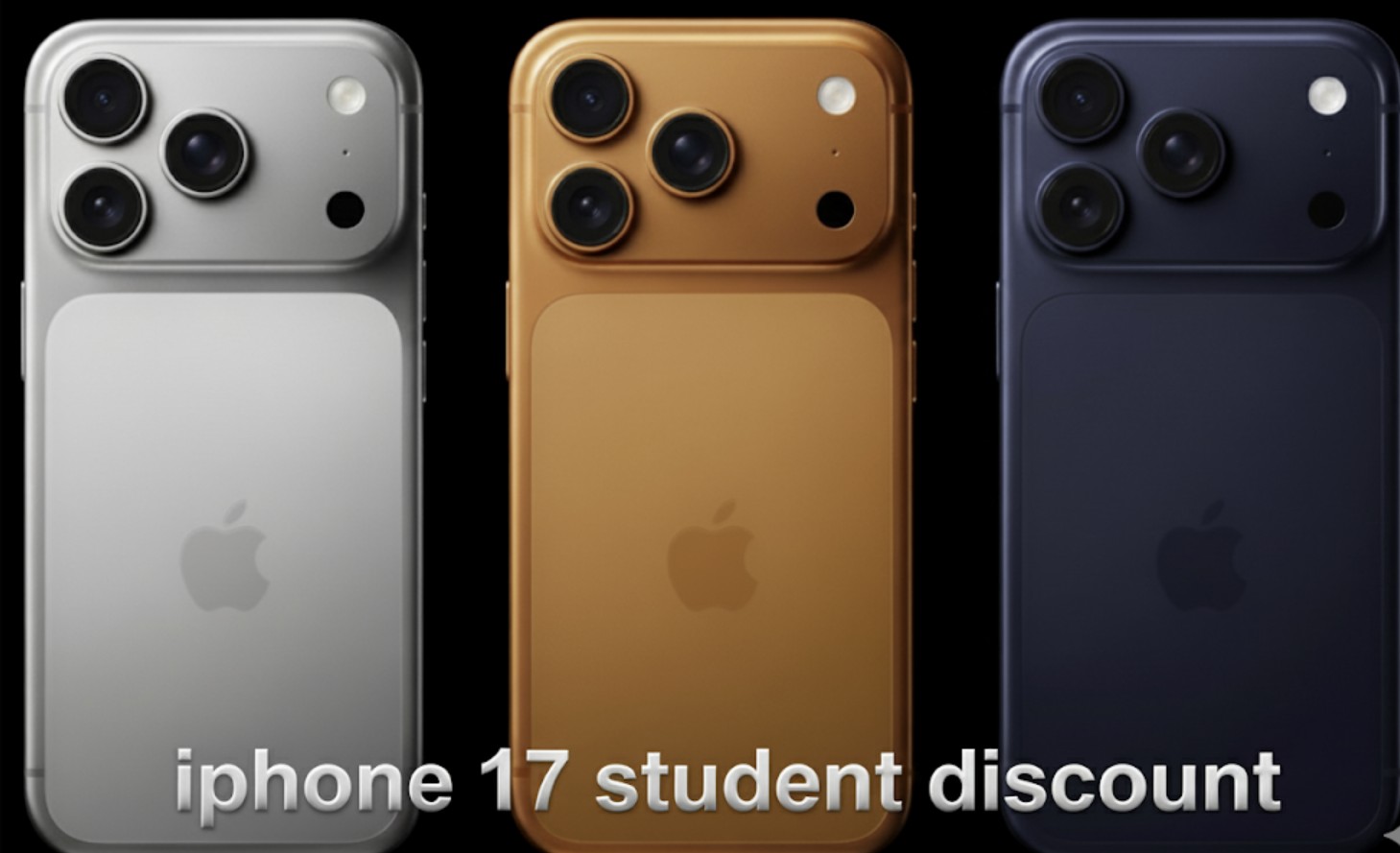
This guide explains every legitimate way a student can lower the price of a new iPhone 17. While policies can vary by country and retailer, you can use the checklist and workflow below to find the absolute best option for you.
While Apple’s own Education Store typically does not discount iPhone hardware, most student savings come from combining carrier bill-credit deals, retailer student programs, trade-ins, and payment perks. For the best result, you should aim to stack two or three of these methods.
Before You Start: A Student’s Checklist
To move quickly and secure the best offers, have the following ready:
- Prove Your Eligibility: Have your university email, your UNiDAYS/Student Beans account login, or a dated enrollment letter on hand for fast verification.
- Know Your Priorities: Decide what matters most to you. Are you focused on the lowest total cost over the full term, the lowest possible monthly bill, or the ability to upgrade to a new phone early?
- Check Your Network Situation: The offers you see will change depending on whether you are adding a new line or just upgrading an existing one.
- Have a Trade-in Ready: If you plan to trade in an old phone, make sure it is clean, fully backed up, has Find My turned off, and has been wiped of all personal data.
The Student Savings Stack (From Biggest to Smallest)
The best strategy is to stack multiple offers. Here are the most common ones, ordered by their potential savings.
Don’t miss the best of The Mac Observer
Set us as a preferred source and our Apple reporting ranks higher in your Google Search results and Discover feed — one tap, no account changes.
Carrier Bill Credits on a 24–36 Month Plan
What it is: These are monthly discounts applied to your bill that repay part of the phone’s price, but only as long as you maintain your service plan.
Typical size: The savings are often equivalent to hundreds of dollars off over the full term of the contract.
Best for: Students who are confident they will stay with the same mobile carrier for two to three years.
Watch out for: Be aware of early-termination clawbacks, where you may owe the remaining balance of the phone if you cancel service. These deals also frequently have autopay requirements and may require you to sign up for a more expensive unlimited data tier.
Retailer Student Programs
What it is: These are special student pricing offers or gift cards provided by retailers when you purchase and activate a phone with them. Verification through services like UNiDAYS or Student Beans is common.
Typical size: This is usually a small hardware discount or a gift card that you can use for cases, AppleCare+, or other accessories.
Watch out for: Read the “with activation” fine print carefully. Also, be aware of limited color or storage options and any restocking fees if you decide to return the device.
Trade-in Credit
What it is: This is an instant credit or a bill credit you receive for trading in your old iPhone or Android device.
Typical size: The value varies widely based on your old phone’s model, its condition, and the time of year.
How to maximize: To get the most money, include the original box and cables if you have them, fix any cheap issues like a cracked screen protector, and photograph the phone’s condition. Be sure to get quotes from multiple places (Apple, your carrier, retailers) to see who offers the most.
Payment Perks
What it is: These savings come from using cashback credit cards, 0% interest installment plans, special student bank offers, or carrier autopay discounts.
Typical size: Expect 1–5% back on your purchase or the ability to pay in low or no-interest monthly installments.
Tip: Combining monthly installments with carrier bill credits is a great way to improve your cash flow without changing the total cost you pay for the new iPhone 17.
Seasonal Promos
What it is: Keep an eye out for special back-to-school, Black Friday, or holiday bundles and promotions.
Typical size: These deals often come in the form of gift cards or extra bonus value added to your phone trade-in.
Tip: If you can wait for one of these sales events, you can combine the promotional offer with the other stacks listed above for maximum savings.
Does Apple’s Education Store Discount the iPhone 17?
The short version is: usually no. Apple’s excellent education pricing focuses on Mac computers, iPads, some accessories, and AppleCare+ for those specific products.
The iPhone is typically excluded from the education price list. While students can certainly buy an iPhone from Apple, they will pay the standard retail price. Any exceptions are rare and depend on the region, so your best bets for a discount will always be with carriers and retailers.
What to Expect in Your Country
- United States: No Apple Education discount on iPhone. The strongest savings come from carrier bill credits, especially with a new line or a trade-in. Retailers may add student-only gift cards, with UNiDAYS as the usual verifier.
- Canada: Similar to the U.S., carriers often run student plans during the academic year. Look for device credits that are tied to these specific plans.
- UK/Ireland: Apple’s Higher Education store usually excludes the iPhone. Expect to use UNiDAYS for verification at both Apple and other retailers. Carriers run aggressive bill-credit promos at the start of new university terms.
- EU (Germany, France, Spain, Italy, Nordics): The pattern mirrors the UK. Retailer student programs exist but terms vary. Carriers may offer special student tariffs that include device credits.
- Central/Eastern Europe (including Romania): Apple sells through authorized resellers. Look for student offers from your local mobile carriers and Apple Premium Resellers. A trade-in combined with carrier financing is typically the best stack available.
- Australia/New Zealand: Apple’s Education pricing generally excludes the iPhone. Carriers and major retailers are the best places to find student bonuses and plan credits.
Step-by-Step: The Cheapest Legitimate Path
- Verify Your Student Status First. Create or refresh your UNiDAYS/Student Beans account, or have your university email or enrollment letter ready to go.
- Price the Phone Three Ways. Get quotes for the phone from A) Apple directly with a trade-in, B) A carrier plan with bill credits and your trade-in, and C) A retailer’s student offer with activation. Write down the device cost, credits, plan price, fees, and term length for each.
- Compute the True Total Cost of Ownership. For each option, calculate: the phone price minus all device credits, minus your trade-in value, minus any gift cards, plus any activation or upgrade fees, plus the total plan cost over the commitment period. Do the math for both the monthly cost and the total cost.
- Check Upgrade Rules. If you think you’ll want the next iPhone early, you should prefer options that include early-upgrade programs or have shorter commitment terms.
- Stack Payment Perks. Use an eligible cashback credit card or a 0% installment plan. Make sure to turn on any required autopay settings to get carrier discounts.
- Add Only the Protection You Need. A good case and screen protector are much cheaper than repairs. AppleCare+ for iPhone is rarely discounted for students, so only buy it if you truly need the accidental-damage coverage.
- Close the Best Bundle. Lock in the carrier or retailer offer that has the lowest total cost and the best flexibility for your needs. Confirm the bill-credit schedule, the return window, and any restocking fees in writing. It’s always a good idea to keep screenshots of the offer.
Example Math (How to Compare Offers)
- Scenario A: Direct Purchase, No Trade-in: List price is $1,000. A cashback card gives you 3% back, which is $30. Your net cost is $970.
- Scenario B: Carrier Bill Credits over 36 Months: The device price is $1,000. You get bill credits totaling $720 over 36 months ($20 per month credit). There is an activation fee of $35. The required plan costs $10 more per month than your current plan. Your net device cost is $1,000 − $720 + $35 + the extra plan cost over 36 months.
- Scenario C: Retailer Student Deal with $100 Gift Card and $300 Trade-in: The price is $1,000 − $300 trade-in − $100 gift card, making the effective cost $600, plus any activation fees.
Always compare both the monthly outlay and the total cost over the entire term.
Pro Tips for Maximum Savings
- New Line vs. Upgrade: New lines usually get the biggest credits. If you can move carriers or add a new line, you’ll likely save more.
- Don’t Ignore Prepaid/MVNOs: Some smaller carriers offer instant device discounts with fewer strings attached during student campaigns.
- Keep Your Number: Look for port-in bonuses when switching carriers to get extra credit.
- Time Your Trade-in: Trade-in values are at their peak right before a new iPhone ships and again during major holiday promotions.
- Save on Storage: iCloud plans are cheap for students. Unless you shoot a lot of ProRes video or 4K footage, do the math before paying more for a larger-storage model.
Frequently Asked Questions
Can I stack a student program with carrier credits?
Yes, this is often possible when a retailer verifies you as a student and then activates your phone on an eligible carrier plan. Read the fine print to ensure both offers apply.
Are refurbished iPhones worth it for students?
Yes, an Apple-certified or top-tier retailer refurbished phone can save you money, but student-only discounts rarely apply on top of the refurbished price. Always check the battery health and warranty.
Do international students qualify?
Usually, yes, if you can verify your enrollment in the country of purchase or through an accepted third-party verification service.
Is AppleCare+ cheaper for students on iPhone?
Typically no. Some regions discount AppleCare+ for Mac and iPad only.
Can I get a discount without switching carriers?
It’s possible through upgrade offers, but the largest savings usually require adding a new line, porting a number in, or trading in a phone during a special promotional window.
Red Flags and Common Gotchas to Avoid
- Bill-Credit Traps: If you cancel your service early, the remaining credits will stop, and you will owe the full unpaid balance of the phone.
- Plan Upsell: A “student deal” may require you to sign up for a much pricier plan that completely erases your savings.
- Restocking Fees: Returning a phone can cost you up to 15% of the purchase price at some retailers.
- Locked Devices: Phones bought from carriers may be locked to their network and require months of active service before they can be unlocked.
- Add-ons Creep: Be careful of insurance, device protection plans, and accessory bundles that can quietly add $10–$20 to your monthly bill.
There isn’t a universal “Apple student price” for the iPhone 17. The best student deal is the one where you successfully stack carrier bill credits, a retailer student perk, and a strong trade-in, all while keeping your monthly plan cost under control. Do the math line by line for each offer, lock in the final promo in writing, and you’ll land the lowest real price without any surprises.


Discussion