

Several free tools, such as YTMP3.cc and TurboScribe.ai, allow you to download audio from YouTube to your Mac. You simply have to paste the URL of a YouTube video and click a button to convert it to MP3 audio. This is useful when you want to enjoy your favorite YouTube music, podcasts, or lectures offline on your Mac. Below, I’ve explained exactly how to use a free online converter and suggested some apps you can try for more advanced options.
How to Download Audio from YouTube to Mac for Free
I’ve used the free tool YTMP3.cc, which works like a charm.
- Copy the URL of the YouTube video you want to convert.
- Go to a trusted online converter site such as YTMP3.cc.
- Paste the link into the conversion box.
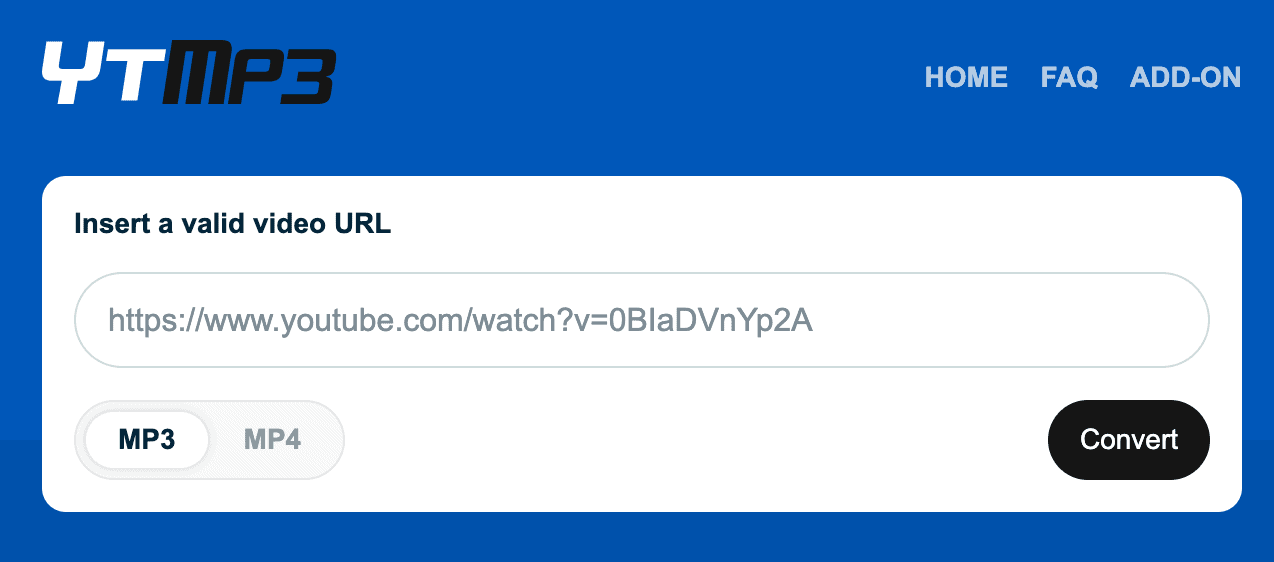
- Select MP3 as your output format.
- Click Convert or Start.
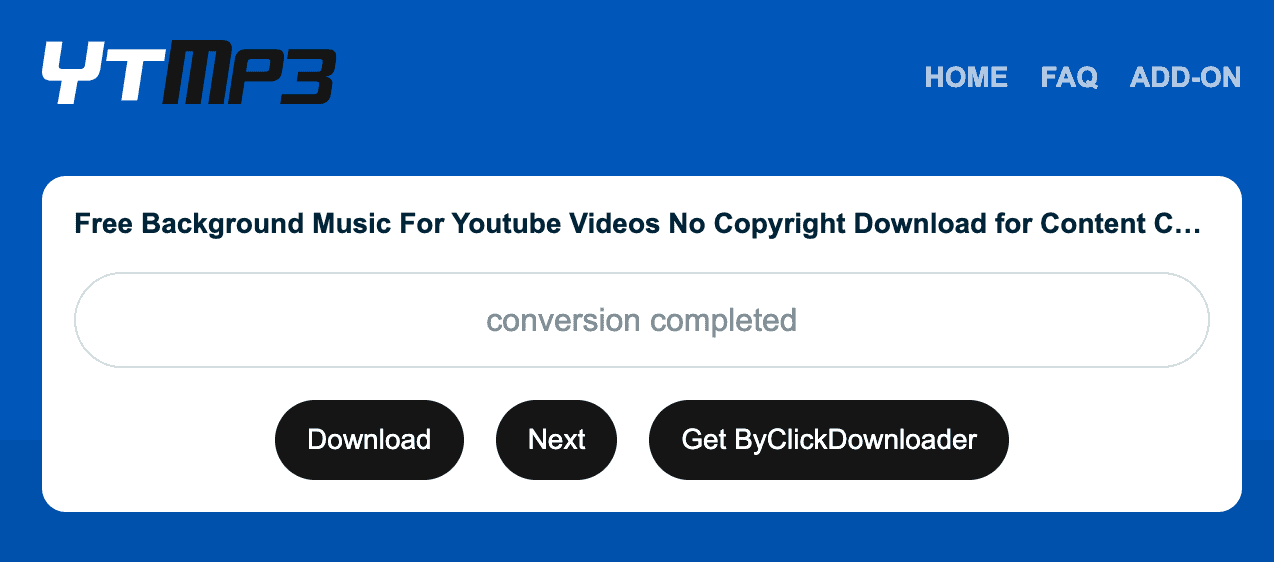
- Once processed, click the Download button to save the MP3 file to your Mac.

Note: Some free websites may show ads or have pop-ups, so use an ad blocker or proceed with caution. Alternatively, for a safer experience and more customization options, you can try an app to convert YouTube videos to audio, as explained below.
How to Download Audio from YouTube to Mac? (Paid Options)
If you need higher-quality audio, faster downloads, or batch conversion, paid tools might be worth considering. These offer more features and are generally ad-free. You can download and install them on your Mac from their official websites.
1. YT Saver for Mac
- Supports thousands of websites, including YouTube.
- Allows batch downloads and multiple formats.
- Fast download and conversion speeds.
2. YTD Video Downloader Pro
- Converts to MP3, AAC, and more.
- Premium version supports faster speeds and playlist downloads.
3. 4K YouTube to MP3
- Downloads full YouTube playlists and channels
- Removes ads and download limits.
For occasional use, online converters or apps like 4K YouTube to MP3 offer reliable, no-cost solutions. But if you’re an audiophile or content creator looking for speed, quality, and convenience, investing in a premium tool might be worthwhile. Just remember to respect copyright laws and only download audio for personal, non-commercial use.


