
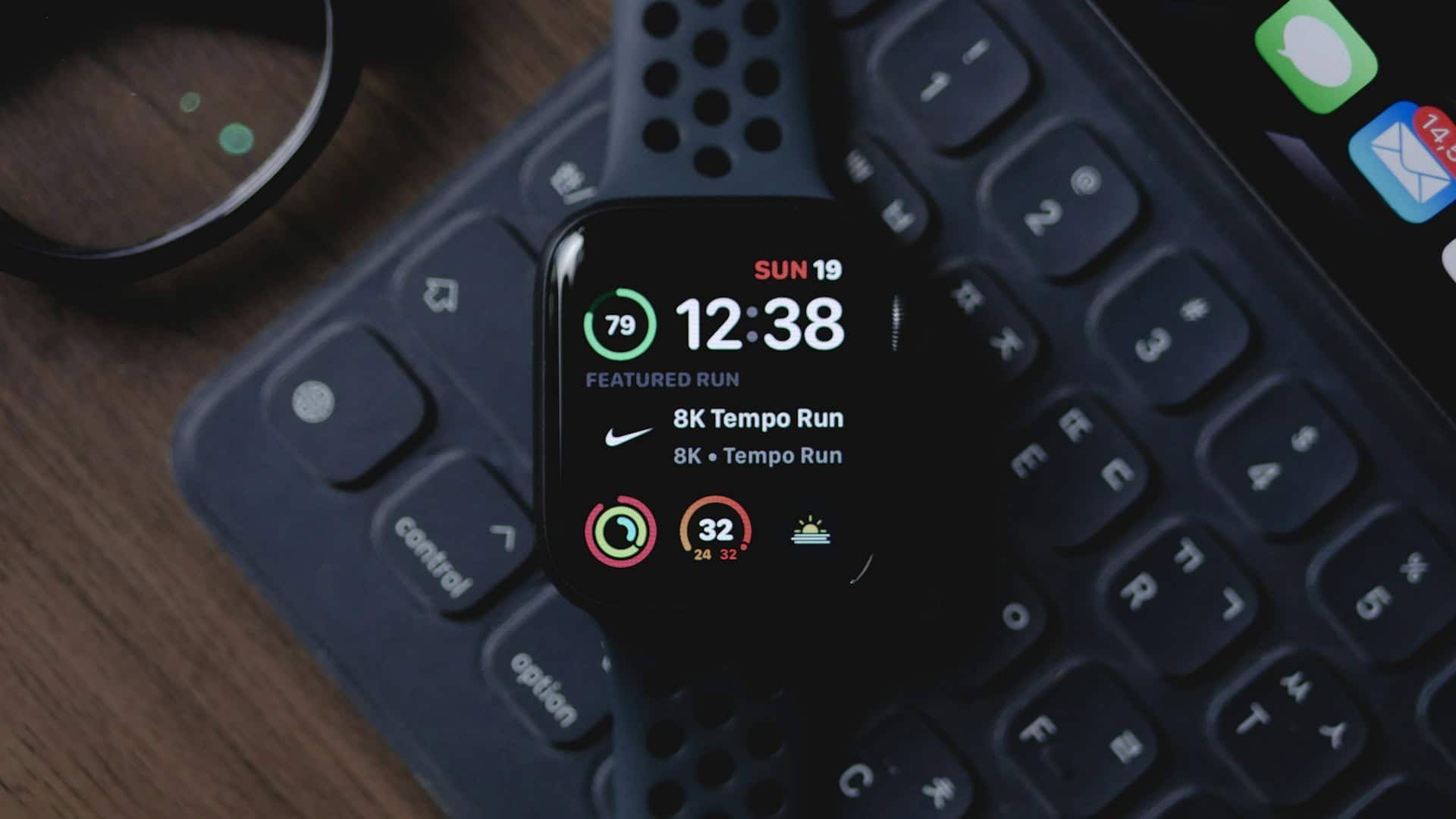
Apple Watch body battery is a concept that helps you track your daily energy levels and recovery so you can plan your activities better. While Apple has not introduced an official body battery feature yet, Apple Watch owners can get the same benefit through third-party apps available on the App Store.
The idea originally became popular with Garmin devices, which calculate body battery by analyzing heart rate variability, stress, activity, and sleep.
So, let’s find out all about the Apple Watch body battery feature and how to set it up!
Don’t miss the best of The Mac Observer
Set us as a preferred source and our Apple reporting ranks higher in your Google Search results and Discover feed — one tap, no account changes.
Table of contents
What is Apple Watch body battery?
- Body battery is a score that represents your body’s energy reserves.
- Garmin made this feature popular by combining metrics like heart rate variability, resting heart rate, sleep, and stress.
- Apple Watch does not have this feature built in, but you can use third-party apps such as BodyState and Body Battery: Readiness Score to get similar results.
- These apps use Apple Health data and give you a daily readiness score between 0 and 100, showing whether you should be active or take it easy.
How to set up and use the Apple Watch body battery feature?
Follow these steps to start using Body Battery on your Apple Watch:
- Download one of the compatible apps from the App Store, such as BodyState or Body Battery: Readiness Score.

- Make sure your iPhone runs iOS 17 or later and your Apple Watch has watchOS 10 or later.
- Open the app after installation and allow the required permissions like Health, sleep, and workout access.
- Wear your Apple Watch during the day and night so it can track sleep and activity data accurately.
- Check your daily body battery score directly in the app, on widgets, or on your watch face.
- If using Body Battery: Readiness Score, choose a subscription plan after the free trial. BodyState is free with optional support.
Body Battery is a sought-after feature and made it to the list of improvements we wished to see in the next watchOS update.
Comparison between BodyState & Body Battery apps
| Feature | BodyState | Body Battery: Readiness Score |
|---|---|---|
| Price | Free (with optional support/donations) | Subscription after free trial |
| Data Sources | HRV, resting heart rate, sleep, acute training load | HRV, resting heart rate, sleep, workouts |
| Score Type | BodyState score (1–100) | Readiness score (0–100) |
| History Tracking | Up to 1 year | Shorter history, mostly focused on recent data |
| Widgets & Complications | Yes, with customizable watch and phone widgets | Yes, with detailed readiness widgets |
| AI Coaching / Guidance | Available with personalized recommendations | Focus on readiness and recovery advice |
| Privacy | Local data storage, high focus on privacy | Standard app data usage with sync |
| Best For | Users who want a free, privacy-first, long-term tracker | Users who prefer detailed analytics and advanced readiness tracking |
Tips
- Always enable sleep tracking, as sleep quality plays a big role in the score.
- Consider enabling AFib History to improve heart rate variability tracking while you sleep, but only if you are comfortable with the feature.
- Pick the app that best matches your style. Use BodyState if you prefer free usage and privacy, or Body Battery: Readiness Score if you want detailed coaching and analytics.
- Place a widget or complication on your watch for quick daily checks.
- Reset or recalibrate your baseline if you are sick or inactive for some time.
- Use the data to balance activity and rest, which helps you avoid fatigue and overtraining.
Frequently Asked Questions
No, Apple Watch does not include a body battery feature by default. You need to install a third-party app.
BodyState is free with optional support. Body Battery: Readiness Score requires a subscription after a free trial.
The score is based on your health data like HRV, resting heart rate, sleep, and workouts. It may not be perfect, but many users find it very helpful for daily planning.
Yes, it can improve HRV tracking, which helps the score. However, it may turn off certain heart alerts, so use it carefully.
Summary
- Apple Watch does not have a body battery as a built-in feature.
- You can use apps like BodyState or Body Battery: Readiness Score to get similar functionality.
- These apps rely on health data like HRV, sleep, resting heart rate, and workouts.
- BodyState is free, while Body Battery: Readiness Score is subscription-based.
- Sleep tracking and HRV monitoring improve accuracy.
- The score helps guide when to train and when to rest.
Conclusion
Apple Watch body battery is not a native feature, but with the right app, you can unlock this powerful tool. It takes the health data your watch already collects and turns it into a simple readiness score that guides your daily choices.
By checking your body battery just like you check your phone battery, you can train smarter, avoid burnout, and make better decisions about rest and activity. It is a small step that can make a big difference in your energy and overall health!
Before you leave, find out how to check the Blood Oxygen on your Apple Watch.




Discussion