
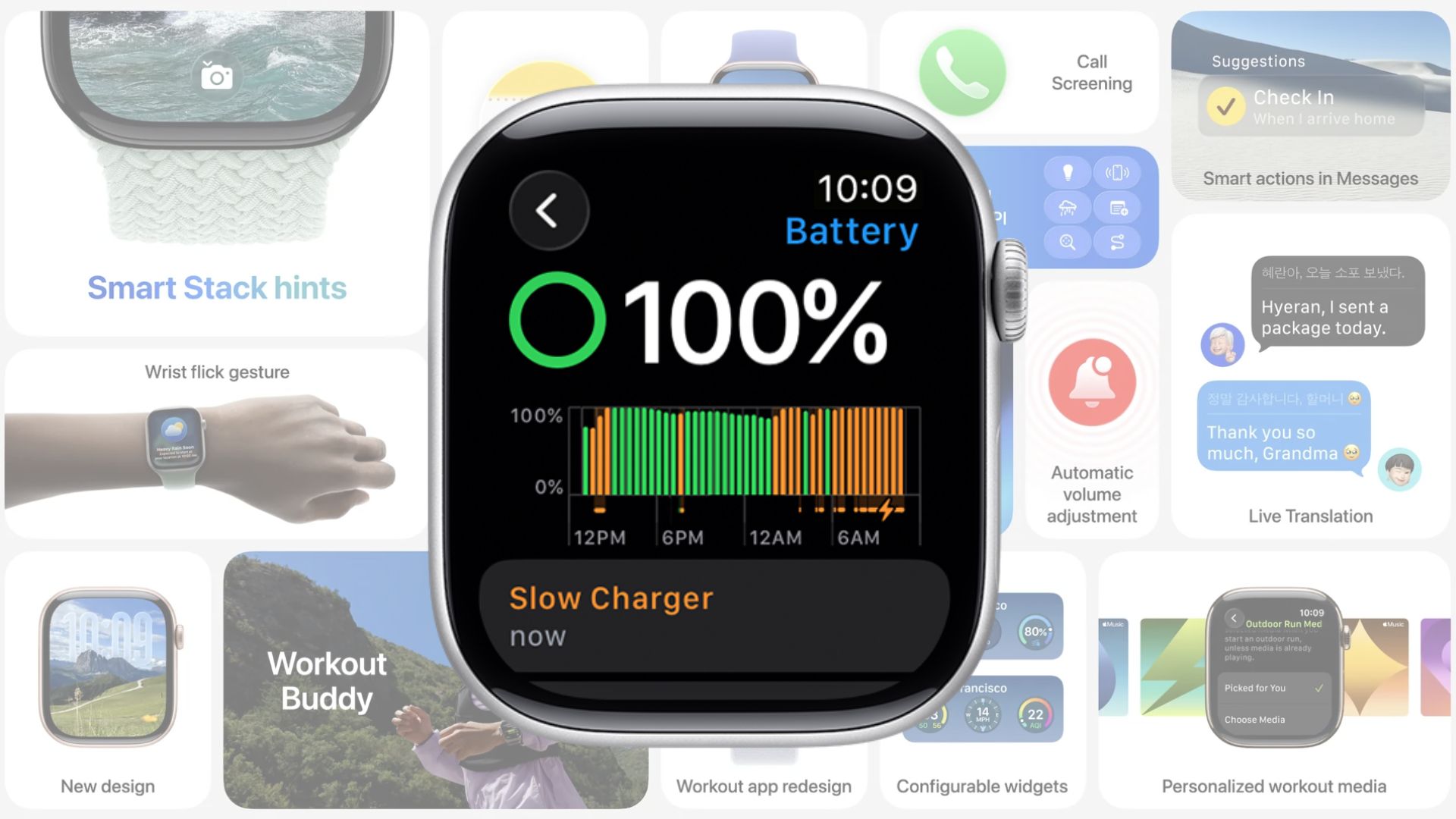
Apple’s watchOS 26 introduces a new feature that alerts you when your Apple Watch is not charging at the fastest possible speed. The system identifies whether your charger delivers optimal power and displays a clear message in the Battery section of the Settings app.
When your device charges slowly, the system highlights it in orange. If the charger supports fast charging, the status appears in green. This distinction helps you quickly understand whether your accessories meet Apple’s recommended standards.
Slow Charger Message
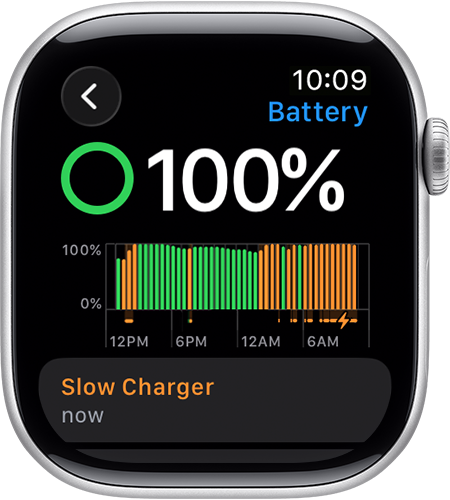
The Slow Charger alert doesn’t signal a hardware fault. Instead, it indicates that your Apple Watch could charge faster with a higher-wattage charger. Apple explains that while lower-wattage chargers work, they won’t deliver peak speeds.
Don’t miss the best of The Mac Observer
Set us as a preferred source and our Apple reporting ranks higher in your Google Search results and Discover feed — one tap, no account changes.
The company recommends pairing a USB-C Power Delivery charger with the USB-C Magnetic Charging Cable supplied with the Apple Watch. This combination ensures the highest charging efficiency.
How to Improve Charging Speeds
If you want to reduce charging times, you can follow several practical steps.
- Use a dedicated USB-C charger. Connecting your cable directly to a wall charger provides faster results than plugging into a computer, USB hub, or multi-port adapter.
- Stick to the included cable. Older or third-party cables may limit charging speed. The original USB-C Apple Watch cable is designed for optimal power transfer.
- Charge in normal room temperatures. Extreme heat or cold slows down charging and can affect long-term battery health. If you are worried, here’s how to check your apple watch battery health.
Apple’s Support
According to Apple’s official support document, the Slow Charger warning is not a sign of malfunction but a way to guide users toward better performance. The document also clarifies that slower chargers remain safe to use.
Apple highlights that chargers built into cars, hubs, or laptops often provide limited output, resulting in slower charge times. A direct connection to a certified USB-C Power Delivery adapter remains the most effective method.



Discussion