
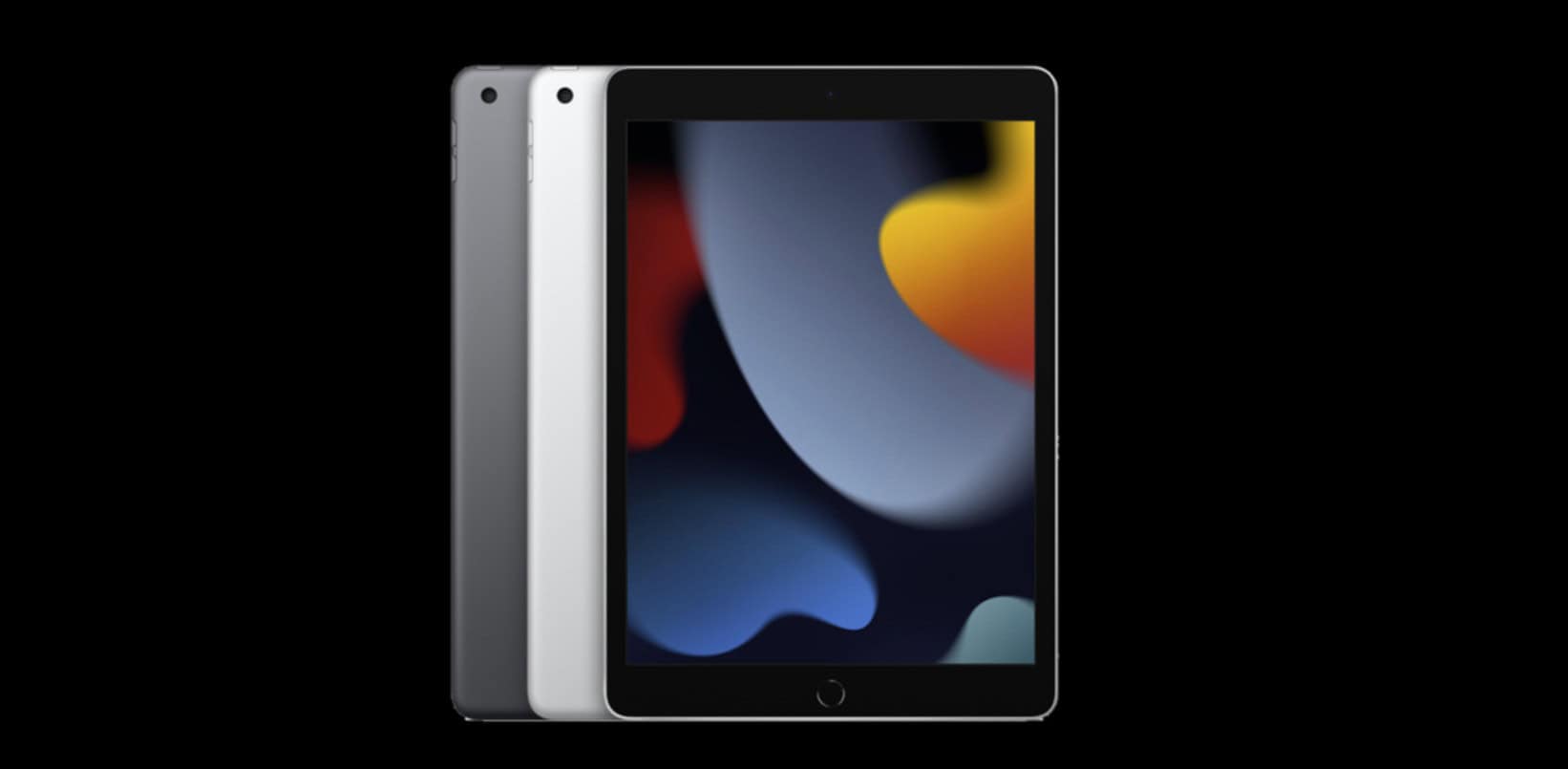
If your tablet shows Model A2602, that means iPad (9th-gen, Wi-Fi)—still eligible for iPadOS 26.
To confirm, open Settings › General › About and tap Model Number; if you need a refresher, see our quick primer on checking your iPad’s model. iPadOS 26 already has a follow-up build, so it’s smart to jump straight to iPadOS 26.0.1 for the latest security fix.
On A13 hardware you get the headline iPadOS 26 updates—UI polish, app tweaks, and stability—while some heavy on-device AI features stay reserved for newer chips. If you hit odd behavior after updating, keep an eye on our running notes for iPadOS 26 issues and fixes.
Apple also pushed a full set of companion updates: iOS 26.0.1 for iPhone, tvOS 26.0.1 (addresses an audio sync quirk), HomePod Software 26.0.1, watchOS 26.0.2, and visionOS 26.0.1.
Don’t miss the best of The Mac Observer
Set us as a preferred source and our Apple reporting ranks higher in your Google Search results and Discover feed — one tap, no account changes.
Bottom line: update your A2602 to stay secure; keep it if it still fits your workflow. If you want the newest on-device AI and a longer runway, compare the current base iPad and an M-series iPad Air before you upgrade.




Discussion