
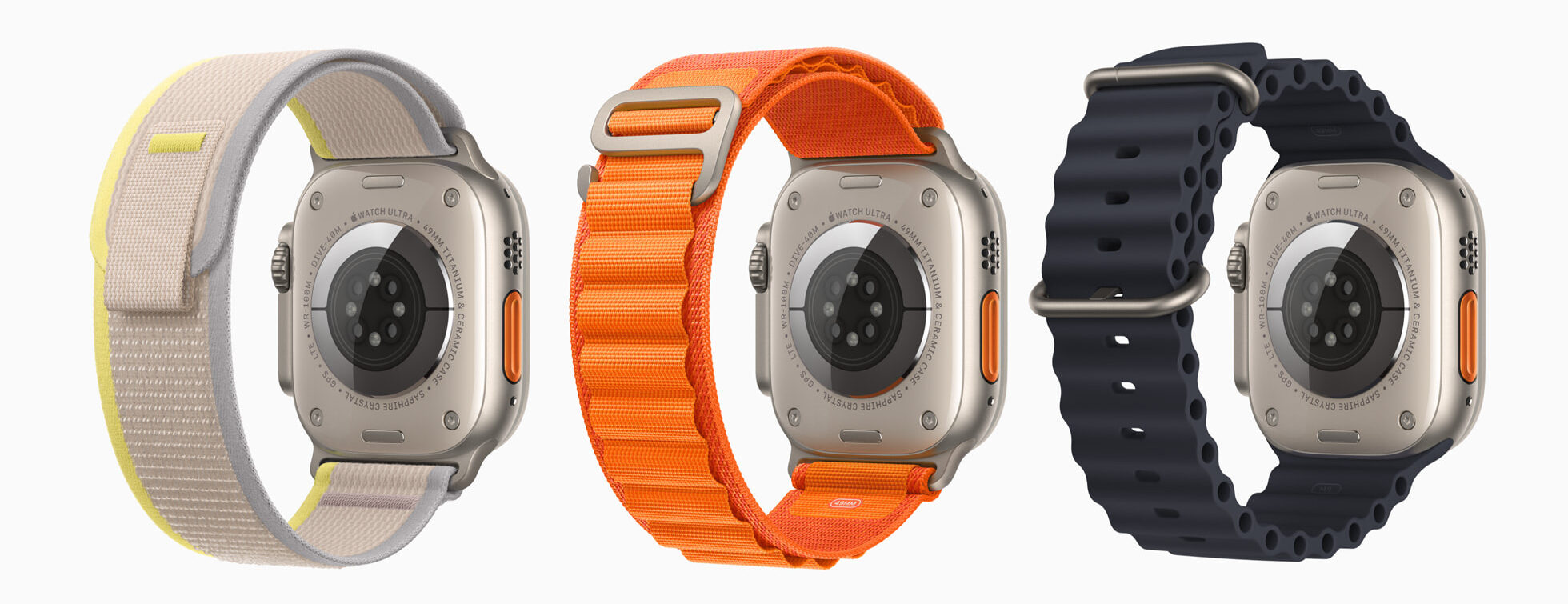
If your Apple Watch is glowing red, especially at night or during periods of rest, you’re likely seeing the Blood Oxygen sensor in action. While the glow may seem unusual or even concerning, it’s typically a normal part of the watch’s health monitoring features. Understanding what causes the red light and how to manage it can help you optimize your Apple Watch experience.
Table of contents
What Causes the Red Glow on Apple Watch?
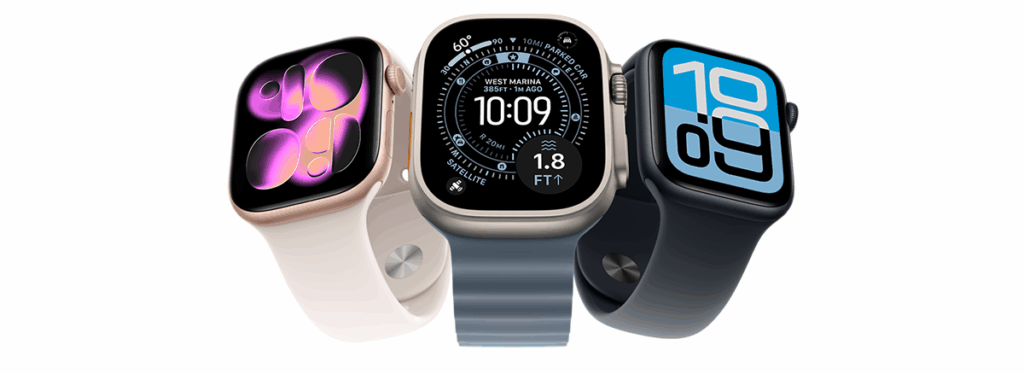
The red light on Apple Watch Series 6 and later models comes from the Blood Oxygen app. This feature uses photoplethysmography sensors to measure your blood oxygen saturation. To do this, the watch emits red, green, and infrared light into your skin and analyzes the reflected light. The red light penetrates deeper and is more visible, especially in low-light environments.
This sensor is designed to run periodic background checks, particularly during sleep. It’s useful for tracking respiratory health, detecting sleep apnea, and monitoring overall wellness. However, if you find the glow distracting or unnecessary, there are ways to manage it.
How to Manage or Disable the Red Glow
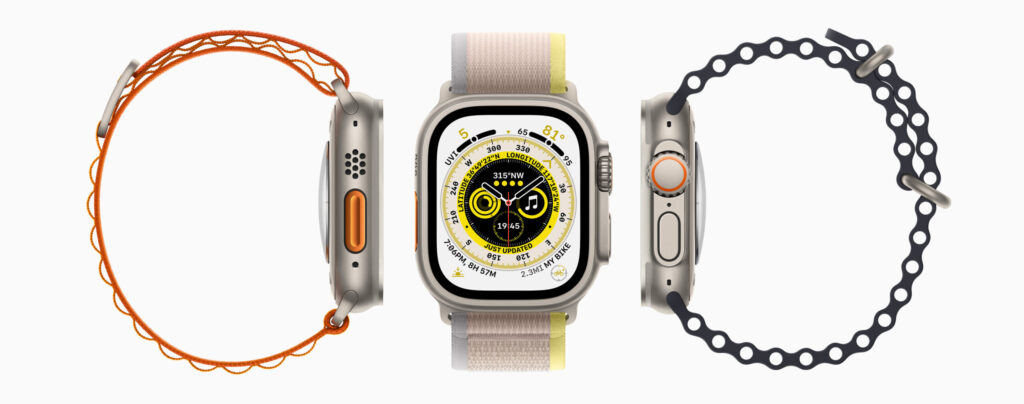
Adjust the Fit of Your Watch
A poor fit can interfere with sensor accuracy and trigger more frequent readings.
- Make sure the back crystal is centered on your wrist.
- Wear the watch snugly but comfortably.
- If wrist bones obstruct placement, move the watch slightly up your arm.
Disable Blood Oxygen Measurements
You can turn off the Blood Oxygen feature if you don’t need it.
- Press the Digital Crown to open the home screen.
- Tap the Settings app.
- Scroll to Blood Oxygen and select it.
- Toggle off Blood Oxygen Measurements.
Restart Your Apple Watch

Restarting can resolve sensor glitches or persistent activity. Follow this guide to force restart your Apple Watch safely.
- Press and hold the Side button until the power slider appears.
- Drag the Power Off slider to the right.
- Once the watch turns off, press and hold the Side button again until the Apple logo appears.
Check for Software Updates
An outdated watchOS may cause erratic sensor behavior. To update:
- Open the Watch app on your iPhone.
- Tap General > Software Update.
- If an update is available, tap Download and Install.
- Ensure your watch is connected to Wi-Fi and has at least 50% battery.
- Keep your watch on its charger during the update.
If you’ve recently upgraded your iPhone, you may need to pair your Apple Watch to your iPhone again to ensure compatibility.
FAQ
No. The red light is part of a non-invasive sensor system and poses no health risks.
No. The red light is essential for the sensor to function. Disabling it will stop blood oxygen readings.
Yes, continuous sensor use can impact battery life. Learn how to increase battery life for Apple Watch to extend usage.
Final Thoughts on Apple Watch’s Red Glow
The red glow on your Apple Watch is a sign of advanced health tracking, not a malfunction. Whether you choose to keep it active or disable it, understanding its purpose helps you make informed decisions. For more tips and feature walkthroughs, explore this guide on how to use your Apple Watch.




I have 2 painful bruises seemingly caused by the action of the watch when red light is activated. Very painful when light is on, have to immediately remove watch. Had same issue several years ago with a fitbit watch