

Users completing the 11-minute workout for the Veterans Day award may notice the badge is missing from their trophy case. This often results from synchronization delays between the Apple Watch and iPhone, or a specific bug in the operating system.
A simple software update or system restart typically resolves the error and forces the reward to appear. So, let’s have a look at all the solutions.
Table of contents
Why is this happening?
The failure to award the Veterans Day badge primarily stems from communication lags between the Apple Watch and the Fitness app on the iPhone. In 2025, specific bugs in early versions of iOS 26 prevented the immediate triggering of the award upon workout completion.
Don’t miss the best of The Mac Observer
Set us as a preferred source and our Apple reporting ranks higher in your Google Search results and Discover feed — one tap, no account changes.
Additionally, heavy server traffic on Apple’s end during major holiday challenges can cause delays, meaning the achievement is recorded in the background but takes hours or days to visually populate in the app.
Here’s how to fix the problem
1: Update to iOS 26.1
Discussion threads indicate that the most reliable fix for this specific issue involves updating the iPhone. Apple released iOS 26.1 to address various synchronization bugs.
- Open Settings on the iPhone.
- Navigate to General > Software Update.
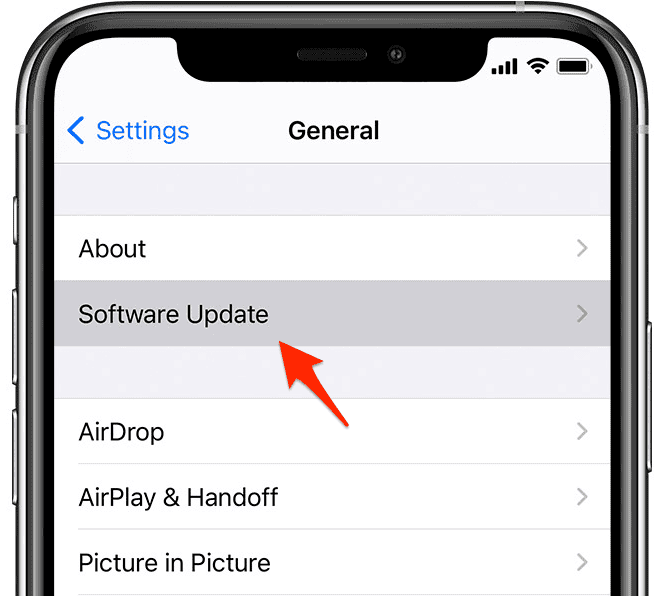
- Install the iOS 26.1 update if available.
- Allow the device to restart and sync with the watch.

2: Restart both devices
If the software is already up to date, a forced restart helps re-establish the connection between the devices and refreshes the Fitness app’s cache.
- Power down the iPhone and Apple Watch completely.
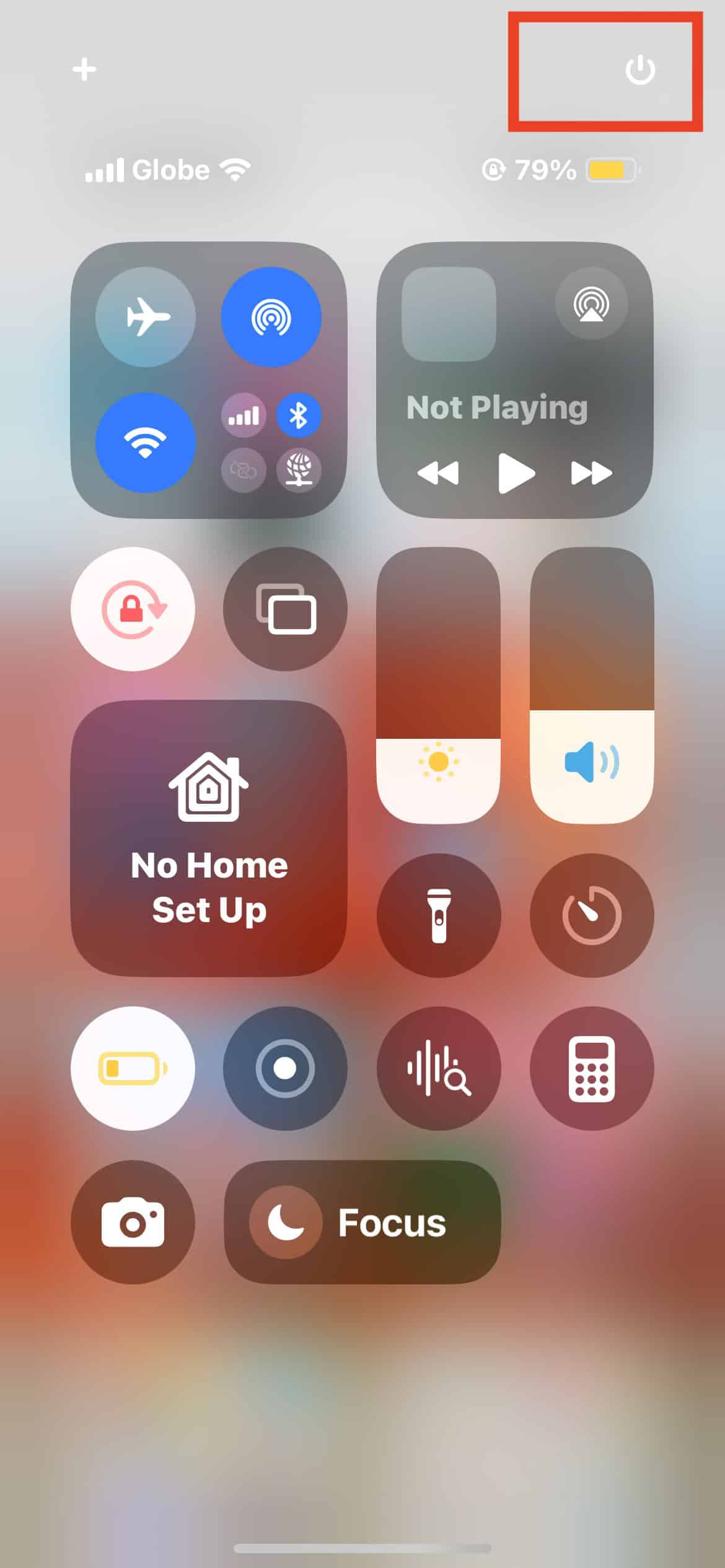
- Turn the iPhone back on first and unlock it.
- Turn the Apple Watch on and wait for it to connect.
- Launch the Fitness app to check if the badge appears.

3: Check Health data sources
Ensure the workout actually counted toward the specific goal. The Veterans Day challenge requires a recorded workout of at least 11 minutes.
- Open the Health app on the iPhone.
- Tap Browse > Activity > Workouts.
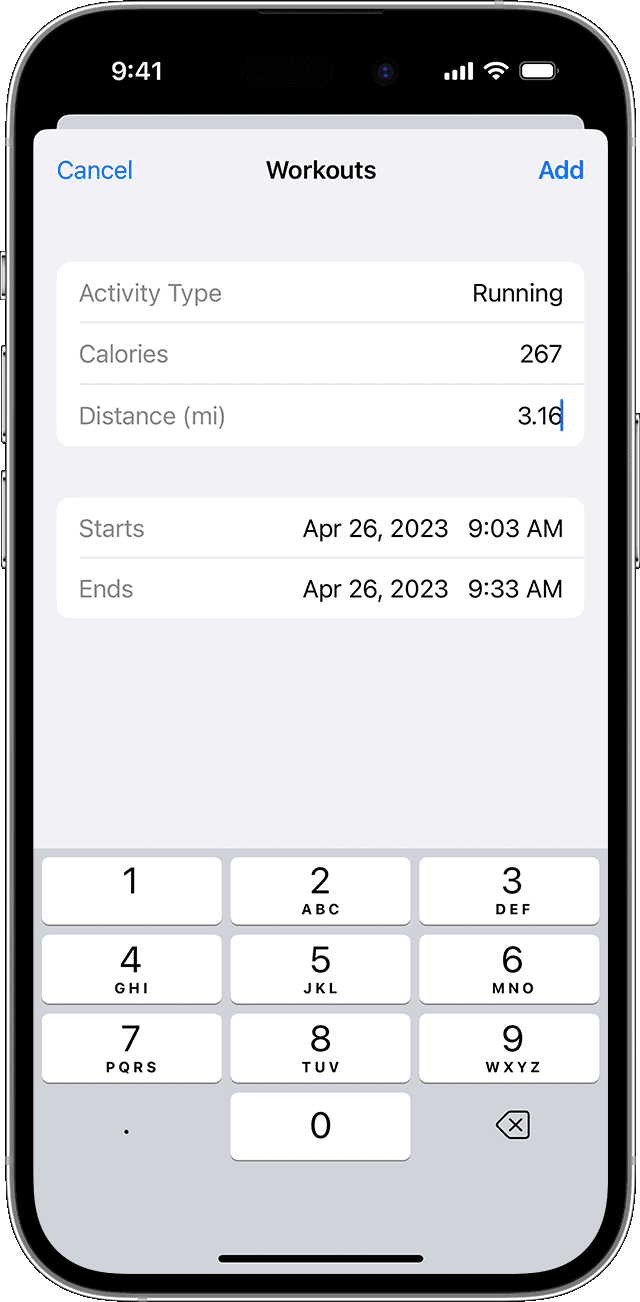
- Verify that the workout from November 11th is listed and exceeds the 11-minute threshold.
- Check that the source of the data is the Apple Watch, not a third-party app that might not write data correctly for challenges.

4: Toggle iCloud Health settings
Sync issues often stem from iCloud communication errors. Resetting the Health data connection forces the system to re-read the workout logs.
- Open Settings on the iPhone.
- Tap the [User Name/Apple Account] banner at the top.
- Select iCloud and then See All (or Show All).
- Locate Health and toggle the switch to Off.
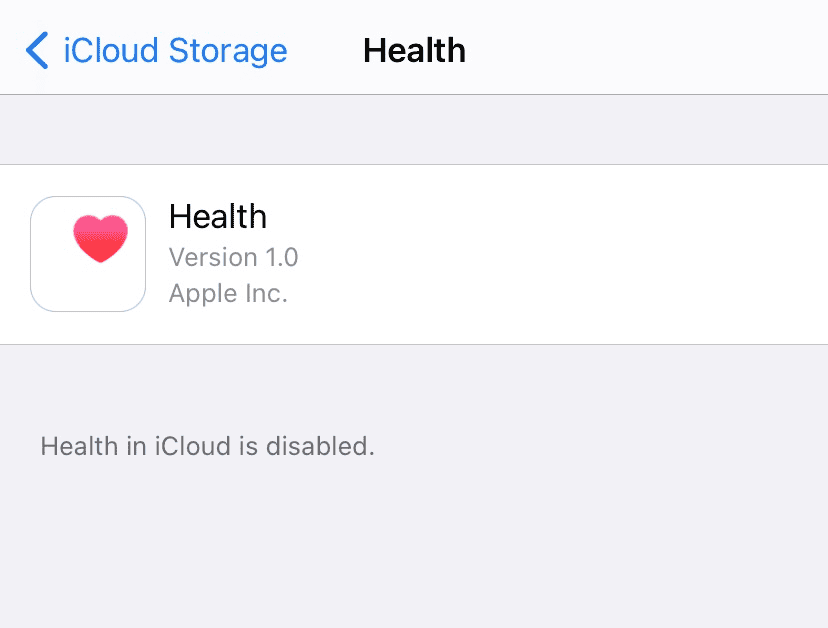
- Wait 30 seconds and toggle the switch back to On.

5: Wait for server synchronization
In many cases, the award is not lost but simply stuck in a sync queue. Users have reported the badge appearing automatically up to three days after the event.
- Keep Bluetooth and Wi-Fi enabled on both devices.
- Avoid unpairing the watch immediately, as this can sometimes cause data loss if backups are not current.
- Check the Fitness app again after 24 to 48 hours.
6: Contact Apple Support
If the badge remains missing after troubleshooting, the issue may require official intervention. Apple Support can investigate account-specific flags that prevent awards from populating.
- Download the Apple Support app from the App Store or visit the support website.
- Initiate a chat session with a representative.
- Alternatively, call 1-800-275-2273 (US) for direct assistance.
- Provide details about the missing Veterans Day award and confirm that the watch and phone software are up to date.
Additional Tips
- Avoid manual entries: Manually adding a workout in the Health app typically does not count towards limited-time challenges.
- Check Privacy settings: Ensure “Fitness Tracking” is enabled in Settings > Privacy & Security > Motion & Fitness.
- Force close apps: Swipe up from the bottom of the screen on the iPhone to close the Fitness and Health apps, then reopen them to force a data refresh.
Conclusion
Resolving the missing Veterans Day award usually requires verifying the software version, resetting sync connections, and allowing time for backend synchronization. While immediate gratification is preferred, the system often corrects these discrepancies within a few days without user intervention. Keeping the iPhone and Apple Watch updated remains one of the best solutions to get these rewards.
FAQs
The Veterans Day challenge is time-sensitive and must be completed on the specific date. Changing the date on the device is not a reliable method and may cause other data issues.
Yes, any workout type recorded in the Workout app, including Outdoor Walk or Indoor Walk, counts as long as it lasts for 11 minutes or more.
Unpairing and repairing is a nuclear option that fixes sync issues but is time-consuming. It should only be attempted if the badge does not appear after updating to iOS 26.1 and waiting for a few days.



Discussion