
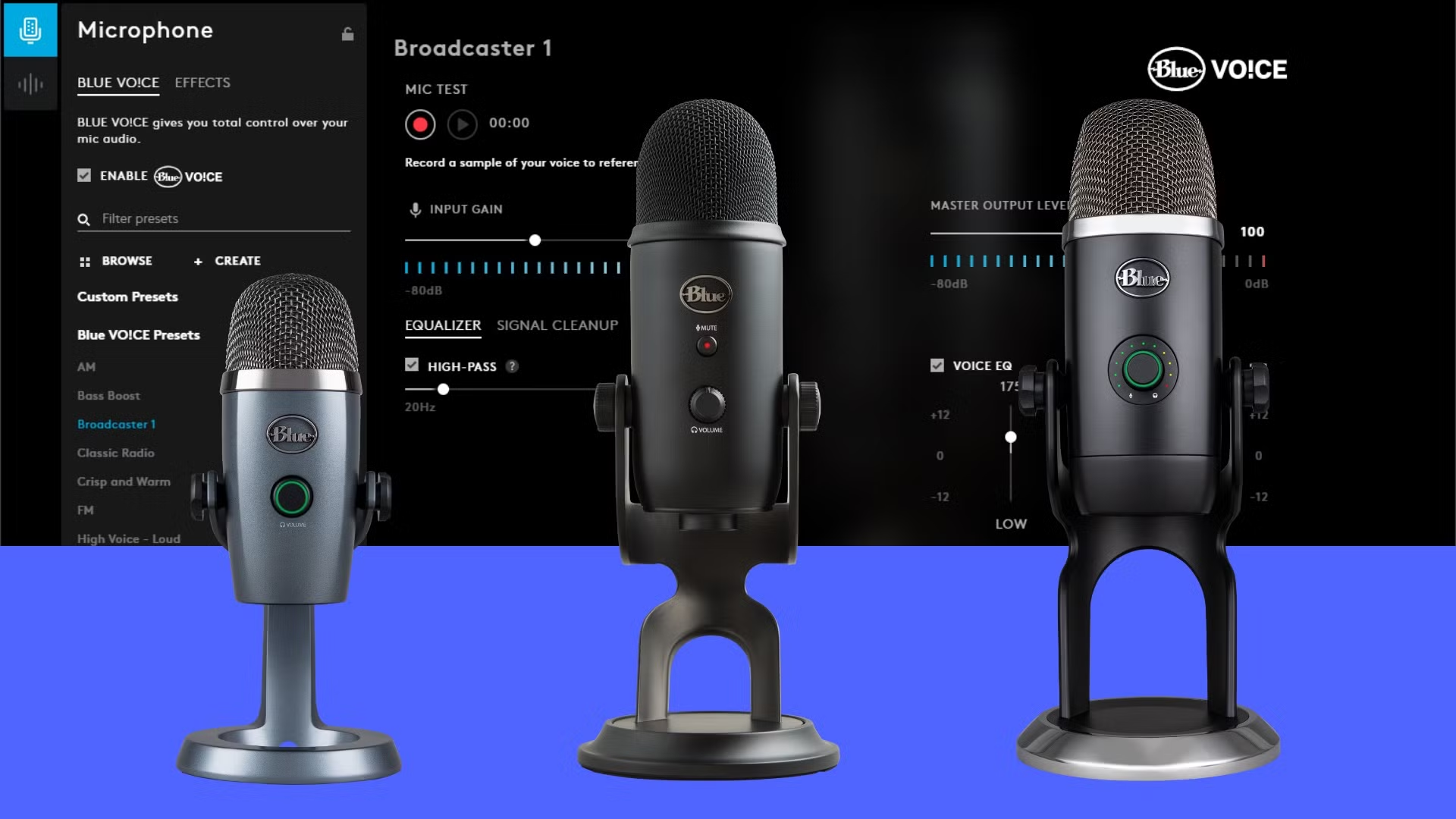
If you use a Yeti X on a Mac, you already know the mic can sound great out of the box, but the real control comes from the software behind it. The challenge is that the Yeti X relies on G Hub and Blue VOCE features, and Mac users often wonder how well it all works on their system. So let’s clear the fog and walk through what the software actually offers, what it does well, and how to get the best results without messing with twelve hidden menus.
Table of contents
What the software actually gives you

The Yeti X software on Mac lives inside Logitech G Hub. Think of it as a control panel for your mic. You get access to gain control, pickup patterns, vocal presets, real time effects, and a full EQ. You can use it for podcasts, streaming, voiceover work, or simple video calls that sound far better than anything your laptop can produce.
G Hub is where the Blue VOCE tools sit. That’s your compressor, limiter, noise reduction, de-esser, gate, and a handful of presets built by people who know what they’re doing. You can pick a preset and move on or fine tune everything yourself.
Don’t miss the best of The Mac Observer
Set us as a preferred source and our Apple reporting ranks higher in your Google Search results and Discover feed — one tap, no account changes.
Getting it set up on macOS
Setup is easy, but Mac users sometimes hit minor snags, so here’s the clean path. Install G Hub from Logitech’s site, connect the Yeti X, and give the app the permissions it asks for. Microphone access in System Settings is key. Without it, the software will load, but your changes won’t actually apply.
Once everything is recognized, you’ll see the Yeti X panel inside G Hub. At that point you can start shaping your sound.
What matters most when dialing in your voice

Here’s the thing. Most people crank the gain too high. The Yeti X is sensitive, so start low and raise it slowly. Watch the meter. You want green, a touch of yellow, almost no red. Pick a pickup pattern that fits what you’re doing. Cardioid works for most setups. Omni is only useful if you’re capturing a room.
Blue VOCE helps polish the signal. The compressor evens out your volume. The noise reducer cuts hums and fan noise. The EQ gives your voice weight or brightness. The trick is small adjustments. Big swings usually sound worse.
Is it worth using on a Mac
Yes. The software is stable on macOS, the controls are clear, and the sound you can pull from the Yeti X is noticeably better once you tune it. Whether you’re streaming, recording, or just want your meetings to sound sharp, the software gives the mic the room it needs to shine.




Discussion