
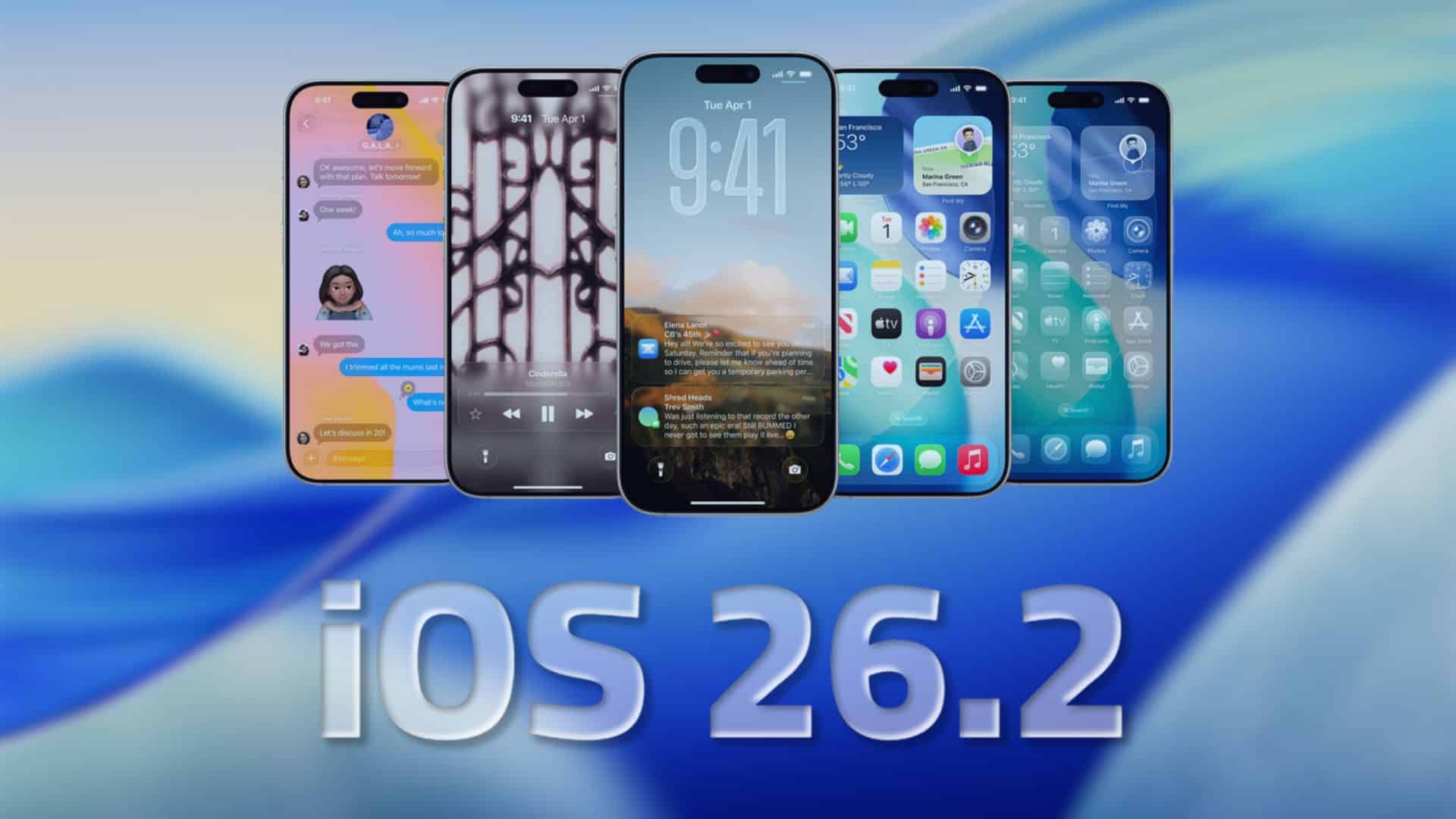
Apple has released the iOS 26.2 Release Candidate (RC) for iPhone, marking the final test build before the public launch later this month. The RC is now available as an over-the-air update for eligible devices, and it carries build number 23C52.
Apple treats RC builds as the version that usually ships to everyone, unless testers find serious bugs. If everything goes smoothly, iOS 26.2 should arrive for all supported iPhones in mid-December.
How to install iOS 26.2 RC on your iPhone
Follow these quick steps if you are in the beta program and want to try the RC:
Don’t miss the best of The Mac Observer
Set us as a preferred source and our Apple reporting ranks higher in your Google Search results and Discover feed — one tap, no account changes.
- Make a fresh iCloud or computer backup of your iPhone.
- On your iPhone, open Settings.
- Go to General > Software Update.
- Tap Beta Updates and make sure the iOS 26 beta option is selected for your Apple ID.
- Return to Software Update, wait for iOS 26.2 RC to appear, then tap Download and Install.
- Keep your iPhone on Wi-Fi and connect it to power until the update finishes.
If you are not in the beta program, you will see the final public version once Apple rolls it out later in December.
iOS 26.2 general changes and new features
iOS 26.2 is a smaller point release, but it still packs several useful upgrades across core apps and the system interface.
One of the most visible tweaks is the Liquid Glass Lock Screen slider. You can adjust how transparent or bold the clock appears on the Lock Screen, which helps you tune readability without losing the new design.
Music lovers get a major quality-of-life upgrade. Apple Music now supports offline lyrics, so you can still see synced lyrics for supported songs even when your iPhone has no signal, as long as the tracks are downloaded.
Health and productivity also see changes. The Health app and Apple Watch integration now use updated Sleep Score ranges, with refined categories that better match real sleep patterns. The Reminders app gains proper alarm-style alerts for due tasks, so a reminder can ring at a specific time instead of just showing a notification.
- AirPods Live Translation in the EU gets activated with iOS 26.2 and its companion updates, giving supported AirPods real-time translation features in more regions.
- Apple Podcasts uses AI to auto-generate chapters and related links, making it easier to jump to key moments in long shows.
- Apple News gets a cleaner layout with faster access to popular sections, continuing the design refinements that started with iOS 26.
- CarPlay Messages adds an option to disable pinned conversations, which keeps the in-car list simpler and less distracting.
- System-wide menu animations and Liquid Glass UI details receive polish, improving consistency across apps that use the new design language.
As usual, iOS 26.2 also includes bug fixes and performance improvements that should help stability on supported iPhones, especially for users already on iOS 26.
Should you install the RC?
If you already use the iOS 26 beta, installing the RC makes sense because it represents the final build before public release. If you stay on stable releases, you may prefer to wait for the official rollout, which should follow within days if no major issues show up.
Are you installing iOS 26.2 RC on your iPhone or waiting for the public version? Let us know in the comments.

Discussion