

Trading in your old iPhone, iPad, or Mac is a great way to reduce the cost of a new device. However, proper preparation is essential to secure the highest trade-in value and protect your personal data. Before starting the process, research the best return options. To help you decide, we have compared Apple Trade In vs. Selling Your Device. Follow this checklist to guarantee a smooth and secure transaction.
Table of contents
Before You Trade-In Your iPhone or iPad
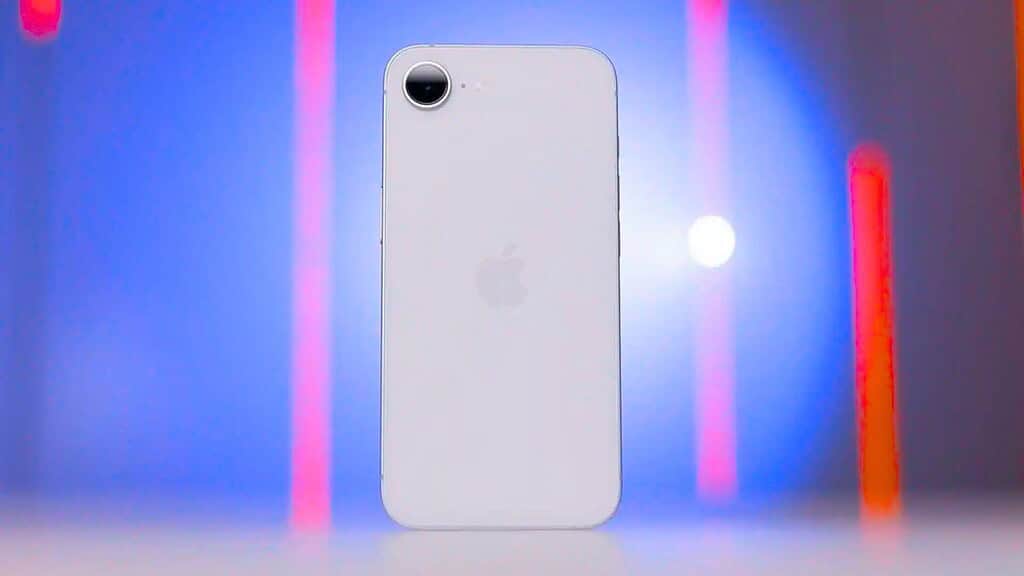
The most important step before wiping your mobile device is creating a current backup of all your data. This ensures your photos, messages, and app data can be transferred to your new device. After securing your data, you must completely disassociate the device from your Apple ID and accounts to disable security features like Activation Lock, which would otherwise prevent the device from being reused.
- Backup Your Device: Connect your iPhone or iPad to Wi-Fi and create a final backup to iCloud or connect to your computer to create a backup using Finder or iTunes.
- Unpair Apple Watch (If Applicable): If you have an Apple Watch paired with your iPhone, be sure to unpair it. This action automatically creates a backup of the Watch and removes the Activation Lock before erasing the Watch’s data.
- Sign Out of All Accounts: Navigate to Settings, tap your name, and select Sign Out. Enter your Apple ID password to turn off Find My iPhone and remove the device from your account.
- Erase All Content and Settings: Go to Settings > General > Transfer or Reset iPhone (or iPad) > Erase All Content and Settings. This step securely wipes the device back to factory settings. Once you are ready, you can follow a step by step guide on how to use Apple’s Trade In Program.

Before You Trade-In Your Mac
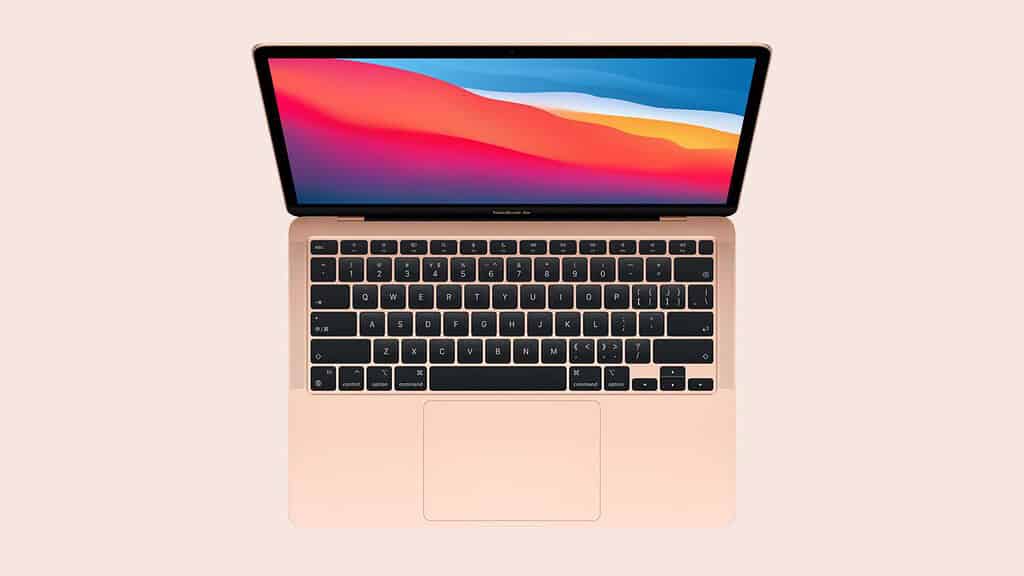
Preparing a Mac for trade-in is more complex than a mobile device because of how macOS manages user accounts and security. You must ensure you sign out of all services, including iTunes and the App Store, and then proceed with securely erasing the drive and reinstalling a fresh copy of the operating system. Staying up to date on Apple’s trade in values for iPhone, iPad, Mac, and Apple Watch is always smart before starting the process.
Don’t miss the best of The Mac Observer
Set us as a preferred source and our Apple reporting ranks higher in your Google Search results and Discover feed — one tap, no account changes.
- Create a Full Backup: Use Time Machine to back up all your data to an external drive.
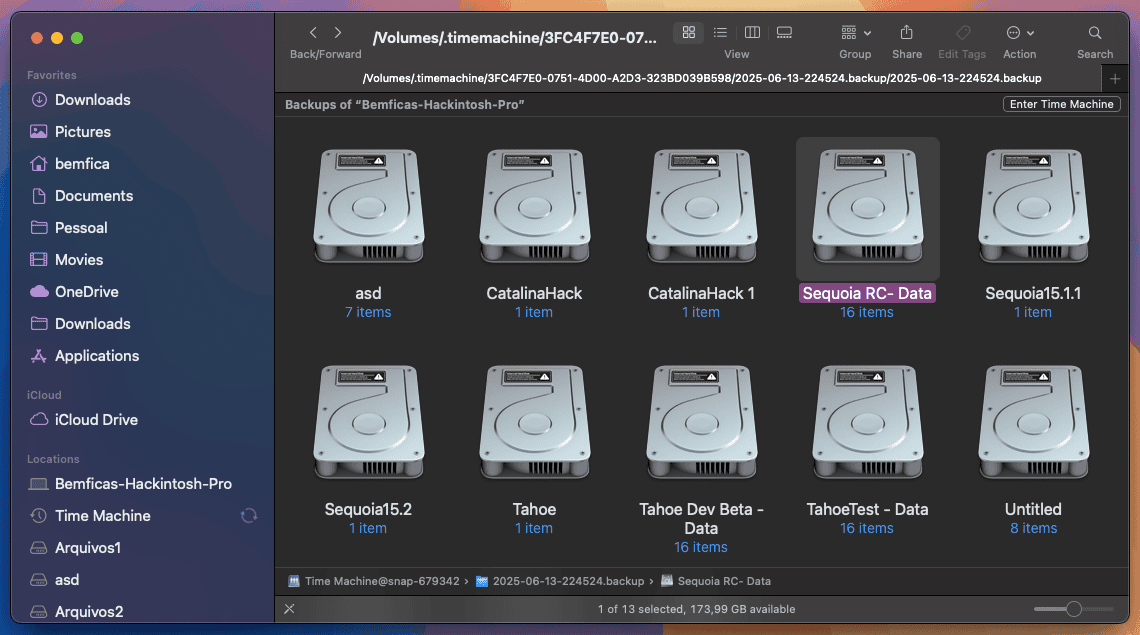
- Sign Out of All Services: Sign out of iTunes or the Music and TV apps, the App Store, Messages, and especially iCloud. Signing out of iCloud disables Find My Mac and removes the device from your account.
- Unpair Bluetooth Devices: Disconnect any Bluetooth accessories you plan to keep, such as keyboards or mice.
- Erase and Reinstall macOS:
- Shut down your Mac.
- Start up in macOS Recovery (The steps vary slightly for Apple Silicon and Intel Macs).
- Use Disk Utility to erase the internal drive named Macintosh HD.
- Select Reinstall macOS to install a fresh copy of the operating system.
- When the installation is complete, do not set up the Mac. Instead, press Command-Q to shut down and leave it in the “ready to go” state.
FAQ
A: While not always required, including the original box, charger, and cables may result in a slightly higher trade-in estimate from some third party vendors. For Apple’s official program, only the device itself is needed.
A: Devices with damage are usually still eligible for trade-in, but the estimated value will be significantly reduced compared to devices in good or perfect condition.
A: Yes, always remove your physical SIM card before shipping or dropping off the device. If your device uses an eSIM, the data will be erased when you wipe the device.
Maximizing Your Return
The final steps of device preparation are the most critical for ensuring data security and securing your final credit. A fully erased and disassociated device makes the transaction immediate and hassle free for both you and the trade-in company. By following these steps exactly, you eliminate the risk of personal data being accessed and ensure your device qualifies for the maximum appraised value. For a deeper dive into data security, learn about a safer way to wipe your iPhone before a trade in.




Discussion