

Many new iPhone users are puzzled when their phone charges to 100 percent even though they set a lower battery limit. You might think this is a bug. In fact, it is expected behavior for many iPhone models with recent Apple software. The phone uses internal checks to keep the battery gauge accurate and healthy.
Apple lets you set a charge limit between 80 percent and 100 percent in Settings. When you choose a number below 100 percent, the phone will normally stop charging near that level. However, the device will sometimes charge all the way to 100 percent anyway. This happens so the system can maintain accurate battery state of charge estimates.
How Apple’s Battery Charging Works
Your iPhone uses lithium-ion technology. These batteries do not like staying fully charged for long. For that reason, Apple added features like Optimized Battery Charging and charge limits. Optimized charging watches your daily routine and delays the final part of the charge until right before you usually unplug the phone. This helps reduce long periods at full charge.
Don’t miss the best of The Mac Observer
Set us as a preferred source and our Apple reporting ranks higher in your Google Search results and Discover feed — one tap, no account changes.
The system may still push to 100 percent occasionally, even with a lower limit. That helps the phone keep its internal estimate accurate. Apple says this is normal. It is not something to worry about.
Does This Affect Your Phone’s Battery Health?
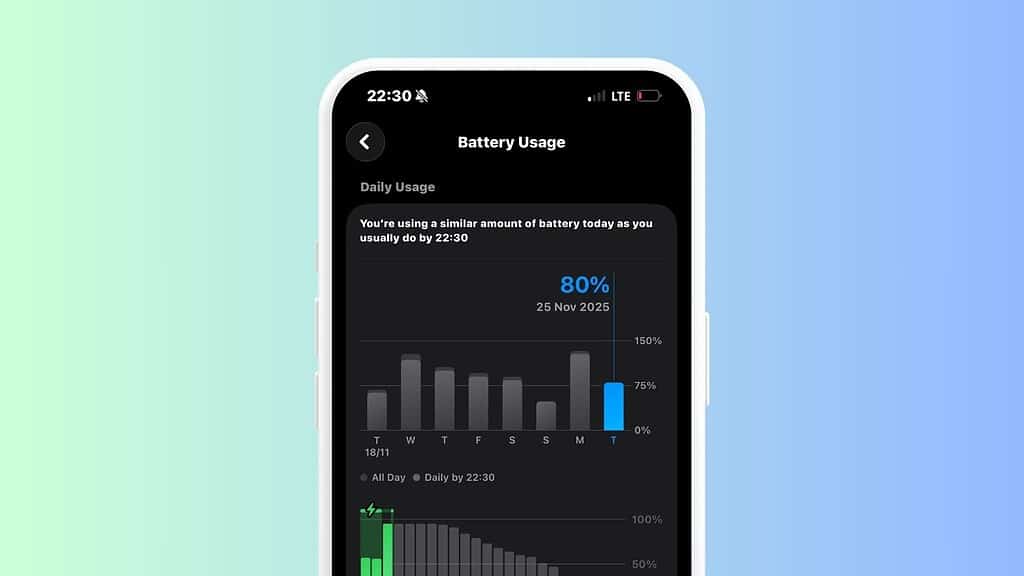
Charging to 100 percent once in a while will not harm your phone quickly. Experts say modern smartphone batteries degrade over many charge cycles. Keeping the battery between 20 percent and 80 percent most of the time can slow that aging. Still, occasional full charges are fine if you need extra runtime.
If your goal is long battery life, stay with a lower charge limit and keep Optimized Battery Charging on. Avoid heat while charging and use a quality charger. These steps improve battery health over time.
Tips to Manage Your Battery
Adjust Charging Settings
Go to Settings > Battery > Charging and pick a charge limit that fits your daily routine. Lower limits place less stress on the battery and can help it hold capacity longer.
Watch Your Routine
Optimized charging learns your schedule. If you charge overnight, the phone may reach 100 percent closer to your wake-up time. This gives you a full battery without sitting at 100 percent for hours.
Use Quality Chargers
Cheap or very fast chargers can create heat, and heat speeds up battery wear. Using a standard or approved charger keeps the charging stable.
In most cases, your iPhone is doing exactly what it is designed to do. If the occasional full charge bothers you, keep the settings lower and check battery health over time. You will still get reliable performance and better long-term battery life.




Discussion