
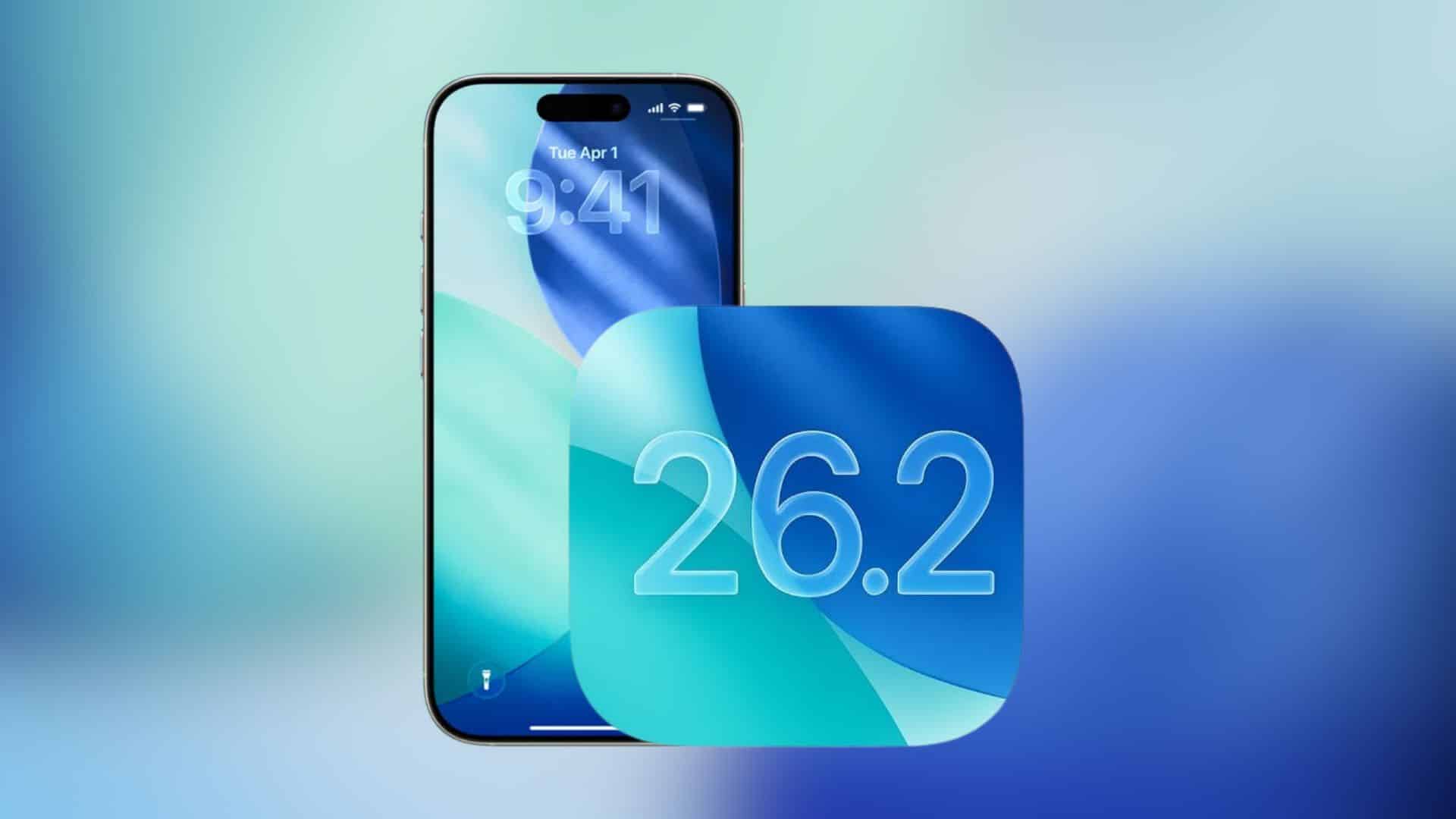
When you open an app, swipe around, and everything suddenly looks choppy. A restart fixes it, but the stutter returns later. That’s the pattern several iPhone owners describe after updating to iOS 26.2, including people using ProMotion models that normally feel buttery smooth.
Some reports describe the problem as a random “30fps” feeling across the system, not just inside one app. A few users on Apple’s support forums even suggest iOS can get stuck in a low refresh rate state until a restart forces the display pipeline to reset.
First, rule out the usual post-update slowdown
Right after an update, iOS runs background tasks. You often feel it as animation hiccups, app stutters, and extra heat. Apple community threads and other reporting about iOS 26 and iOS 26.2 performance complaints repeatedly point to this “settling” period, which typically improves after a couple of days.
Don’t miss the best of The Mac Observer
Set us as a preferred source and our Apple reporting ranks higher in your Google Search results and Discover feed — one tap, no account changes.
Even so, your phone should not keep dropping into a slow, laggy state days later. If the stutter keeps returning, move to quick fixes.
Quick fixes that take minutes
Start here because you already know a restart temporarily clears the issue.
- Force restart your iPhone
This often clears a stuck system state faster than a normal reboot. Apple community replies routinely recommend it for performance glitches after updates. - Check storage headroom
Keep a healthy buffer so iOS has room for caching and background tasks. People troubleshooting iOS 26 lag frequently call this out as a practical step. - Turn off Low Power Mode
Low Power Mode reduces background activity and can limit performance behaviors. If you want maximum smoothness, keep it off while testing. - Watch for heat
If your phone runs hot, iOS throttles performance. Let it cool down, remove the case temporarily, and avoid heavy gaming while you test.
If you notice it most during games or specific apps
Some people only spot the problem when an app pushes the GPU harder, like scrolling through heavy social apps or games. That matters because the issue can look like a system bug when one app triggers it.
- Update the app and restart the app after updating.
- Disable overlays like in-game panels or heavy notification pull-downs while you test, since some users say stutters spike when they interact with the notification shade mid-game.
- Test in safe conditions: close other apps, turn off background downloads, and retry the same action.
If the stutter happens everywhere, not just one app, treat it like a system-level problem.
The deeper fixes when stutters keep coming back
If the “30fps” feeling returns daily, you need steps that reset settings or rebuild iOS cleanly.
- Reset All Settings (does not delete your data, but resets system settings). Some iOS 26 lag reports say this removes stutter without a full wipe.
- Backup, then restore and set up clean if needed. Fresh installs resolved stutter for some updaters who saw constant lag right after moving to 26.2.
- Give iOS time to finish background work, but set a limit. If you still see stutters after a few days, you are no longer in the normal post-update window.
When you should contact Apple Support
Contact Apple Support if you see any of these signs:
- The phone repeatedly drops into a low refresh rate feel multiple times a day.
- The issue survives a clean restore.
- You also see hardware symptoms like charging or port issues that only resolve after a restart.
Apple’s own support forums already show iPhone 16 Pro owners reporting stutters after iOS 26 and iOS 26.2, so you are not alone.

liquid glass is solution looking for a problem, i’d turn it off in a heartbeat if i could. much prefer a speedy phone!