

You’re paying for Apple TV+. Everyone in your house wants to watch it. You don’t want to juggle logins, share passwords, or play tech support every weekend. Here’s the thing: Apple already solved this, quietly, with Family Sharing. Once it’s set up, your subscription just works for up to five other people, each with their own profile and recommendations.
Table of contents
What Family Sharing Actually Does
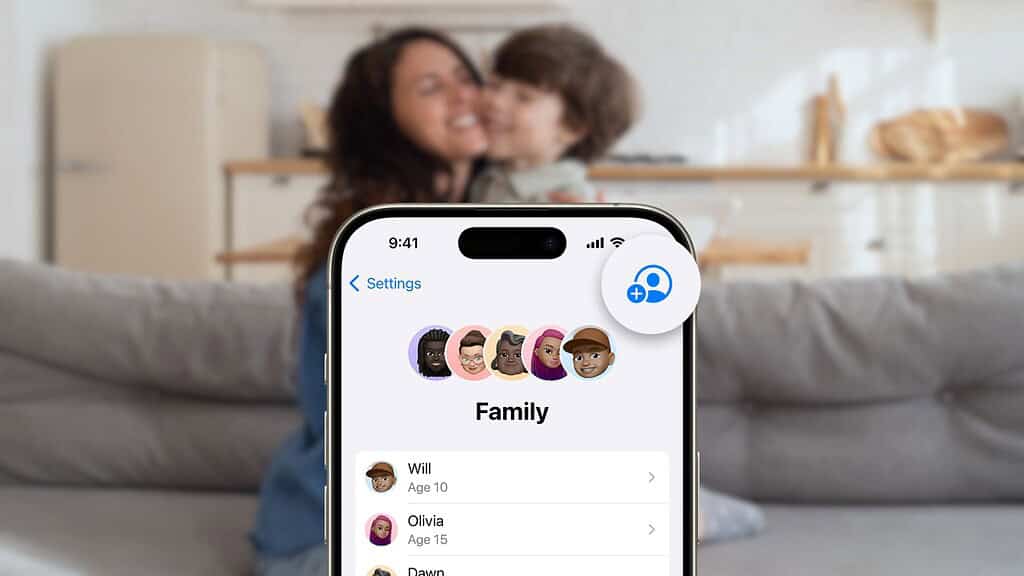
Family Sharing lets one person act as the organizer and share subscriptions like Apple TV+, Apple Music, and iCloud+ with up to five additional family members.
Everyone uses their own Apple ID. That matters. Watch history stays separate. Recommendations don’t bleed together. No one sees anyone else’s photos or files. It feels personal because it is.
Don’t miss the best of The Mac Observer
Set us as a preferred source and our Apple reporting ranks higher in your Google Search results and Discover feed — one tap, no account changes.
One adult sets it up. Everyone else just accepts an invite.
Step 1: Set Up Family Sharing (If You Haven’t Already)
You can’t do this inside the Apple TV app. You need an iPhone, iPad, or Mac.
On iPhone or iPad:
- Open Settings
- Tap your name
- Tap Family Sharing
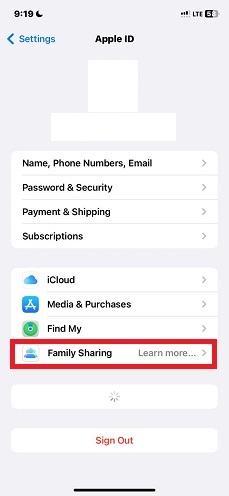
- Tap Set Up Your Family
- Follow the prompts and invite people
On Mac:
- Open System Settings

- Click your name
- Click Family
- Click Set Up and invite members
That’s it. Once they accept, they’re in.
Step 2: Make Sure Apple TV+ Is Shared
Usually this part is automatic, but it’s worth checking.
- Open Settings
- Tap your name
- Tap Subscriptions
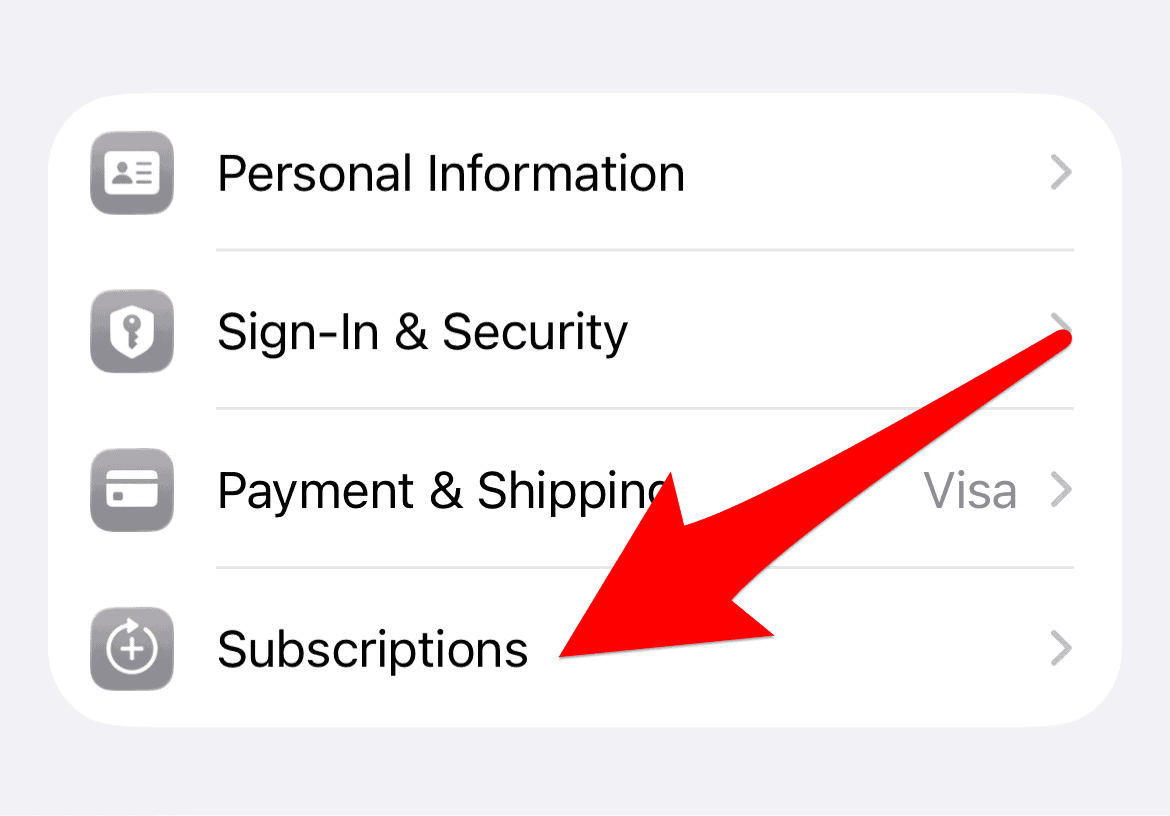
- Tap Apple TV+
- Make sure Share with Family is turned on
If Apple TV+ was part of your Apple One plan, it’s already included.
If someone can’t access it, this toggle is almost always the reason.
Who Pays for What (Important)
By default, the family organizer pays for shared subscriptions.
If you don’t want that, you can turn off Purchase Sharing. Family members can still access shared subscriptions like Apple TV+, but they’ll need their own payment method for apps, rentals, or add-ons.
This is especially useful if you’re sharing with adults, roommates, or older kids.
What Each Family Member Gets
Each person gets:
- Their own watch history
- Their own recommendations
- Their own continue-watching list
No awkward algorithm cross-contamination. No arguing over who ruined the suggestions.
A Few Things to Keep in Mind
- You can only be in one Family Sharing group at a time
- You can only switch groups once per year
- Some third-party subscriptions don’t support sharing
Apple TV+ does. Fully.
The Bottom Line
If you’re already paying for Apple TV+, not using Family Sharing is just leaving value on the table. Setup takes five minutes. After that, everyone watches what they want, how they want, without friction.
One subscription. Six people. Zero hassle.




Discussion