
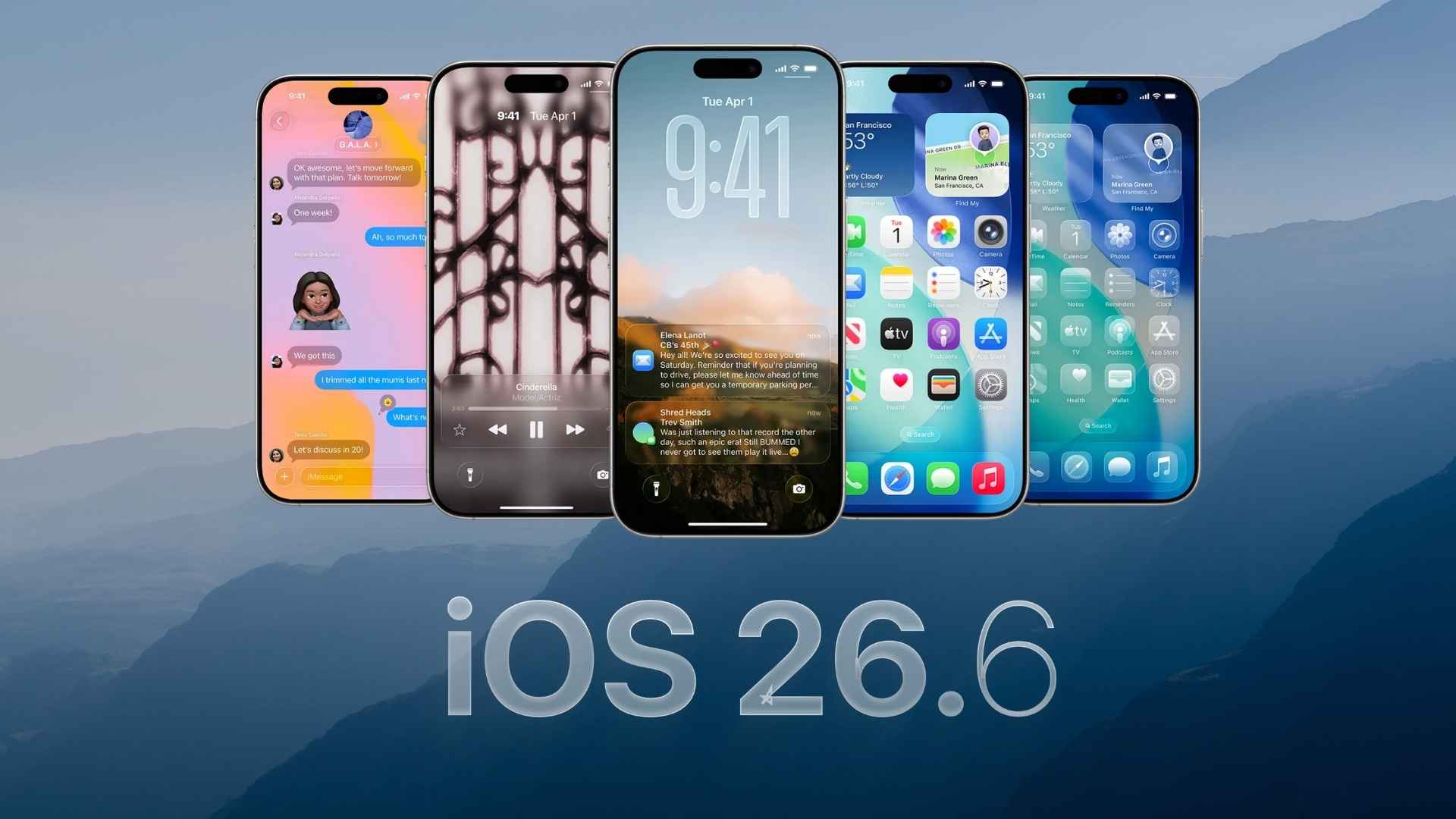
Apple has released iOS 26.6 Developer Beta 5 for registered developers. The latest test build arrives one week after Beta 4 and focuses on fixing bugs, improving performance, and preparing iOS 26.6 for its public release. Beta 4 carried build number 23G5057c.
Developers can download the update through the Settings app on a compatible iPhone. Since this is unfinished software, users should back up their device before installing it.
How to Update to iOS 26.6 Developer Beta 5
- Open the Settings app on your iPhone.
- Select General.
- Tap Software Update.
- Choose Beta Updates.
- Select iOS 26 Developer Beta.
- Return to the previous screen and tap Update Now.
Your iPhone must use an Apple Account registered with the developer program for the update to appear. Keep the device connected to Wi-Fi and make sure it has enough battery power before starting the installation.
Don’t miss the best of The Mac Observer
Set us as a preferred source and our Apple reporting ranks higher in your Google Search results and Discover feed — one tap, no account changes.
All Changes in iOS 26.6 Developer Beta 5
No major user-facing changes have been discovered in iOS 26.6 Developer Beta 5 so far. The update appears to concentrate on internal improvements, security updates, performance refinements, and fixes for problems reported in earlier beta builds.
The wider iOS 26.6 update has mainly focused on smaller system changes, including updated wording for the blocked contacts limit and improvements related to messaging, connectivity, and device security.
Developers should continue testing their apps and report any new problems through the Feedback Assistant app. Since beta software can contain stability issues, installing it on a secondary iPhone remains the safer option.
If you’ve already installed the update, let us know your experience in the comments.


Discussion