

iOS 26 is a major iPhone update that changes how the whole system looks and behaves, but it feels like a mess on iPhone SE. The biggest change is Liquid Glass, a translucent design used across the Lock Screen, Home Screen, icons, widgets, and many Apple apps. Apple also added new features in core apps like Phone and Messages, plus more Apple Intelligence features such as Live Translation.
In day-to-day use, many people like the premium look, but a noticeable number of users reported lag, stutters, and slower app opening right after updating, especially on older supported iPhones. Apple’s own guidance is that some slowdowns after a big update can happen while the phone finishes background tasks, and storage space and power modes also affect speed.
If iOS 26 feels slow on your iPhone, the best real-world fix is usually simple: update to the latest point release (26.2 right now for most users), keep at least 1 GB free storage, and check battery health and power modes.
Don’t miss the best of The Mac Observer
Set us as a preferred source and our Apple reporting ranks higher in your Google Search results and Discover feed — one tap, no account changes.
iOS 26 iPhone SE experience
On the iPhone SE (2022 / SE3), I’d say it’s still smooth and “performs well,” with battery life feeling similar to iOS 18 for them. At the same time, feel iOS 26 was not really designed with the SE’s small screen in mind.
On the iPhone SE (2020 / SE2), the “feel” is more mixed. I’d say it’s usable, but not fast, with small stutters and slowdowns during normal use. My common complaint is basic day-to-day responsiveness taking a hit, like delays when opening Siri or switching tasks.
Battery is the big pain point in a lot of SE posts. As an SE3 owner who upgraded to iOS 26.2, I think standby drain improved a lot (barely dropping 1% over hours, and only ~3% overnight), but my active use still dropped quickly on a heavier day. On my wife’s SE: battery life taking a hit even if performance feels “fine.”
The new “Liquid Glass” style is also a big part of how it feels. The effects look weird on the SE’s display and layout, and UI elements can feel cramped, especially in apps like Camera and Control Center (buttons and toggles feel too tight to the edges).
Siri timers becoming unreliable and slower to respond, plus storage filling up more often because iCloud photo optimization seems to keep more on-device than expected. On the beta side, it is laggy and even hot.
If you’re thinking about how it’ll *feel* on an SE, the takeaway is: SE3 is often “okay to good,” while SE2 is more sensitive to battery health and storage. People repeatedly point out that worse battery health tends to make iOS 26 feel heavier, and some say turning off visual effects helps a bit. Many also suggest waiting for later 26.x updates if you want a smoother ride.
What’s new in iOS 26 on iPhone SE that you will notice first
Apple says iOS 26 focuses on three big areas: a new design, smarter features (Apple Intelligence), and better communication features that help reduce distractions like unwanted calls.
Liquid Glass is not just a theme. It changes how UI layers render across the system, including translucency, blur, and animated transitions. That is part of why iOS 26 can feel heavier on some devices, especially right after upgrading.
Key iOS 26 features and where to find them
| Feature | What it does | Where you’ll see it |
|---|---|---|
| Liquid Glass design | Translucent UI material across controls, icons, widgets, and navigation | Lock Screen, Home Screen, app UI |
| Lock Screen updates | More expressive Lock Screen behavior and customization | Lock Screen edit mode |
| Camera layout changes | Simplified camera layout to keep focus on capture | Camera app |
| Photos layout change | Separate tabs for Library and Collections | Photos app |
| Phone + Messages improvements | New ways to stay connected and reduce distractions | Phone and Messages apps |
| Apple Intelligence expansion | More intelligence features integrated across the system | System features, Shortcuts, translation |
The “feel” of iOS 26 on real iPhones
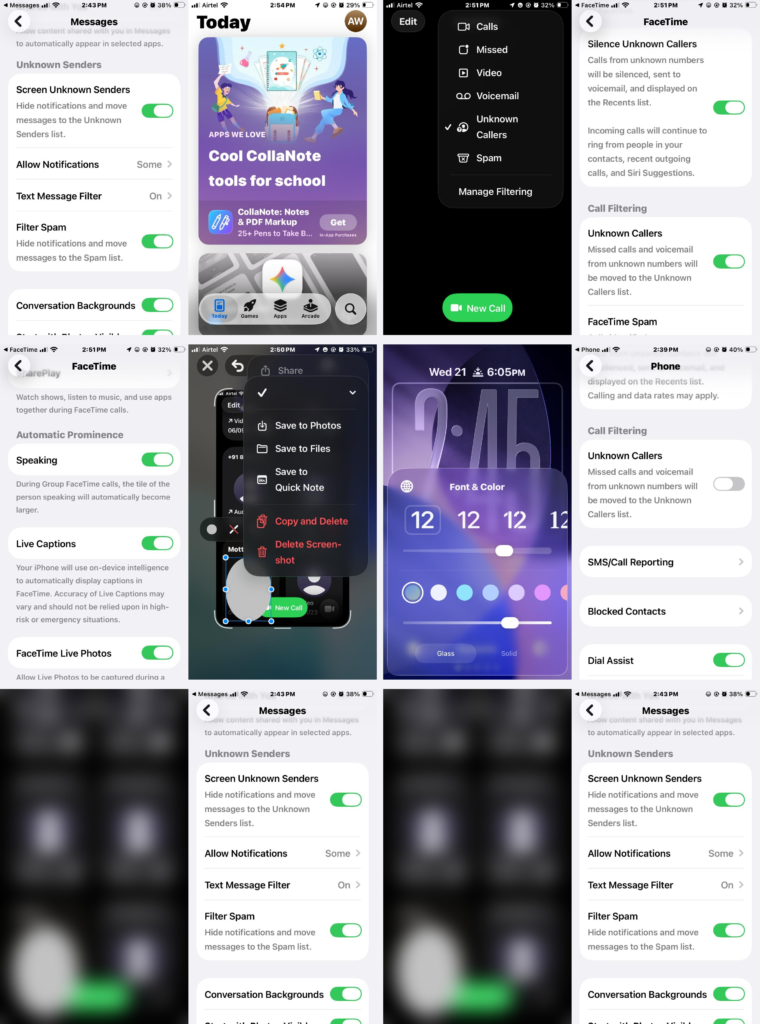
On newer iPhones, iOS 26 generally feels smooth once the update settles. On some phones, users noticed stutters in animations and slower response in system apps. One long Apple Community thread describes lag across apps and settings after updating to iOS 26, with users trying workarounds like toggling Reduce Transparency.
Some users also reported typing issues, including sluggish keyboard response and autocorrect behaving badly.
There were also comfort complaints about the visual style. We noticed that some users experienced eye strain or dizziness with Liquid Glass effects and suggested Accessibility changes like Reduce Transparency as a possible mitigation.
Why iOS 26 on iPhone SE can feel slow after updating
These are the most common technical reasons:
- Background post-update tasks: After a major update, the iPhone may keep working in the background, which can affect thermal performance and battery for a few days.
- Low storage: Apple explicitly recommends keeping at least 1 GB free to avoid slowdowns.
- Low Power Mode or Adaptive Power: Power-saving modes can reduce visual effects or slow some actions. Adaptive Power can make performance adjustments automatically on supported models.
- Battery health and peak performance limits: An aging battery can reduce peak performance under load.
- UI load from transparency and animations: Liquid Glass uses more translucency and effects, and some users report smoother performance after changing transparency settings.
Common iOS 26 iPhone SE issues and what usually fixes them
| What you notice | Likely cause | What to try first |
|---|---|---|
| Settings or apps open slowly | Post-update background tasks, low storage | Wait 48 to 72 hours, free storage (keep 1 GB+) |
| Stuttery animations | UI effects + heavy transparency | Toggle Reduce Transparency, try Reduce Motion |
| Battery drain and heat | Indexing, background update tasks | Give it a few days, check Battery insights |
| Wi-Fi/Bluetooth disconnects (early iOS 26) | Early bugs fixed in point releases | Update to the latest release available |
| Keyboard lag or weird autocorrect | iOS bugs or settings | Check keyboard settings, update iOS, restart |
The iOS 26.1 and 26.2 updates made a difference for many people
Apple’s update notes show that iOS 26.0.1 included fixes for issues like Wi-Fi and Bluetooth disconnects on specific models and mobile network connection issues for some users.
Apple’s notes for iOS 26.1 and iOS 26.2 also include a long list of bug fixes, design adjustments (like tinted Liquid Glass and Lock Screen opacity control), plus security updates.
If you are still on iOS 26.0 or 26.0.1, updating to 26.2 is a practical move, not just for features but also for security.
Checklist for a smoother iOS 26 experience
- Update to the latest iOS 26 version available on your phone
iOS 26.2 includes bug fixes and security updates. - Wait a bit after updating
Battery and performance can be temporarily affected while background tasks finish. - Keep at least 1 GB of free storage
Apple says low storage can cause slowdowns. - Check power modes
Turn off Low Power Mode when you want full responsiveness. If your model supports Adaptive Power, remember it can adjust performance. - Use Accessibility settings if Liquid Glass feels heavy or uncomfortable
Many users try:- Reduce Transparency
- Reduce Motion
This can also help readability.
- Check battery health
Low battery health can limit peak performance.
What’s coming next: iOS 26.3
iOS 26.3 is in beta testing and includes a few big changes:
- A built-in Transfer to Android tool in Settings
- Notification forwarding and easier accessory pairing in the EU, linked to Digital Markets Act requirements
- Early groundwork for end-to-end encryption for RCS, dependent on carrier support
- More Lock Screen wallpaper options (Weather section)
We expect iOS 26.3 to arrive in late January or early February 2026, based on Apple’s typical timing and the current beta status.
FAQs
Is iOS 26 actually slower than iOS 18?
On some iPhones, users reported lag right after upgrading, especially during the first few days. Apple also says background tasks after an update can temporarily affect battery and thermal performance, which can feel like slowdown.
How long should I wait for iOS 26 to “settle” after updating?
A common window is 48 to 72 hours, depending on how much data you have and what the phone is doing in the background. Apple notes that update-related tasks can continue after you start using the phone.
Which iPhones support iOS 26?
Apple’s iOS 26.2 security bulletin lists the update as available for iPhone 11 and later, which matches the current supported baseline for iOS 26 updates.
Does “Reduce Transparency” really help performance?
Some users report the phone feels snappier after toggling Reduce Transparency, and it can also make Liquid Glass easier to read. It is not guaranteed, but it is low-risk to try.
Why is my battery worse after iOS 26?
Apple says battery life can drop temporarily after an update because tasks continue in the background. If it does not improve after a few days, check Battery usage and signal strength.
What’s the fastest fix if iOS 26 is lagging badly?
In most cases: update to the newest point release, free storage (keep 1 GB+), restart, and check that Low Power Mode is off. Apple documents all of these as common causes of slow iPhones.
Should I install iOS 26.3 beta to get fixes sooner?
Beta versions can be less stable. If your phone is your daily driver, it is usually safer to wait for the public release unless you specifically need the new features.
Will iOS 26.3 improve performance?
It might for some users, but 26.3 is mainly focused on new features like Transfer to Android and EU changes. For performance, point releases often include bug fixes, but Apple does not promise specific speed changes in the beta notes.


Discussion