
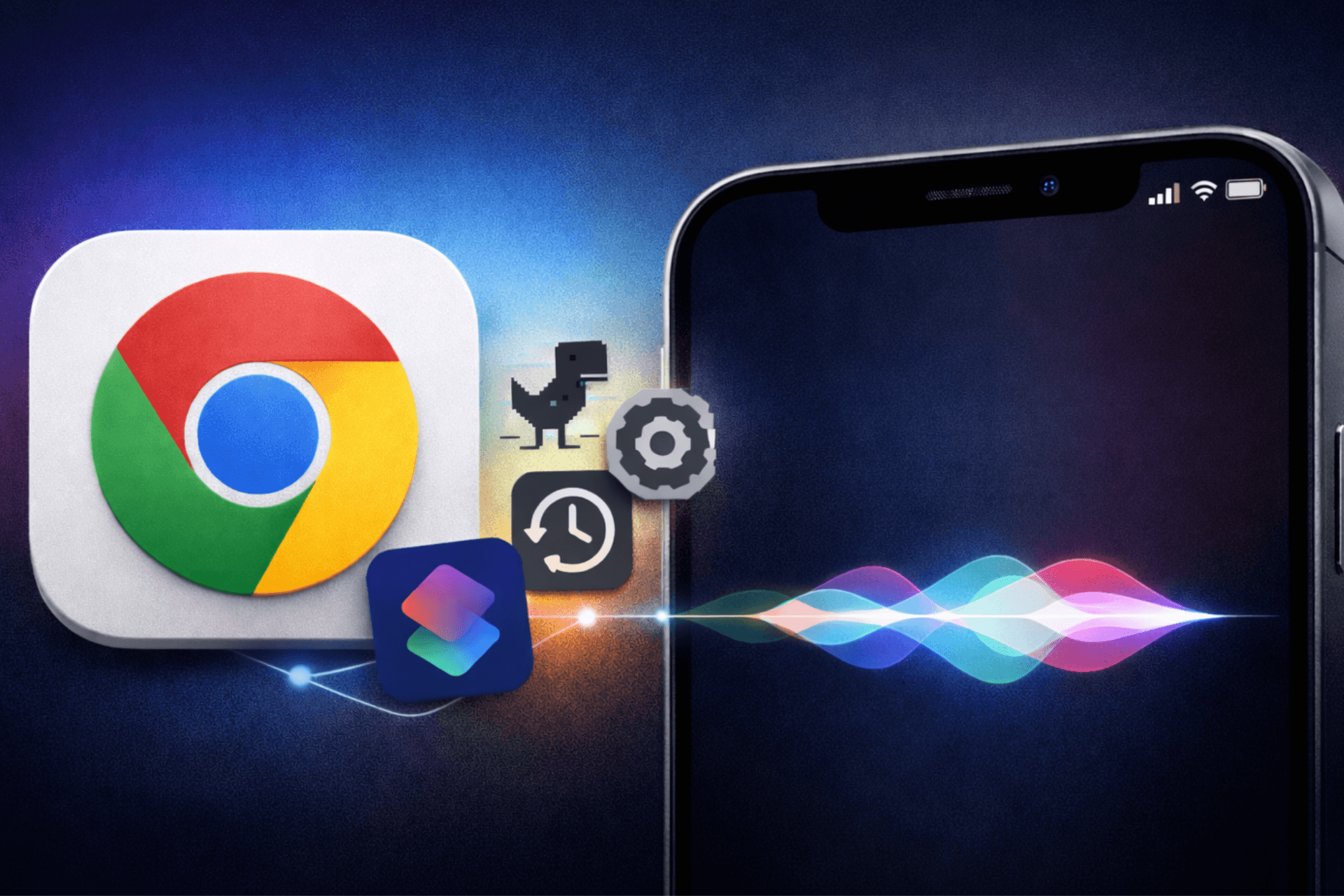
Chrome for iPhone and iPad now works much better with Apple’s Shortcuts app and Siri. In the latest TestFlight build, Chrome offers a full set of built‑in actions you can trigger with your voice or automations, including options to launch the Dino game, jump into history, or manage passwords. This type of integration already exists in Microsoft Edge and other iOS browsers.
What’s new in the Chrome for iOS beta
Until now, Chrome has not really shown up in the Shortcuts app in a meaningful way. You could open the app or a specific URL by using generic shortcuts, but you did not see rich, Chrome‑specific actions in that list. In the current TestFlight build, Chrome shows its own list of actions that deep-link to different parts of the browser.
In the current TestFlight build, Chrome’s Shortcuts section includes actions such as:
Don’t miss the best of The Mac Observer
Set us as a preferred source and our Apple reporting ranks higher in your Google Search results and Discover feed — one tap, no account changes.
- Manage settings, passwords, and payment methods
- View history, recent tabs, bookmarks, and reading list
- Open a new tab, an incognito tab, or your latest tab
- Run Safety Check
- Play the Dino game
- Search using text, voice, or visual input
- Set Chrome as the default browser

These actions align with recent Chromium code changes that wire Chrome’s internal screens and tools into Apple’s NSUserActivity system, allowing them to appear as app shortcuts.
What you can do with Siri and Shortcuts
With these actions in place, you can build shortcuts that go far beyond “open Chrome.” For example, you can:
Create a “Play Chrome Dino” shortcut and assign it a Siri phrase. You can then say, “Hey Siri, play Chrome Dino game,” and jump straight into chrome://dino.
Create a shortcut that opens Chrome directly in Settings, Passwords, or Safety Check.
Add shortcuts such as “View your Chrome history” or “Open my latest tab in Chrome,” so you arrive exactly where you need to continue browsing.

Instead of reopening Chrome wherever you left off, these shortcuts take you directly to the screen you want. This feels especially useful when you launch from Siri or from the lock screen.
Right now, these actions appear in the Chrome for iOS TestFlight build, and Google has not announced when they will arrive in the stable App Store version. This change does not modify iOS itself.
Apple’s Shortcuts app and Siri already support this kind of integration. The missing piece was Chrome exposing its own actions. Because the work lives inside Chrome’s code, it should reach regular users in a future Chrome update when Google decides to ship it.


Discussion