
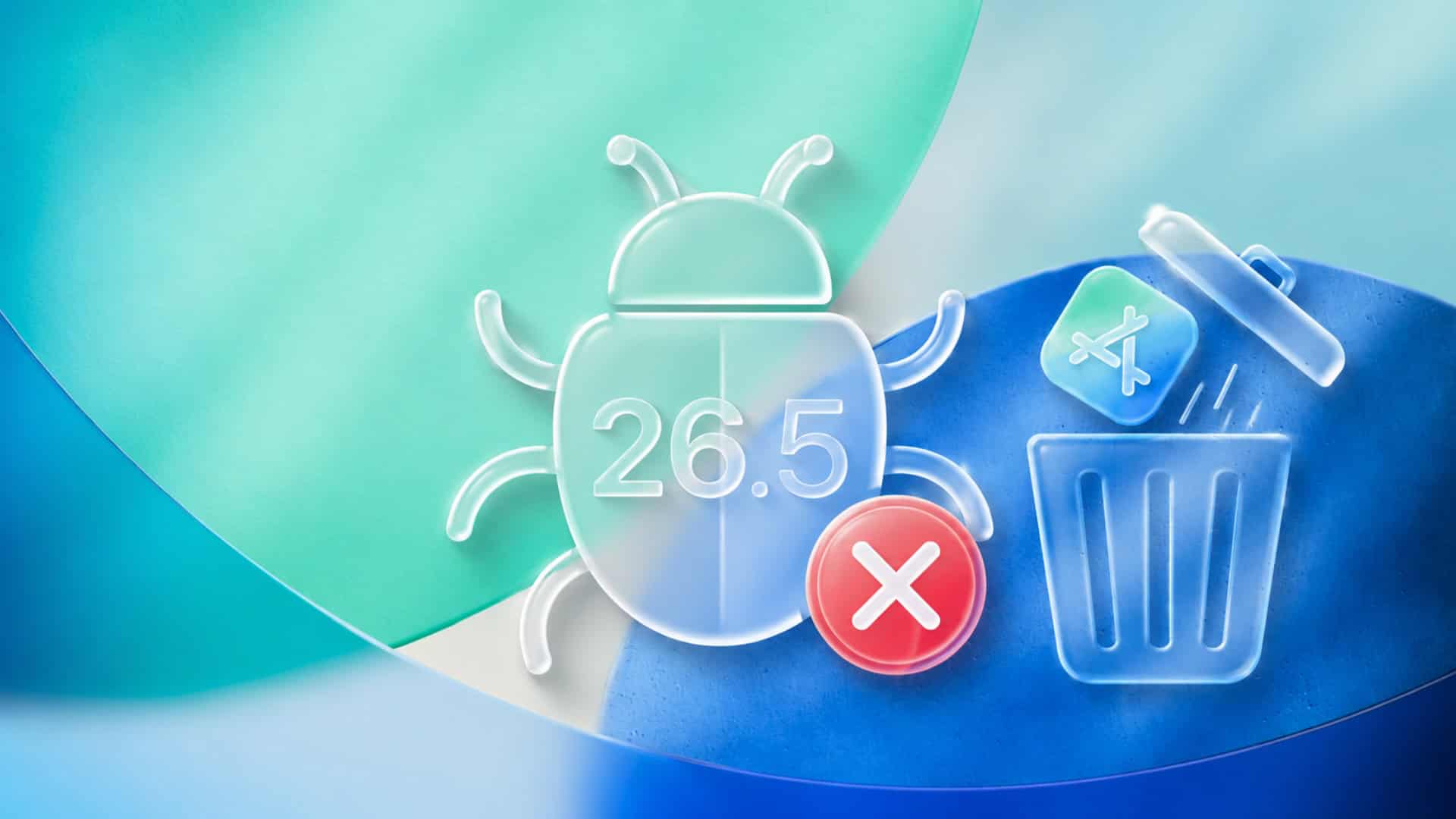
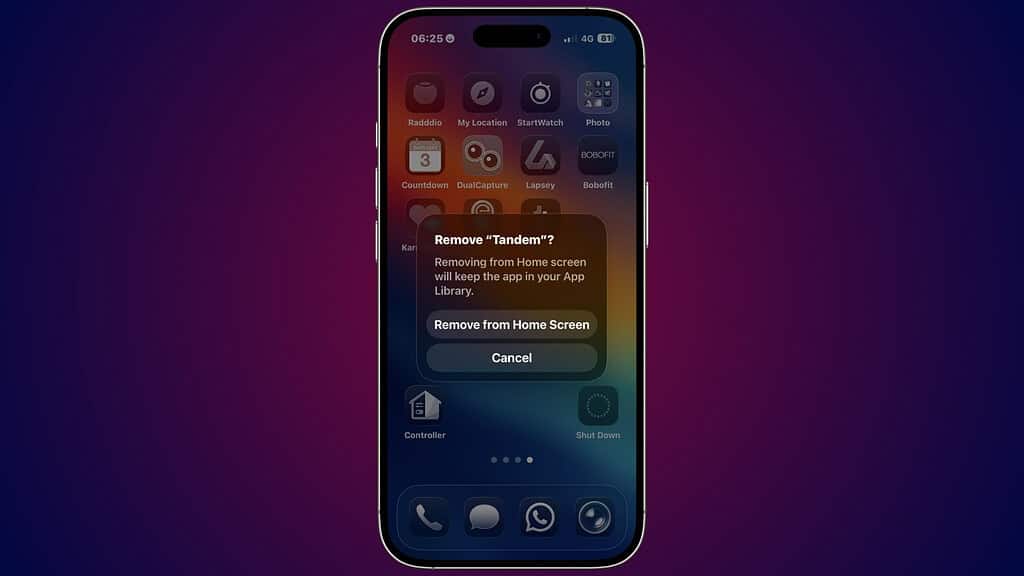
Some iPhone users running iOS 26 say they suddenly lost the ability to fully delete apps after updating to iOS 26.5. Instead of seeing the normal “Delete App” option, the pop-up only shows “Remove from Home Screen” and “Cancel.”
The issue recently gained attention after a Reddit user shared screenshots showing the missing delete option on their iPhone. At first, many users assumed this was another iOS 26.5 bug tied to Apple’s latest update. However, the final cause turned out to be much more specific.
According to the original poster, the problem was linked to an app called “Flowin,” which is used to block access to food delivery and distraction apps. After updating to iOS 26.5, the app apparently interfered with app deletion controls inside Screen Time settings.
Don’t miss the best of The Mac Observer
Set us as a preferred source and our Apple reporting ranks higher in your Google Search results and Discover feed — one tap, no account changes.
Once the user disabled and re-enabled Flowin inside Screen Time, the “Delete App” option returned immediately.
Why this happens on iOS 26.5
This does not appear to be a widespread system-level bug affecting every iPhone. Instead, it looks like certain Screen Time restrictions or third-party blocking apps may conflict with how iOS 26.5 handles app management permissions.
Apps that use Screen Time APIs can sometimes control whether apps can be removed, especially if content restrictions are enabled in the background.
That is important because many users may blame iOS itself when the real trigger is an installed utility app working incorrectly after the update.
How to fix the iOS 26.5 app delete issue
If your iPhone cannot delete apps after updating to iOS 26.5, try these steps:
- Open Settings
- Go to Screen Time
- Check Content & Privacy Restrictions
- Temporarily disable app blockers or focus tools
- Restart the iPhone
- Re-enable the blocking app afterward
Users affected by the issue say this restores the missing “Delete App” option almost instantly.
Apple has not officially acknowledged the issue so far, but reports suggest it may only affect users with certain productivity or restriction-based apps installed.
Your miserable screen crashed after I provided a detailed problem I’m having with FB and my iPhone. I entered my name and everything went away.
iOS 26.5 encourages me to get a flip phone
I don’t want any ads and @pple gave it’s users away in this update.