
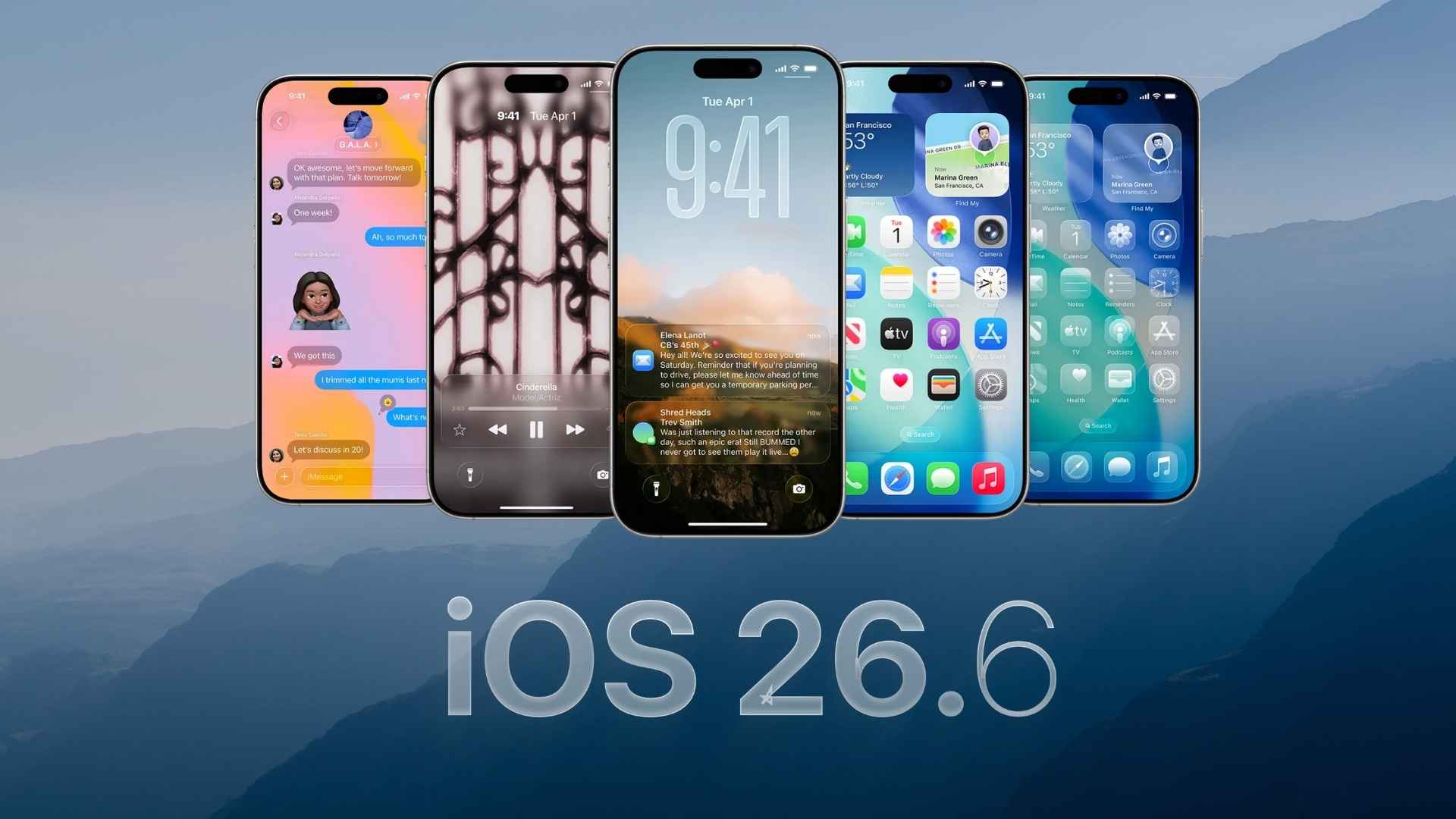
Apple has released iOS 26.6 for compatible iPhone models. The update focuses on system improvements, bug fixes, security patches, and preparation for the upcoming iOS 27 upgrade.
The update carries build number 23G71, which matches the Release Candidate provided to beta testers on July 20. It does not introduce major visual changes or new everyday features.
How to update
Before installing the update, connect your iPhone to Wi-Fi and make sure it has sufficient battery power.
Don’t miss the best of The Mac Observer
Set us as a preferred source and our Apple reporting ranks higher in your Google Search results and Discover feed — one tap, no account changes.
- Open the Settings app.
- Select General.
- Tap Software Update.
- Wait while your iPhone checks for the update.
- Tap Download and Install.
- Enter your passcode and accept the terms when prompted.
Your iPhone will restart during installation. The update size can vary depending on your device and the iOS version currently installed.
All changes in iOS 26.6
iOS 26.6 is mainly a maintenance update, so users should not expect major interface changes or new apps.
- Bug fixes: The update addresses software problems reported during the iOS 26.5 release cycle and improves general system reliability.
- Security updates: Apple has included security patches that protect the iPhone against newly discovered vulnerabilities.
- Spotlight improvements: iOS 26.6 optimizes the Spotlight search index and prepares stored content for the transition to iOS 27.
- Performance improvements: The update includes internal changes designed to improve system stability, responsiveness, and compatibility.
- Earlier fixes included: Security fixes previously delivered through iOS 26.5.2 are also included for users moving directly from an older iOS version.
There are no major user-facing features included in iOS 26.6. The release completes another stage of the iOS 26 update cycle while Apple continues testing iOS 27.
If you’ve already installed the update, let us know your experience in the comments.


Discussion