
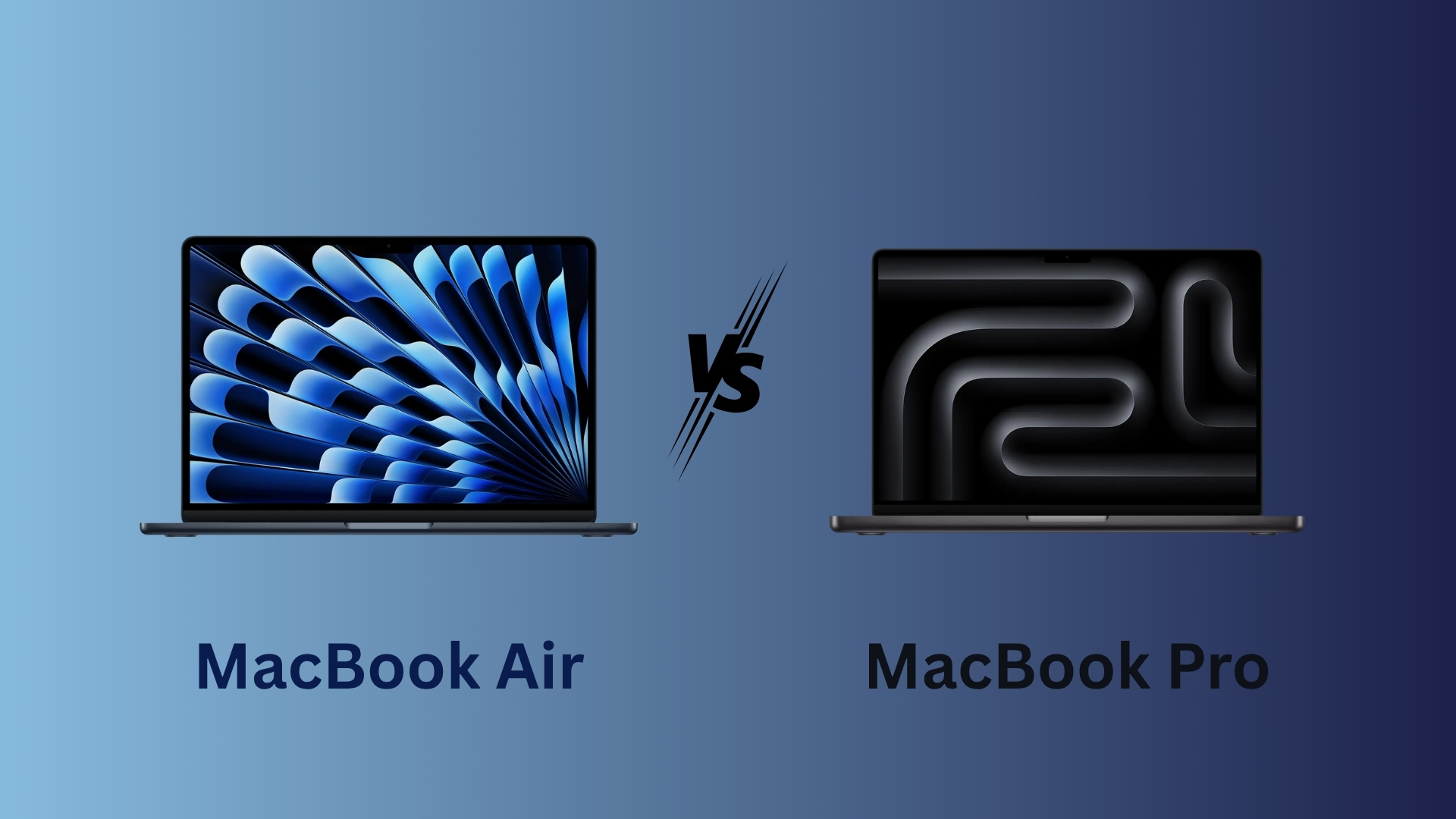
Choosing between a MacBook Air with 24GB of unified memory and a MacBook Pro with 16GB becomes difficult when both configurations sell for a similar price. The two machines can deliver nearly identical everyday performance when they use the same M5 chip, but their memory capacity, cooling systems, displays, ports, and sustained performance make them suitable for different users.
For most buyers, the 24GB MacBook Air offers the stronger balance because the additional memory improves multitasking and gives demanding applications more room to work. The 16GB MacBook Pro remains the better choice for workloads that keep the processor and graphics cores under heavy load for long periods.
MacBook Air 24GB vs MacBook Pro 16GB specifications
| Feature | MacBook Air 24GB | MacBook Pro 16GB |
|---|---|---|
| Processor | Apple M5 | Apple M5 |
| CPU | 10-core | 10-core |
| GPU | Up to 10-core | 10-core |
| Unified memory | 24GB | 16GB |
| Cooling | Fanless | Active cooling with fan |
| Display | Liquid Retina | Liquid Retina XDR |
| Refresh rate | 60Hz | Up to 120Hz ProMotion |
| Ports | MagSafe, two Thunderbolt ports | MagSafe, three Thunderbolt ports, HDMI, SDXC |
| Best suited for | Multitasking and portable work | Sustained workloads and gaming |
Apple lists the base M5 MacBook Pro with a 10-core CPU, 10-core GPU and 153GB/s memory bandwidth, while the comparable MacBook Air also offers the M5 with a 10-core CPU and 10-core GPU. This means both systems start with broadly similar processing capabilities before cooling and memory limits affect performance.
Don’t miss the best of The Mac Observer
Set us as a preferred source and our Apple reporting ranks higher in your Google Search results and Discover feed — one tap, no account changes.
Everyday performance will feel almost identical
For web browsing, office applications, messaging, video streaming, photo management and general productivity, both MacBooks feel equally responsive. Applications open quickly, files transfer at similar speeds, and 16GB remains enough for users who mainly work in Safari, Chrome, Microsoft Office, Slack and other everyday apps.
macOS also compresses memory before relying heavily on SSD swap space. Users can check the Memory Pressure graph in Activity Monitor, where green indicates that the available memory is handling the workload efficiently. Yellow or red pressure shows that the system needs more memory or has started relying more heavily on swap.
The 24GB Air gains an advantage when several demanding applications remain open together. A workflow involving Final Cut Pro, Photoshop, Lightroom, dozens of browser tabs, Messages and cloud collaboration tools can push a 16GB system closer to its memory limit.
The MacBook Pro handles sustained workloads better
The MacBook Air has no fan, so it reduces performance when prolonged workloads generate too much heat. Short tasks rarely cause a major slowdown, but long rendering sessions, demanding games, 3D workloads and repeated AI processing can expose the limits of its passive cooling system.
The MacBook Pro uses active cooling, allowing the M5 chip to maintain higher clock speeds for longer periods. That advantage matters for:
- Long 3D renders in Blender or similar applications
- Extended gaming sessions
- Large photo exports with intensive AI effects
- Continuous code compilation
- Heavy video effects and repeated exports
- Local AI workloads that keep the CPU, GPU or Neural Engine active
A 24GB MacBook Air can hold larger projects in memory, but the fan-cooled Pro finishes sustained processor-heavy tasks more consistently.
Creative work depends on the workload
Standard photo and video editing runs well on both machines because Apple’s media engine handles much of the video decoding and encoding work. Editing 4K footage, arranging timelines, applying basic effects and working with moderate photo libraries should not create a large performance difference.
Memory becomes more important when editing 8K footage, using multiple creative applications together or working with large assets. In those cases, the 24GB Air can avoid swap more effectively than the 16GB Pro.
The MacBook Pro still offers a better working environment for many creators because its Liquid Retina XDR display delivers higher brightness, HDR support and ProMotion refresh rates. Its SD card slot, HDMI port and additional Thunderbolt port also reduce the need for adapters.
Who should buy the 24GB MacBook Air?
Choose the MacBook Air with 24GB if you:
- Keep several demanding applications open together
- Edit photos or videos without long, repeated exports
- Want more memory for future software updates
- Run virtual machines or development tools
- Prefer a lighter and silent laptop
- Mostly use an external monitor
- Want better multitasking at the same price
Who should buy the 16GB MacBook Pro?
Choose the MacBook Pro with 16GB if you:
- Regularly play demanding games
- Render 3D scenes
- Export large projects throughout the day
- Need sustained CPU or GPU performance
- Want the brighter 120Hz XDR display
- Depend on HDMI and SD card connectivity
- Work outdoors or near bright windows
Verdict
The 24GB MacBook Air is the better purchase for most users when both machines cost the same. Its larger memory capacity improves heavy multitasking, reduces SSD swapping and gives the laptop more room for future applications and on-device AI features.
The 16GB MacBook Pro wins when sustained performance matters more than memory capacity. Its active cooling, superior display and wider port selection make it the stronger option for 3D rendering, gaming and repeated professional exports.
For general productivity, development, photography and regular video editing, buy the 24GB MacBook Air. For workloads that keep the processor or GPU running near full capacity, buy the 16GB MacBook Pro.




Discussion