
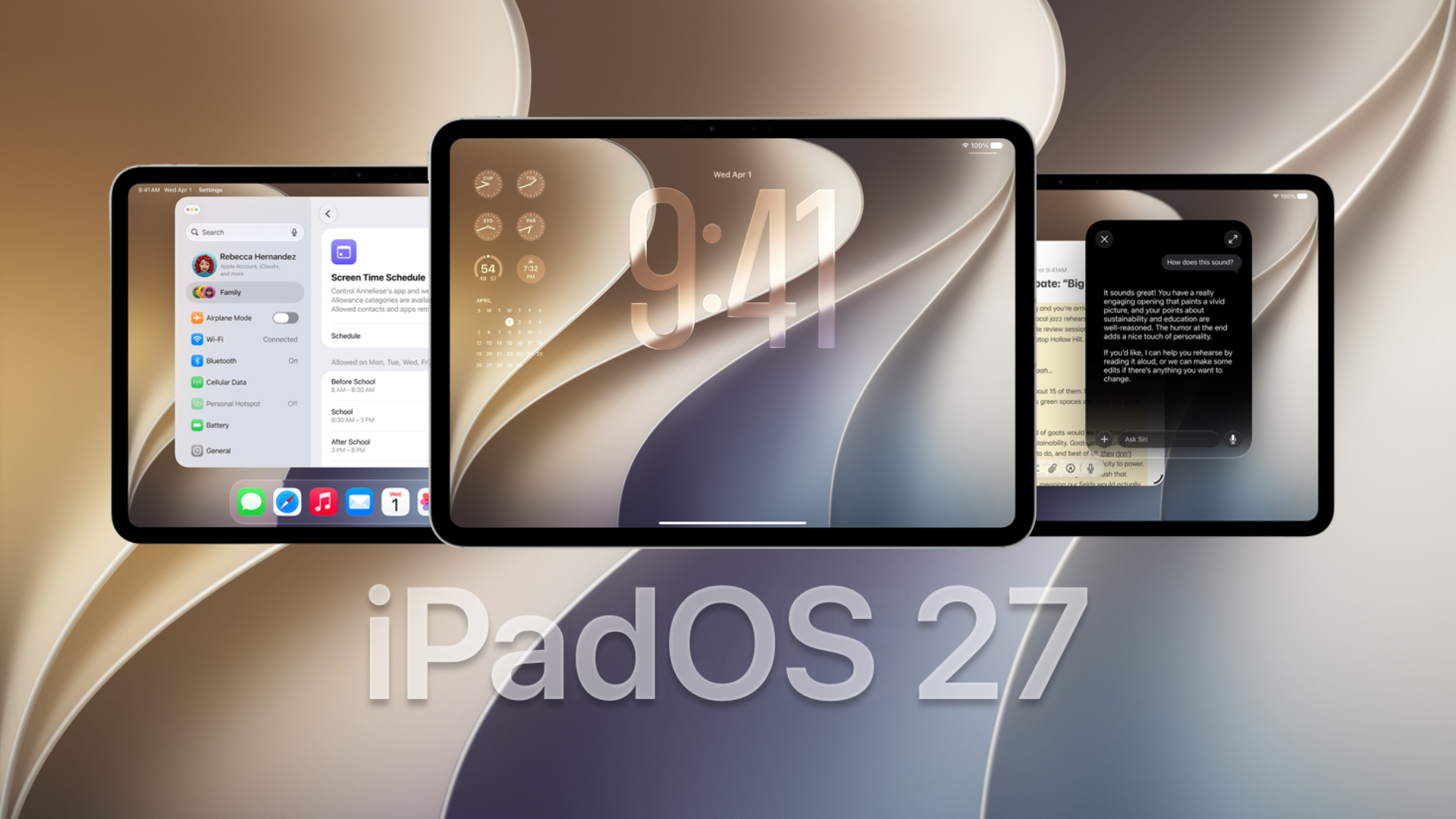
Apple has released iPadOS 27 beta 7 to developers, continuing its weekly testing cycle ahead of the public launch expected in September. The update arrives one week after beta 6, which carried build number 24A5418b. Apple has not yet published the beta 7 build number on its developer releases page at the time of writing.
At this stage of testing, Apple is focusing heavily on stability, performance, battery life, and bug fixes while continuing to refine the major iPadOS 27 features introduced earlier this summer.
How to update to iPadOS 27 beta 7
If your iPad is already enrolled in the developer beta program, you can install iPadOS 27 beta 7 directly from Settings.
Don’t miss the best of The Mac Observer
Set us as a preferred source and our Apple reporting ranks higher in your Google Search results and Discover feed — one tap, no account changes.
- Open the Settings app on your iPad.
- Tap General.
- Select Software Update.
- Tap Beta Updates.
- Make sure iPadOS 27 Developer Beta is selected.
- Return to the Software Update screen.
- Tap Download and Install when iPadOS 27 beta 7 appears.
Keep your iPad connected to Wi-Fi and make sure it has enough battery before starting the installation.
All the changes in iPadOS 27 so far
Apple has introduced several major features and smaller improvements across the iPadOS 27 beta cycle. Beta 7 appears to concentrate mainly on polishing those additions rather than introducing another major feature.
- Siri AI: iPadOS 27 introduces Apple’s upgraded Siri experience with broader world knowledge, personal context, on-screen awareness, and deeper actions inside supported apps.
- Dedicated Siri app: Apple has added a standalone Siri app where users can return to previous Siri conversations and continue interacting with the assistant.
- More Apple Intelligence features: Photos, Safari, Shortcuts, Passwords, Mail, Messages, and other apps receive new AI-powered tools, while developers also gain access to updated Foundation Models capabilities.
- Liquid Glass improvements: Apple has continued refining the Liquid Glass interface introduced across its operating systems, including additional controls for adjusting transparency.
- Performance improvements: Earlier betas introduced work aimed at faster app launches, quicker loading in Photos, improved AirDrop transfers, and smoother network transitions.
- Apple Pencil improvements: iPadOS 27 expands handwriting recognition in PencilKit and adds new tools that developers can use to bring handwriting features into more apps.
- AirPods controls: The update cycle has added support for newer AirPods features, including expanded Adaptive Audio controls and custom EQ support on compatible models.
- Bug fixes: Recent betas have increasingly focused on fixing crashes, interface problems, connectivity issues, and other bugs reported during testing. Beta 5, for example, fixed issues affecting AirPlay and AirPods Max 2 beta firmware updates.
Since iPadOS 27 remains beta software, users can still encounter battery drain, app compatibility problems, crashes, and other unexpected behavior before Apple releases the final version.
If you’ve already installed iPadOS 27 beta 7, let us know your experience and any changes you have noticed in the comments.




Discussion