
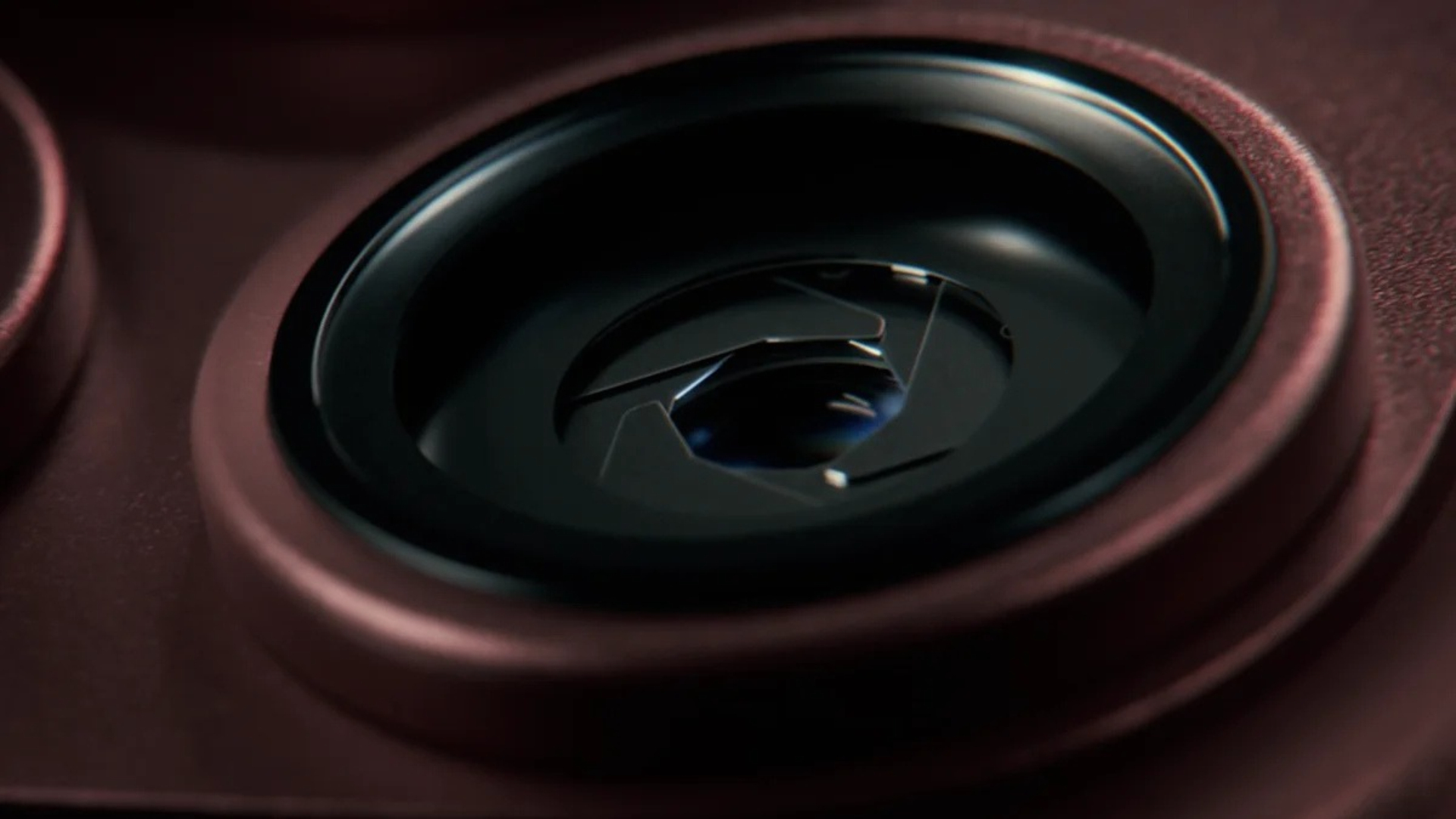
The iPhone 18 Pro’s wider main-camera aperture can create a shallower depth of field without relying entirely on Portrait mode processing. Real-world samples show the effect most clearly when a nearby subject is separated from a distant background.
In a hands-on iPhone 18 Pro review, T3 compared aperture settings using a foreground thistle and a house in the distance. The phone’s f/1.48 setting produced stronger optical background separation than narrower settings, while stopping down kept more of the scene in focus.
That distinction matters because optical blur comes from the lens and subject distance. Apple’s Portrait mode can add adjustable blur after capture, but the physical aperture changes how light reaches the sensor before software applies its own processing.
Don’t miss the best of The Mac Observer
Set us as a preferred source and our Apple reporting ranks higher in your Google Search results and Discover feed — one tap, no account changes.
The widest setting is not always best
A wider aperture is useful for isolating a person or object, particularly in lower light. A narrower setting can work better for group photos, architecture or landscapes where the photographer wants foreground and background detail to remain sharp.
Apple gives users several physical aperture stops on the main camera, and third-party apps can offer finer control. MacObserver’s guide to the iPhone 18 Pro variable aperture explains where the control appears and how the selected value affects a shot.
The samples demonstrate a visible creative difference, but they do not prove that every portrait will improve at f/1.48. Lighting, distance and composition still matter, and the most useful setting depends on how much of the scene should remain in focus.
For a fair comparison, photographers should keep framing, focus distance and lighting consistent while changing only the aperture setting.




Discussion