
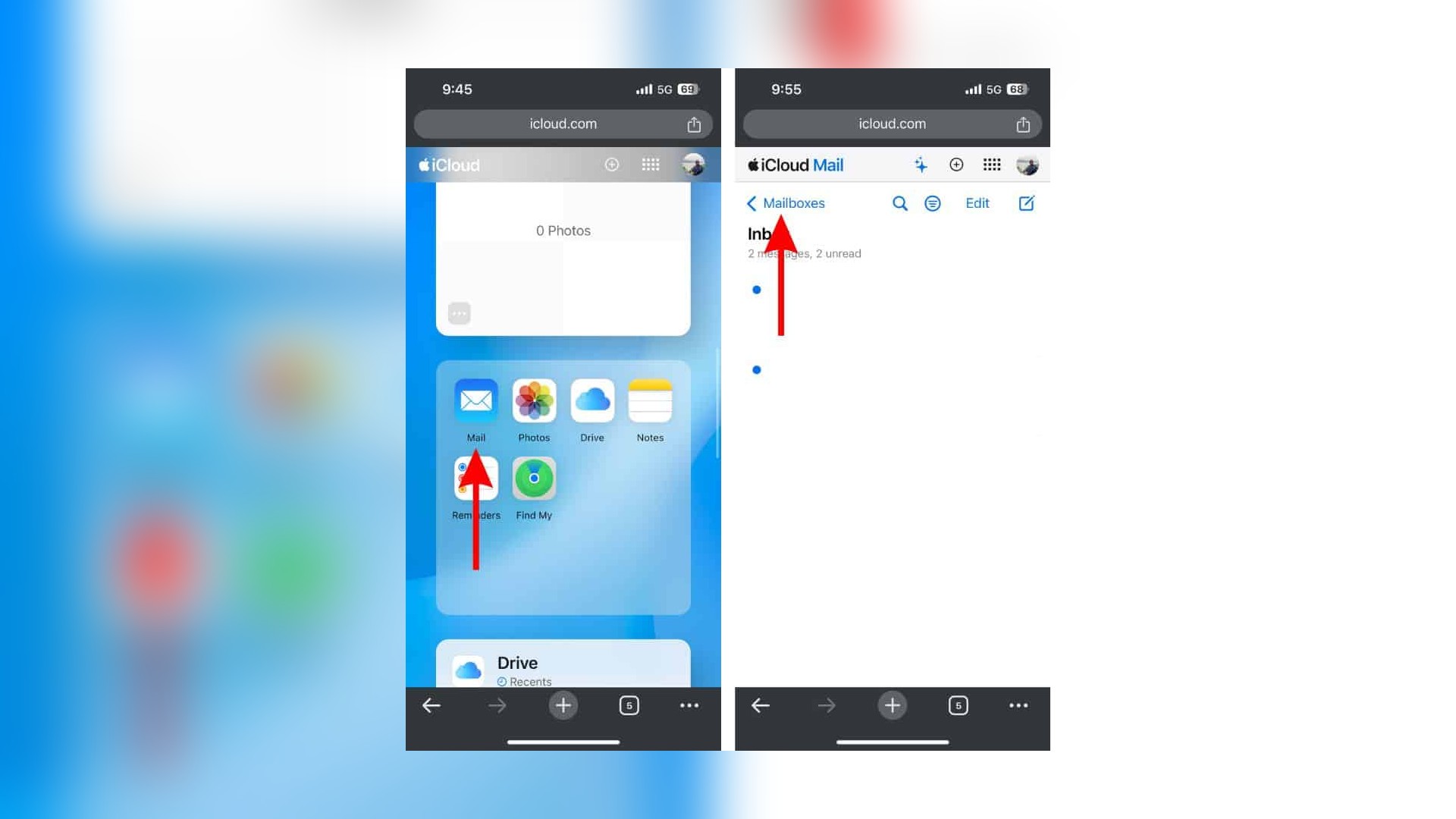
iCloud+ subscribers can now create up to 10 personalized email addresses for each custom domain connected to iCloud Mail. The updated limit applies per person and per domain, not to the number of domains an account can add.
Apple’s updated Custom Email Domain support page says an iCloud+ account can use as many as five custom domains, with up to 10 addresses on each one. A domain owner can also share a domain with as many as five other people.
The distinction clears up two similar claims. Apple has not raised the account limit to 10 custom domains, and the change does not provide nine standard @icloud.com aliases. Apple’s separate alias documentation still lists a maximum of three aliases for a primary iCloud Mail address.
Don’t miss the best of The Mac Observer
Set us as a preferred source and our Apple reporting ranks higher in your Google Search results and Discover feed — one tap, no account changes.
Who can use the larger limit
Custom Email Domain requires an iCloud+ subscription, two-factor authentication and a primary iCloud Mail address. Each shared user needs an Apple Account and must accept the invitation before creating addresses on the domain.
Addresses created on a custom domain can send and receive mail in Apple’s Mail apps and on iCloud.com. MacObserver’s custom iCloud domain guide explains the setup location, although some screens have changed since the feature first launched.
Apple notes that Custom Email Domain is not available in every country or region and does not support managed Apple Accounts. Subscribers should also confirm their DNS records before moving active business or family addresses to iCloud Mail.
Existing users do not need to recreate their domain. The additional address slots should appear through the same iCloud+ management interface.


Discussion