
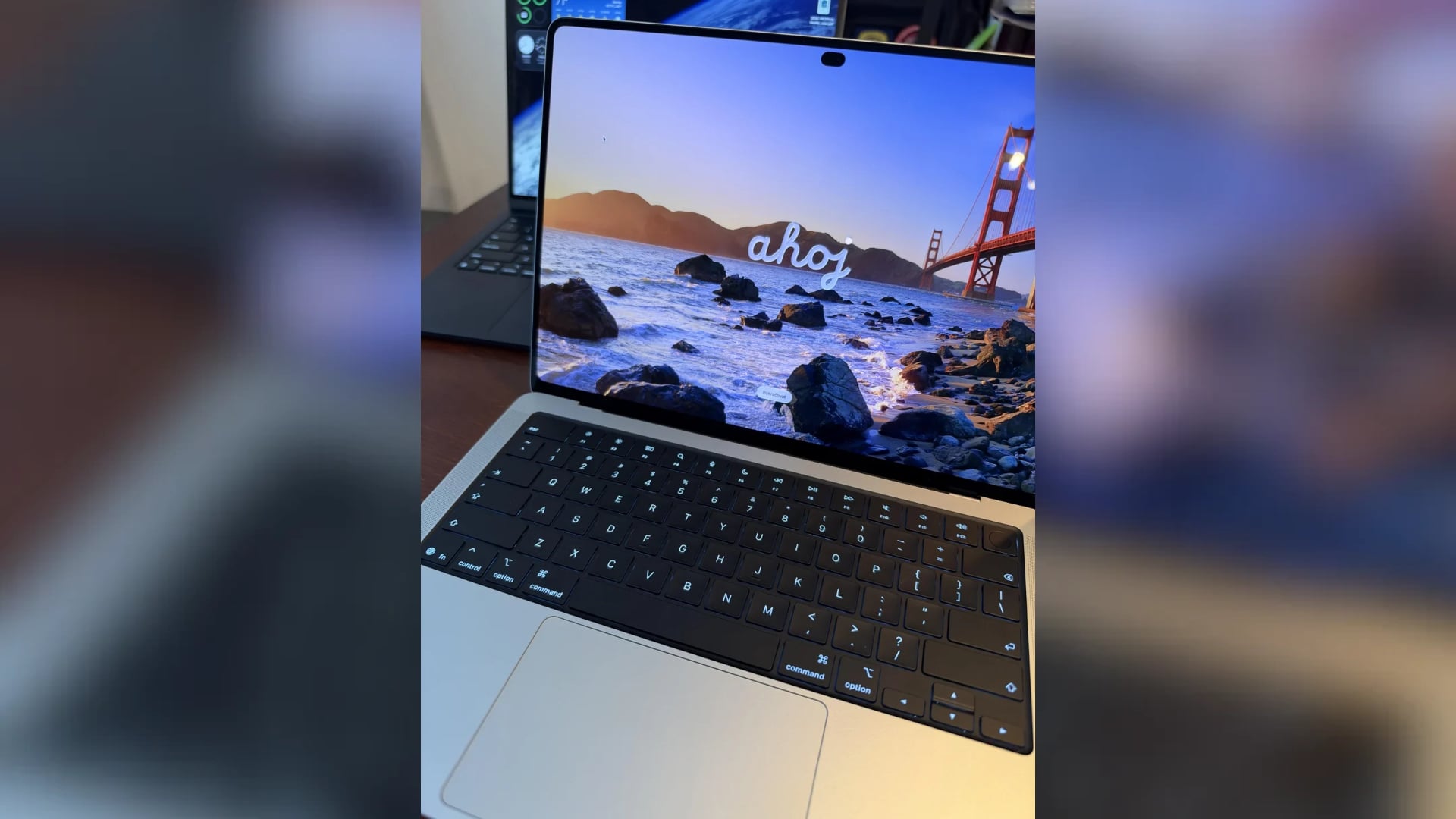
Apple’s new OLED MacBook Pro is causing headaches, dizziness, and eye strain for some owners, with one frustrated user saying they contacted Apple for help but received no solution. The complaints have raised concerns about the laptop’s display technology, particularly among people sensitive to screen flickering caused by pulse-width modulation (PWM).
In a Reddit post published on November 11, a MacBook Pro owner explained that they were preparing to return the laptop despite considering it the best computer they had ever owned.
I reached out to Apple to try and find a solution to the headaches/dizziness and it lead me to a dead end. I wish I could make it work with this machine because it is the best I’ve ever owned. Has anyone else with the PWM sensitivity found a way to fix this problem?
The post attracted considerable attention, with other users discussing similar experiences and possible ways to reduce discomfort.
Don’t miss the best of The Mac Observer
Set us as a preferred source and our Apple reporting ranks higher in your Google Search results and Discover feed — one tap, no account changes.
OLED MacBook Pro Display Flickers at 240Hz
The complaints appear connected to the new OLED MacBook Pro’s display, which uses Apple’s PROLED XDR technology.
According to Notebookcheck’s independent testing, the 14-inch model exhibits PWM flickering at 240Hz with a measured amplitude of 56% when brightness falls to 99% or below.
PWM controls brightness by rapidly varying how long display pixels remain illuminated during each cycle. Although the flickering is usually invisible, some people experience headaches, eye strain, or dizziness after prolonged exposure.
For comparison, Notebookcheck measured PWM at 14,880Hz on the previous M4 Pro MacBook Pro’s Mini-LED display, a considerably higher frequency that generally presents fewer problems for sensitive users.
The difference is particularly relevant for people who spend several hours reading documents, writing code, or working with text-heavy applications.
Is There a Fix for MacBook Pro PWM Headaches?
Unfortunately, macOS currently lacks a dedicated setting to disable PWM or switch to an alternative dimming method on the new OLED MacBook Pro.
However, affected users can try several adjustments to determine whether their symptoms improve:
- Increase screen brightness while keeping it comfortable for the surrounding lighting.
- Disable True Tone and Night Shift temporarily to check whether display adjustments affect comfort.
- Use an external LCD monitor with verified flicker-free dimming.
- Take regular screen breaks and avoid extended sessions when symptoms appear.
These adjustments do not guarantee relief because they cannot eliminate the display’s underlying flickering behavior.
Apple already offers Display Pulse Smoothing on supported iPhones, but an equivalent feature has yet to reach the Mac.
For now, users experiencing persistent discomfort should stop using the display and seek medical advice, particularly if headaches or dizziness continue. Those considering the new OLED touchscreen MacBook Pro should also test the screen during extended reading sessions before deciding whether to keep it.



Discussion