
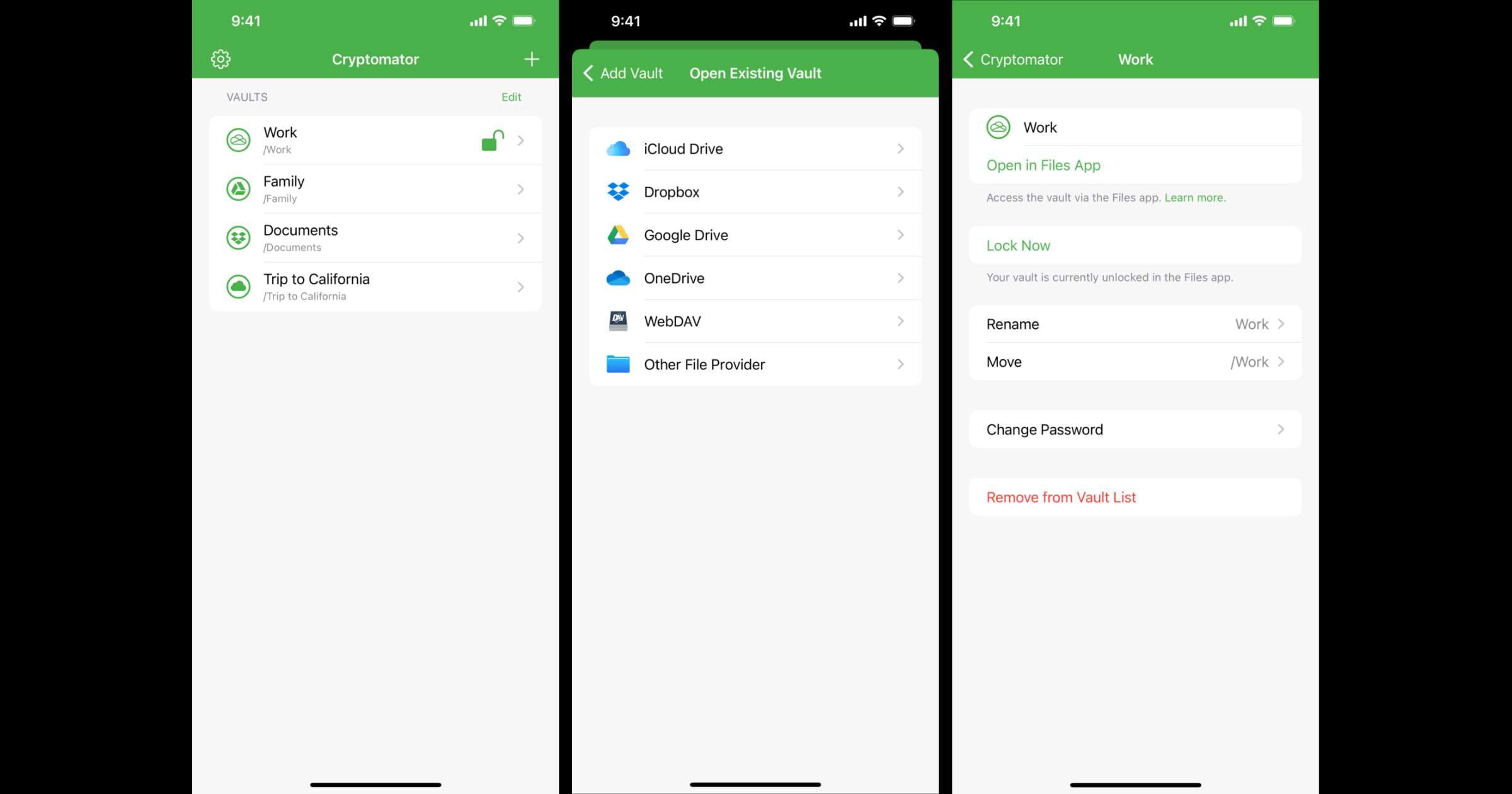
The team behind Cryptomator has rewritten the app in Swift, and with version 2.0 the app is completely integrated into the Files app. This means that your vaults are directly accessible from there. For example, you can now save and edit a Word document directly in an encrypted vault via the Files app. In addition, features like thumbnails, grid view, swiping through images, and drag & drop are possible with the new app. To summarize, Cryptomator gives you end-to-end encryption for your files. You can store them in Google Drive, iCloud Drive, Dropbox, and more. You can also store them offline in the Files app or on a hard drive.
Check It Out: ‘Cryptomator’ 2.0 is Here and it Integrates Into iOS Files App




Discussion