
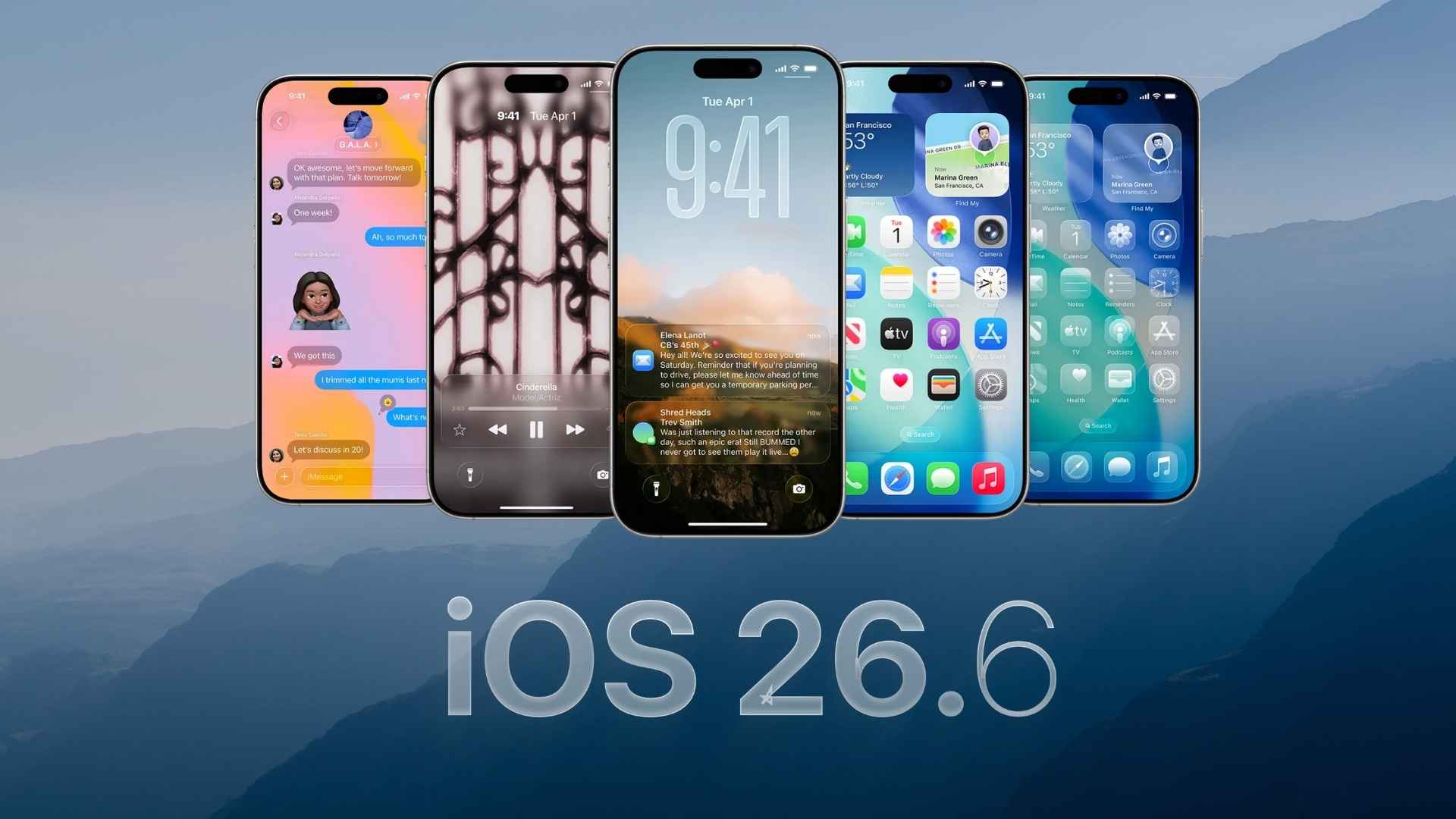
Apple has released the iOS 26.6 Release Candidate for developers and public beta testers. The update carries build number 23G71 and represents the final testing stage before iOS 26.6 becomes available to all compatible iPhone users.
The release remains a relatively small update, with Apple focusing mainly on security fixes, system stability, performance improvements, and preparation for the upcoming transition to iOS 27.
Since this is still beta software, users should create a complete iCloud or computer backup before installing it on their main iPhone.
Don’t miss the best of The Mac Observer
Set us as a preferred source and our Apple reporting ranks higher in your Google Search results and Discover feed — one tap, no account changes.
How to Install iOS 26.6 RC
Follow these steps to download the iOS 26.6 Release Candidate:
- Open the Settings app on your iPhone.
- Select General.
- Tap Software Update.
- Select Beta Updates.
- Choose iOS 26 Public Beta or iOS 26 Developer Beta.
- Return to the Software Update screen.
- Tap Download and Install.
- Enter your iPhone passcode when requested.
- Keep the device connected to Wi-Fi and a charger until installation finishes.
Your Apple Account must be registered with the relevant beta program for the update to appear. Users who already have an earlier iOS 26.6 beta installed can download the RC directly through Software Update.
All Changes in iOS 26.6 RC
Apple has not introduced any major visual changes or large new features in this release. The update mainly includes the following improvements:
- Bug fixes and stability improvements: iOS 26.6 RC addresses system problems discovered during beta testing and improves general reliability across compatible iPhones.
- Security updates: The release includes security patches and additional protections designed to reduce potential risks within the operating system.
- Improved Apple Maps security: Apple has added a new security framework for Apple Maps that helps isolate and validate incoming data before it reaches other parts of the system.
- Blocked contacts limit warning: The iPhone now displays an alert when a user reaches the maximum limit of 20,000 blocked contacts. Users must remove an existing blocked contact before adding another one.
- Spotlight indexing improvements: The update includes changes to Spotlight indexing that help prepare devices for the future upgrade to iOS 27.
- Performance improvements: Apple has continued refining system responsiveness, background processes, and overall performance ahead of the public release.
Apple could release the same build to the public if testers do not discover any serious problems. However, the company can issue another Release Candidate if additional fixes are required.
If you have already installed the iOS 26.6 RC update, let us know about its performance, battery life, and any problems you have noticed in the comments.


Discussion