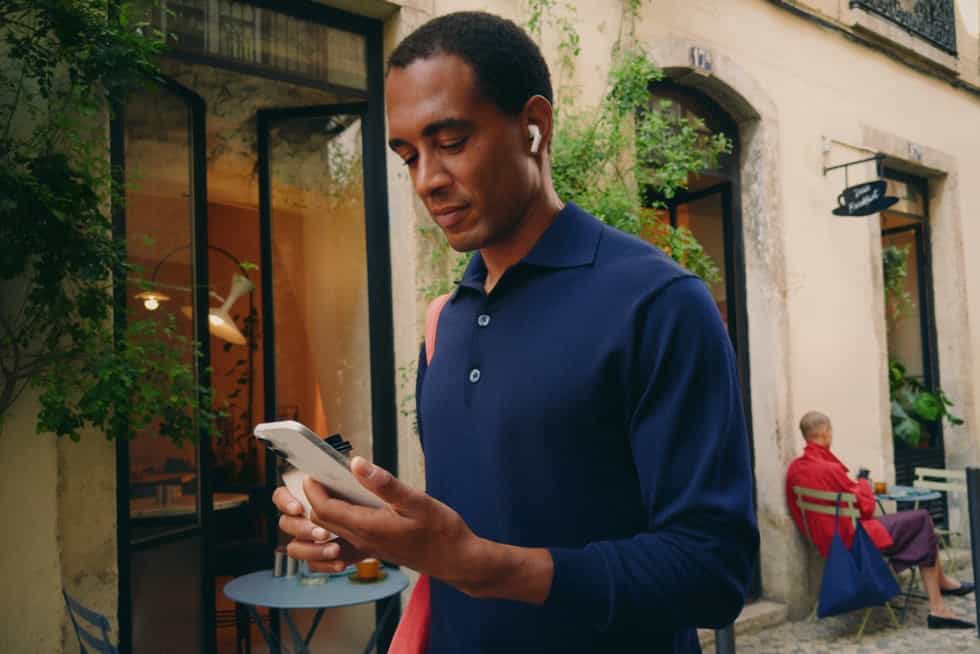
A caller ID app can flag a spam call without its server learning which number rang you, your IP address or who you are.
privacy
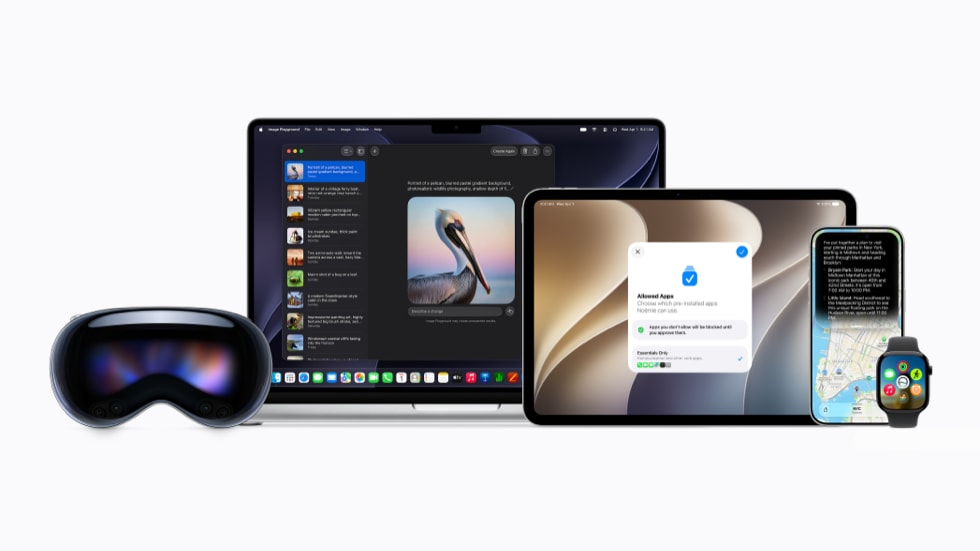
How to check which Mac apps can read your Desktop, Documents and Downloads
Two lists in System Settings show which apps can open your folders, and which can see nearly everything on your Mac. Here’s how to check both.
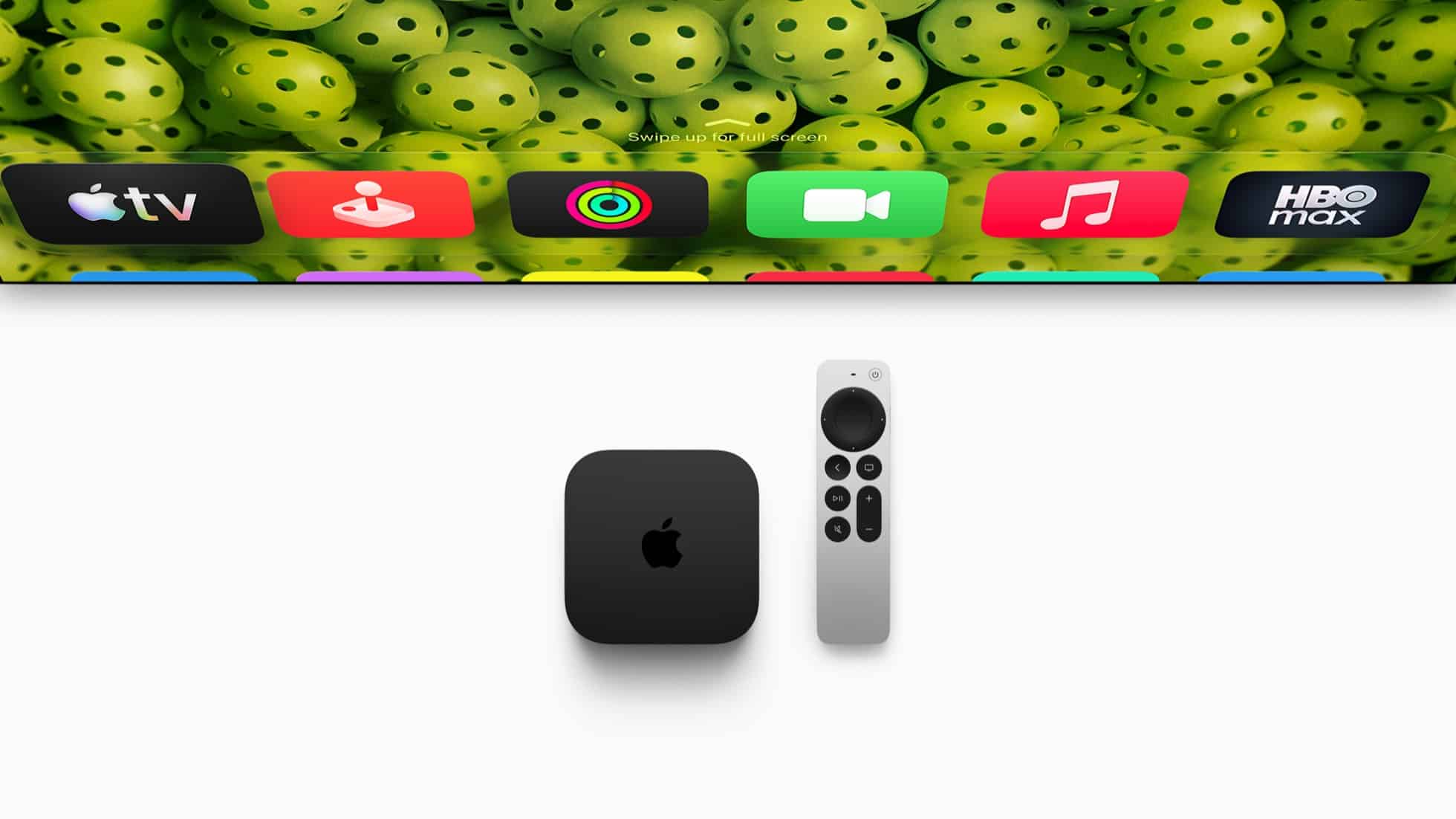
Apple TV 4K mics run in Secure Exclaves: how Apple isolates your voice data
The new Apple TV 4K has three far-field mics for hands-free Siri. Apple says their data stays in Secure Exclaves that tvOS and apps cannot reach.
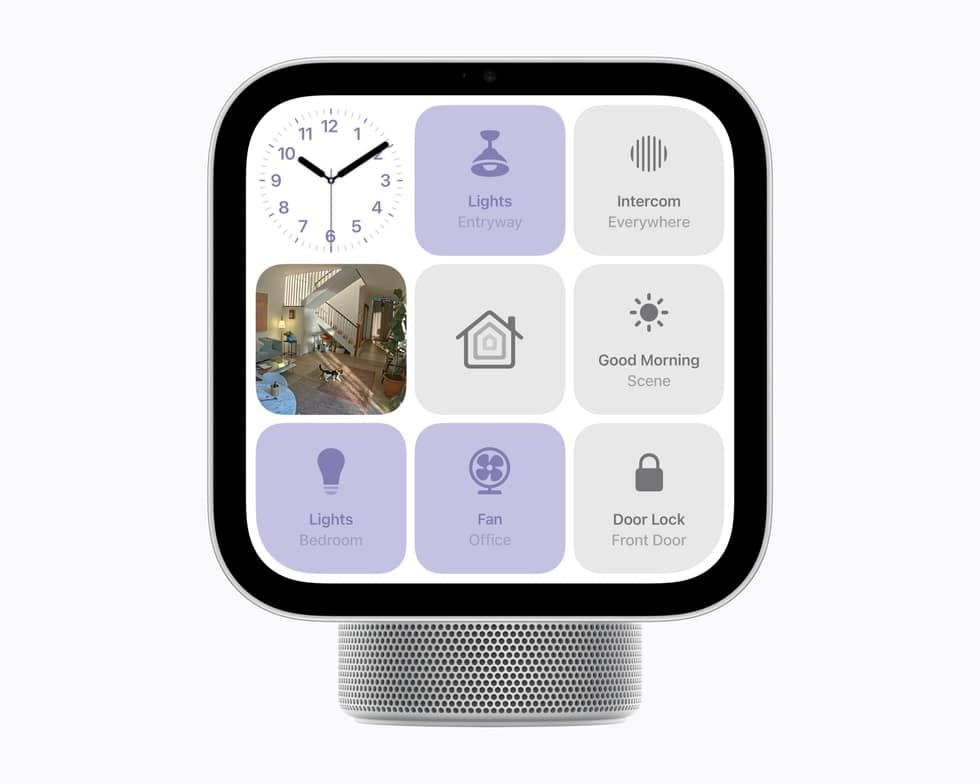
HomeView shows your messages only when it sees your face and your iPhone
Apple says HomeView shows your texts only when it recognizes your face and your paired iPhone is on the same Wi-Fi and recently unlocked.

Meta Muse users found they could export large parts of its virtual machine
Developers prompted Meta Muse to package its virtual-machine files, exposing internal documentation without access to other users or Meta systems.

Google Photos adds a Redact tool to blur private details in images
Google Photos is adding a Redact pen that blurs sensitive details, plus new Markup controls, Moods filters and Remix templates in a global rollout.

Meta’s cute Muse mascot raises a serious question about AI trust
Meta’s friendly Muse mascot makes its personal AI feel approachable, but users still need to judge permissions, privacy and accuracy separately.
Three states are next for Apple Wallet IDs, but only one has a launch window
Apple Wallet IDs are live in 16 states and Puerto Rico. Utah, Kentucky, and North Carolina are next, but only one has a public launch window.
iPhone asking you to confirm you're an adult: Here's what Apple accepts
If your iPhone asks you to confirm that you’re an adult, Apple accepts a credit card that belongs to you or a scan of your ID. Debit cards and gift cards don’t work, and you can check where you stand in Settings under your name > Personal Information > Age Confirmation. iPhone 18 Pro. Setting…
How to report a bad Siri AI answer to Apple with Report a Concern
To flag a wrong or inappropriate Siri AI answer, use Report a Concern while the response is still on your screen. Apple says you may need to tap and hold the response to reveal the button, and if it isn’t there, to look for the More button or an Options menu. The Siri app on…
Apple Intelligence bundles Home app alerts by default: here's the off switch
If your Home accessory alerts now arrive as one summary, Apple Intelligence is doing it, and it is on unless you switch it off. Apple’s support document on the Home app, published September 16, says Reduced Notifications is on by default, while Summarize Videos, which captions security camera clips, starts off. The Apple logo. Apple…
Apple settled 20 AirTag stalking lawsuits in two months, its court brief says
Apple settled 20 AirTag stalking lawsuits in roughly two months this summer, according to its own brief to the federal Judicial Panel on Multidistrict Litigation. That is about half of all the cases brought over the tracker, and the panel hears argument on September 24 in Chicago on whether the rest should be folded into…
iOS 27.2 beta code shows a China-only erase that overwrites the whole drive
Beta code in iOS 27.2 points to an erase that overwrites an iPhone’s whole drive in China, tracking a mandatory standard that takes effect in 2027.
Find My in iOS 27 can pause location sharing with just one person
Find My in iOS 27 has a middle setting between sharing your location with a friend and cutting them off. Open the person’s card in the People list, tap the More button, then tap Hide Location, and sharing with that one person pauses while everyone else keeps seeing you. iOS 27 and iPadOS 27. Image:…
Apple rewrites the EU tracking prompt in iOS 27.2 and renames the switch
If you use an iPhone in the European Union, the tracking box you tap away on every new app is being rewritten, and the Settings switch behind it gets a longer name. Apple told developers on September 16 that beginning with iOS 27.2 and iPadOS 27.2, apps in the EU can use an alternative version…
iOS 27 Impersonation Risk Detection: How Apple's anti-scam setting works
Impersonation Risk Detection, available starting with iOS 27 and iPadOS 27, lets a supporting app ask your device for a scam risk level before you send a payment or change your password. The switch is in Settings > Privacy & Security > Impersonation Risk Detection, where it is labeled Share with App Developers. Two iPhone…
iPhone 18 Pro and Find My: Losing Power Does Not Erase Its Last Known Location
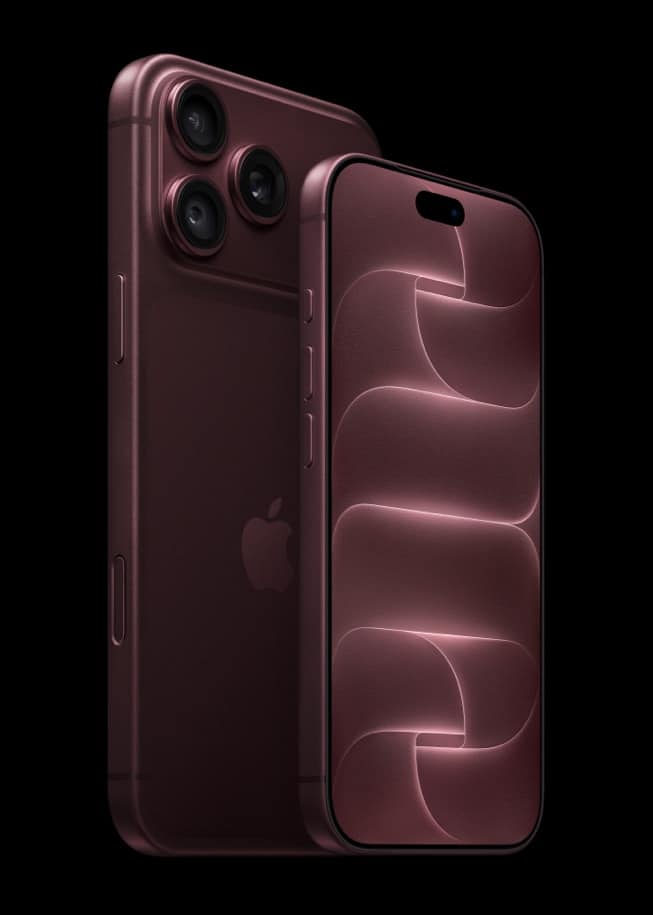
A number of buyers activating a new iPhone 18 Pro this weekend are also treating an old iPhone as untraceable the moment it runs out of charge in a shipping box or a resale envelope. Apple’s own Find My support page says otherwise: once a device stops reporting a current location, Find My keeps showing…
Lockdown Mode Blocks Eight Categories of iPhone Features, Per Apple's Own Page
Apple’s Lockdown Mode support page lists eight categories of iPhone, iPad and Mac behavior that change once the feature is switched on. The page, last published January 23, 2026, still names iOS 16 as the earliest version that carries it, and its text makes no mention of iOS 27. Apple's iOS interface, where Lockdown Mode…
Advanced Data Protection for iCloud: One Apple Page Says 25 Categories, Another Says 23
Apple’s iCloud data security overview names 15 data categories as end-to-end encrypted by default, rising to 25 once Advanced Data Protection is turned on. Apple’s own platform security guide, describing the same feature, states 14 and 23. The two Apple pages do not agree on the count, though both list the same kind of exceptions…
App Privacy Report and Nutrition Labels: What Each One Actually Measures, Per Apple
Apple documents two different privacy disclosures that sit next to each other in the App Store experience but measure different things. App Privacy Report, a Settings feature that has existed since iOS 15.2, records what an app actually did on the device over the past seven days. Privacy Nutrition Labels, shown on an app’s App…
Safari's Tracking Prevention and Fraud Warning: What Apple Documents Beyond Private Relay
Safari carries at least four documented privacy features that are separate from iCloud Private Relay and do not require an iCloud+ subscription: Intelligent Tracking Prevention, a free tier of IP address hiding from known trackers, a Privacy Report, and Fraudulent Website Warning. Apple describes each one differently, and only one of them needs a paid…
Mail Privacy Protection and iCloud Private Relay: The Two-Relay Systems Apple Documents
Apple documents Mail Privacy Protection and iCloud Private Relay as two separate features built on the same idea: split a piece of network traffic across two relays run by different parties, so that neither one alone can see both who a person is and what they are doing. One covers email opens in Mail. The…
App Tracking Transparency: What Apple's Prompt Actually Blocks, As Documented
App Tracking Transparency requires an app to ask permission before linking data collected inside it with data collected by other companies’ apps or websites, for advertising or for sharing with data brokers. Apple has published exactly what that permission does and does not cover, and the two are narrower than the feature’s name suggests. Apple's…